CELL-DYN 3000 System Operator’s Manual 5-113
9140240E — May 1995
Chapter 5 Operating Instructions
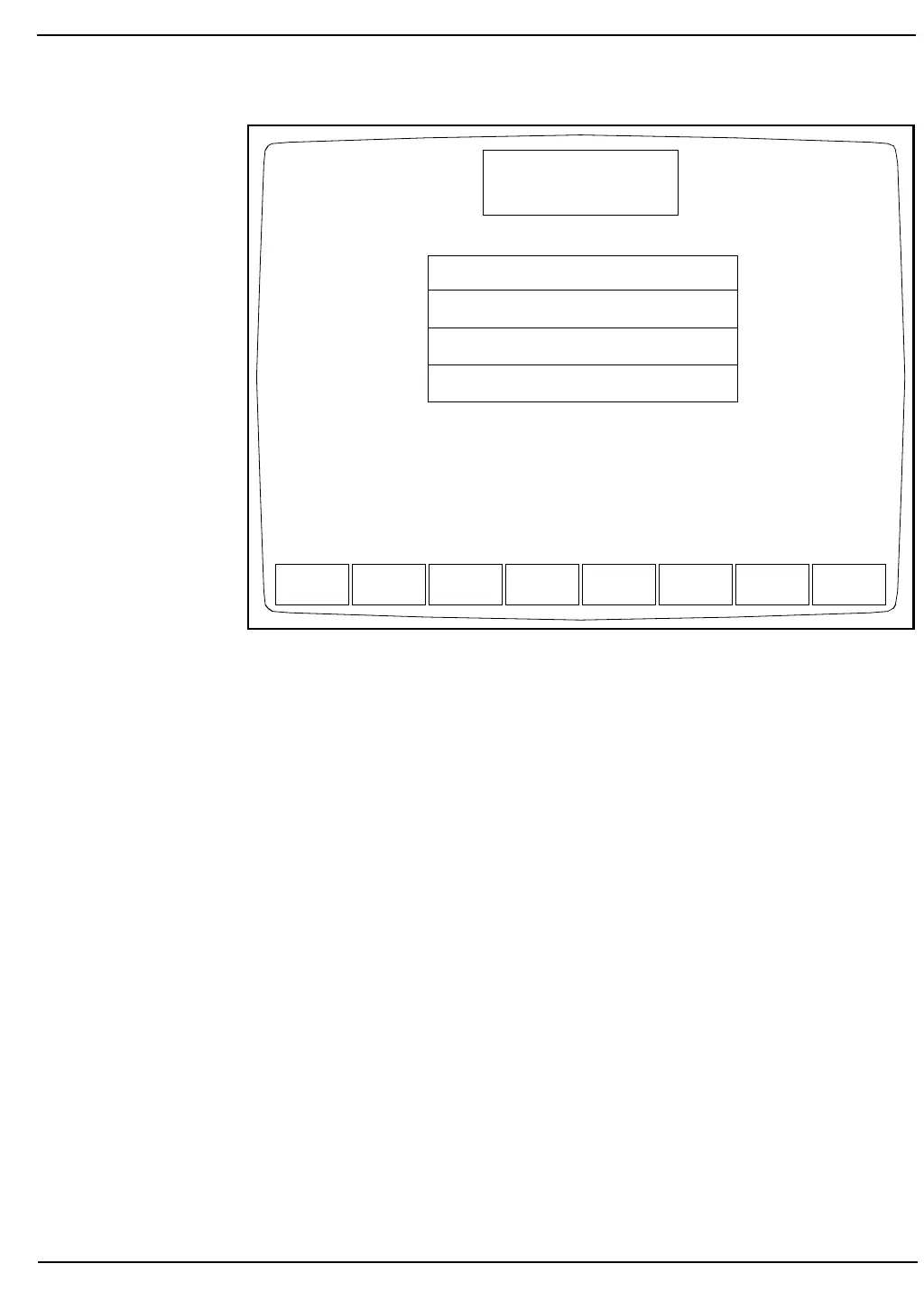
Figure 5.44: Customize Display for Data Log Screen
The display may be customized by selecting the individual parameters,
Standard Groups of parameters or a combination of the two. In addition
to the usual Hematologic parameters, the following parameters may also
be displayed in the Data Log:
UMT1 and UMT2 —UMT1 is the RBC/PLT Upper Metering Time.
UMT2 is the RBC/PLT Upper Metering Time for
an extended count.
CNT1 and CNT2 — CNT1 is the RBC/PLT Count Time. CNT2 is the
RBC/PLT Count Time for an extended count.
EMPTY — Inserts an empty column in the display.
Procedure Customize Data Log Display
1.From the main DATA LOG Screen, press [CUSTOMIZE DATA
LOG] to display the CUSTOMIZE DISPLAY FOR DATA LOG
Screen.
2.If necessary, press [CUSTOM PLACEMENT] to display the
CUSTOMIZE DISPLAY FOR DATA LOG Screen and key
labels for custom placement.
WBC NEU LYM MONOEOS BASO
RBC HGB HCT MCV MCHMCHCRDW
PLT MPV PCT PDW
WBC %N %L %M %E %B
WBC NEU LYM MONOEOS BASO
RBC HGB HCT MCV MCHMCHCRDW
PLT MPV PCT PDW
%N %L %M %E %B
UMT1 UMT2CNT1CNT2 EMPTY
SELECT
PARAMETER
STANDARD
GROUPS
CUSTOMIZE
PRINTOUT
RETURN
CUSTOMIZE DISPLAY
Ready
Dec 18 1992
Operator ID
Sequence #
10:57
734
0630
FOR DATA LOG
Group 1:
Group 2:
Group 3:
Group 4:



 To Next Page