7-4 CELL-DYN 3000 System Operator’s Manual
9140240E — May 1995
Quality Control Chapter 7
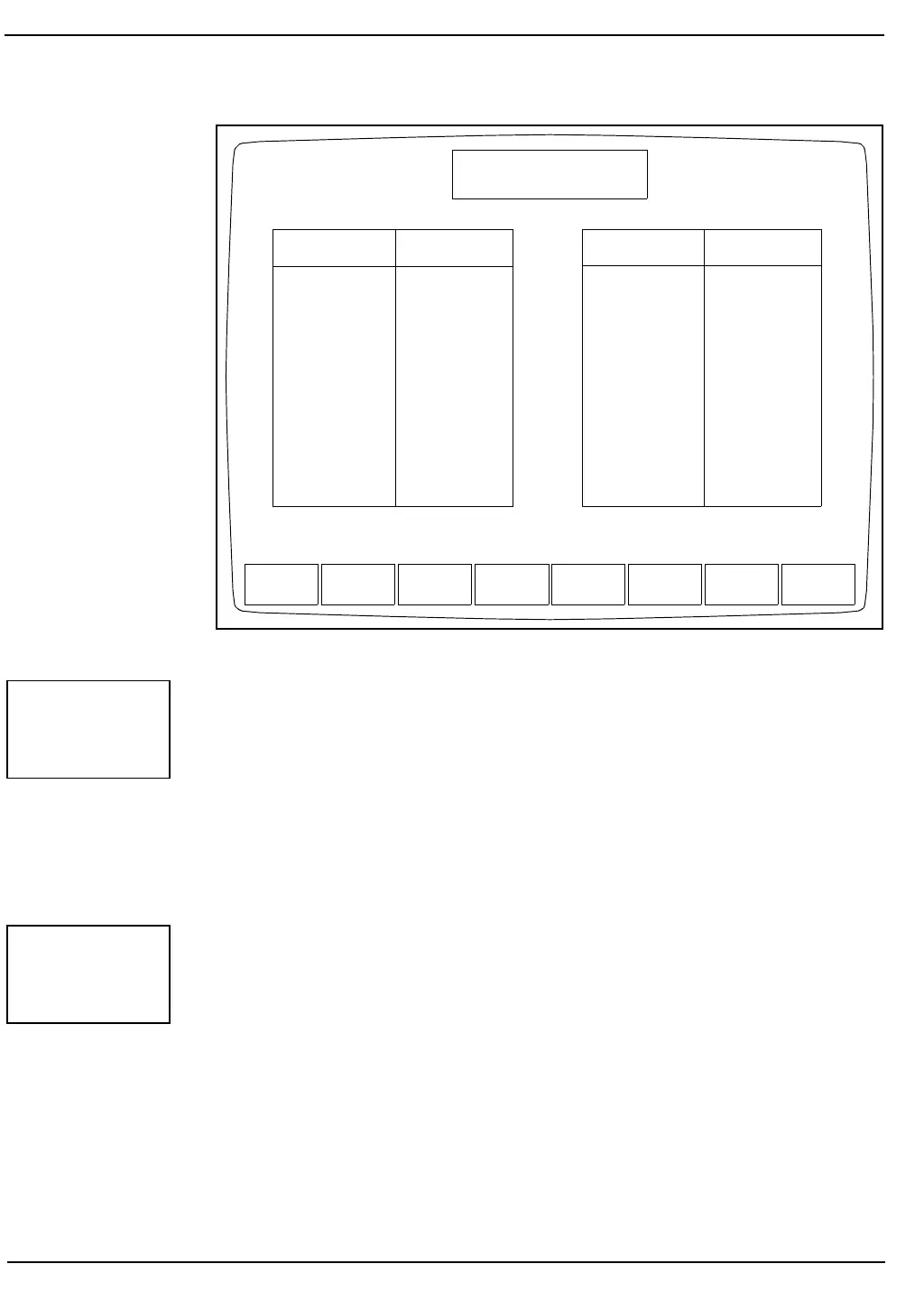
Figure 7.1: QC Menu Screen
The following soft key labels are displayed when the [X-B FILE] key is
pressed:
SHOW DATA or
SHOW GRAPHS (Key label alternates between the
two selections)
PRINT
RETURN
When the [SHOW DATA] key is pressed, the X-B DISPLAY Screen for
the data is displayed. This screen is depicted in Figure 7.2. The screen
displays the results for X-B batches 1–20 and the lower and upper limits.
The date and time that each batch was completed are also displayed.
File Name # Specimens
1. L0058A 76
2. N0058A 102
3. H0058A 65
4. FILE 4 0
5. FILE 5 0
6. FILE 6 0
7. FILE 7 0
8. FILE 8 0
9. FILE 9 0
10. FILE 10 0
X-B
SET UP
X-B
FILE
VIEW
QC LOG
QC
LIMITS
SETUP
QC FILE
CUSTOMIZE
DISPLAY
CUSTOMIZE
PRINTOUT
MAIN
QC MENU
Ready
Mar 13 1993
Operator ID
Sequence #
15:51
734
0525
File Name # Specimens
11. PATIENT 30
12. FILE 12 0
13. FILE 13 0
14. FILE 14 0
15. FILE 15 0
16. FILE 16 0
17. FILE 17 0
18. FILE 18 0
19. FILE 19 0
20. FILE 20 0
Select a QC file with the arrow keys or enter a new file name.
X-B FILE
SHOW
DATA



 To Next Page