5-26 CELL-DYN 3000 System Operator’s Manual
9140240E — May 1995
Operating Instructions Chapter 5
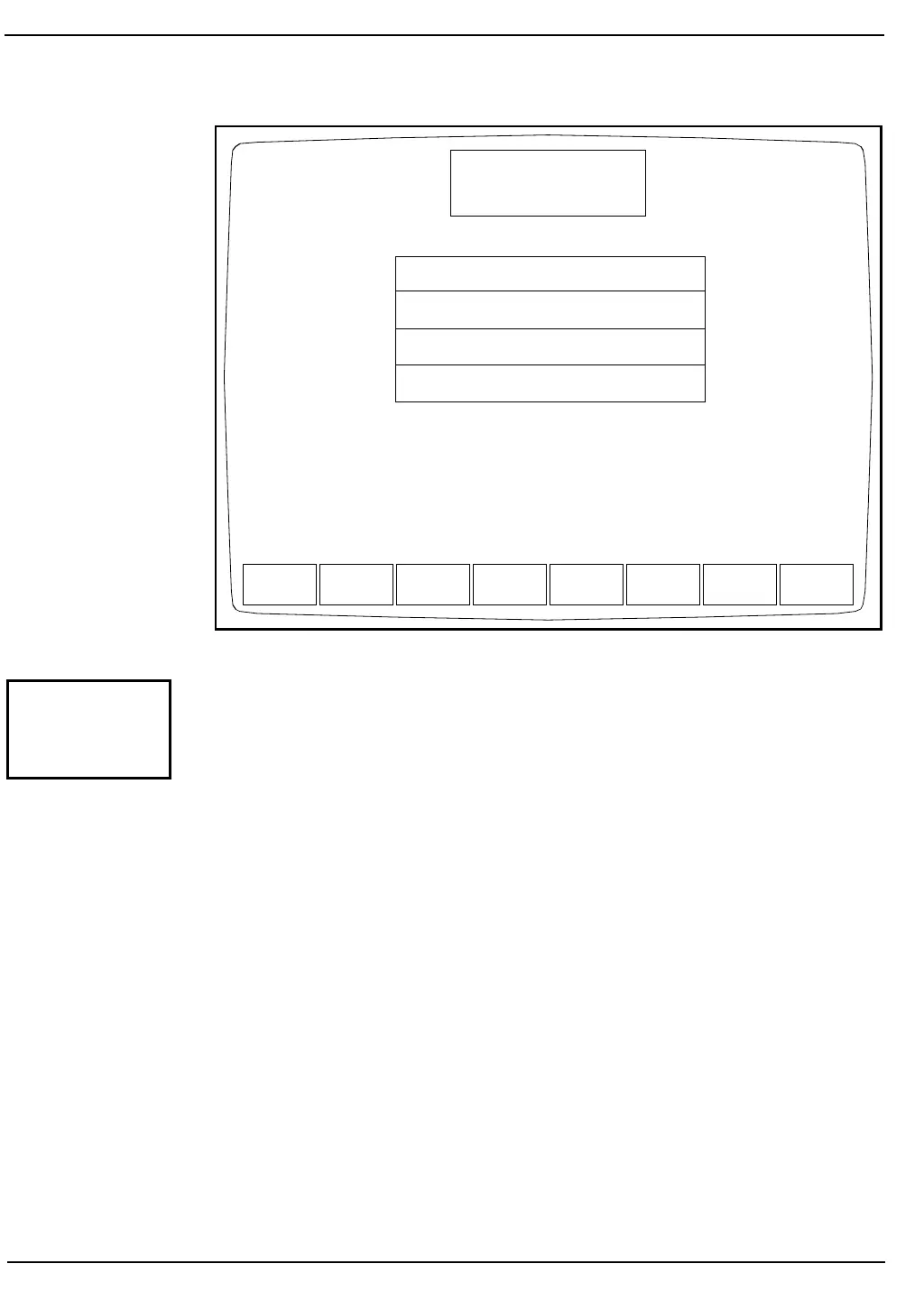
Figure 5.13: Customize QC Display Screen Showing Standard Groups
Predetermined groups of parameters, called Standard Groups, may be
selected by pressing the [STANDARD GROUPS] key. Figure 5.13
shows the CUSTOMIZE QC DISPLAY Screen with the standard
groups displayed. When the [STANDARD GROUPS] key is pressed,
the following soft key labels are displayed:
WBC GROUP
RBC GROUP
PLT GROUP
DIFF GROUP
LATEX SET
CUSTOM PLACEMENT*
RETURN
*This key is used to return to the CUSTOMIZE QC DISPLAY Screen
for operator-selected placement.
WBC NEU LYM MONO EOS BASO
RBC HGB HCT MCV MCH MCHC RDW
PLT MPV PCT PDW
WBC %N %L %M %E %B
WBC NEU LYM MONO EOS BASO
RBC HGB HCT MCV MCH MCHC RDW
PLT MPV PCT PDW
%N %L %M %E %B
UMT1 UMT2CNT1 CNT2 EMPTY
WBC
GROUP
RBC
GROUP
PLT
GROUP
DIFF
GROUP
LATEX
SET
CUSTOM
PLACEMENT
RETURN
CUSTOMIZE QC DISPLAY
Ready
Dec 08 1992
Operator ID
Sequence #
16:07
734
0067
FOR FILE 1
Group 1:
Group 2:
Group 3:
Group 4:
STANDARD
GROUPS



 To Next Page