CELL-DYN 3000 System Operator’s Manual 5-31
9140240E — May 1995
Chapter 5 Operating Instructions
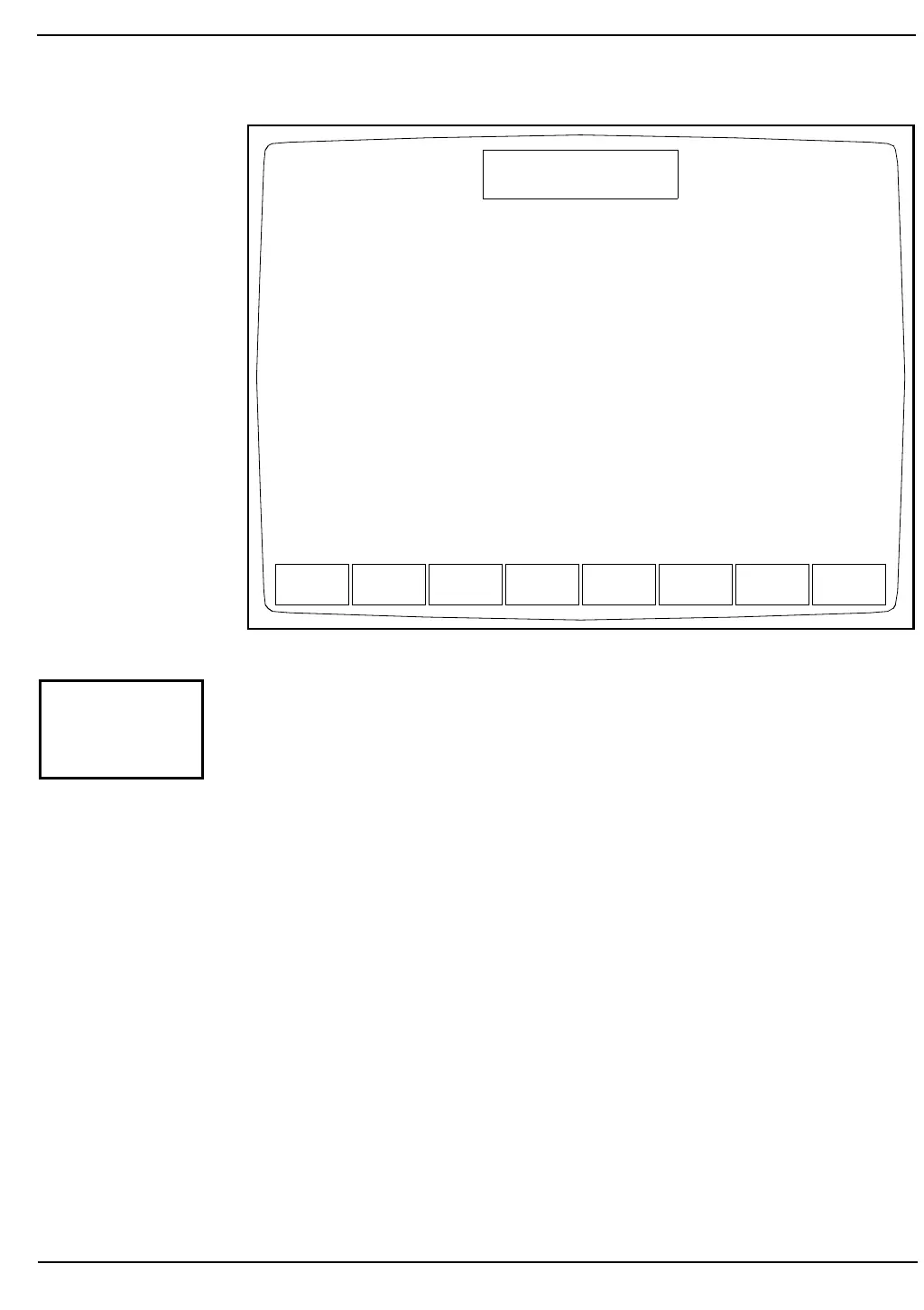
Figure 5.16: Bar Code Set Up Screen
The [BAR CODE SETUP] key is used to select the type of bar code to
be read and to enable or disable the check digit option for a specific bar
code. (See Figure 5.16.) If the check digit option is enabled, the Analyzer
reads only the type of bar code selected. If the option is disabled, the
Analyzer reads all three types of bar codes.
NOTE: For more information about check digits and bar codes,
refer to Appendix A, Bar Codes.
Procedure Bar Code Set Up
1.From the OPERATION SETUP MENU Screen, press [BAR
CODE SETUP] to display the BAR CODE SETUP Screen.
2.Type the number for the type of bar code that will be used:
1 — Code 39
2 — Interleaf 2 of 5
3 — Codabar
Press the Enter key on the keyboard to save the entry and
advance the cursor.
SET UP
BAR CODE SET UP
Ready
Dec 08 1992
Operator ID
Sequence #
16:12
0068
1
OFF
Bar Code Symbology (1=CODE39, 2=I2OF5, 3=CODABAR)
Bar Code Check Digit
BAR CODE
SETUP



 To Next Page