5-56 CELL-DYN 3000 System Operator’s Manual
9140240E — May 1995
Operating Instructions Chapter 5
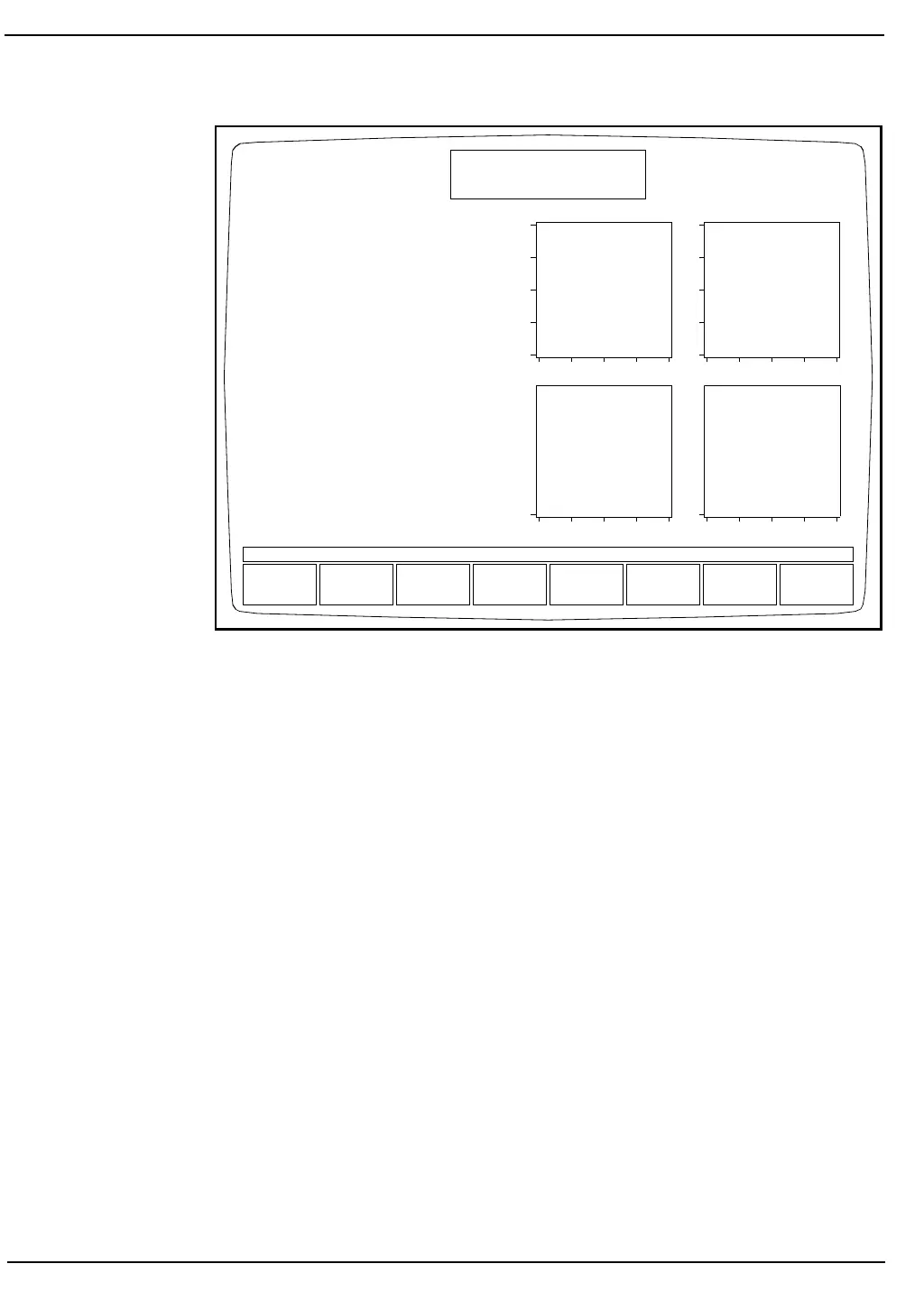
Figure 5.26: Flagging Diagnostics Screen
Flagging Diagnostics Screen
The FLAGGING DIAGNOSTICS Screen can be accessed from the
RUN Screen or the DISPLAY SPECIMEN Screen from the DATA
LOG Screen, by pressing the PAGE DOWN key on the Data Station
keypad or the computer keyboard. To return to the RUN Screen or the
DISPLAY SPECIMEN Screen, press the PAGE UP key or RETURN
key on the Data Station key pad or the computer keyboard.
If the FLAGGING DIAGNOSTICS Screen is accessed from the RUN
Screen, while the instrument is continuing to process specimens, the
FLAGGING DIAGNOSTICS Screen does not update with the new
specimen information.
The printout of the FLAGGING DIAGNOSTICS Screen obtained by
pressing the [PRINT REPORT] soft key or the PRINT SCREEN key on
the computer keyboard will be in the horizontal (landscape) format.
NOTE: This information is provided for laboratory use only.
PRINT
REPORT
RETURN
FLAGGING DIAGNOSTICS
Ready
May 28 1993
Operator ID
Sequence #
16:10
----
Closed Sampler
D
E
P
O
L
S
I
Z
E
COMPLEXITY ORTHOGONAL
PLT RBC
BAND FLAG ESTIMATE BAND
REGION %: X.X%
IG FLAG ESTIMATE IG
REGION %: X.X%
BLAST FLAG ESTIMATE BLAST
REGION %: X.X%
VAR LYM FLAG ESTIMATE VAR
LYM
REGION %: X.X%
Spec ID
Sequence #
BULLETIN LINE
SUSPECT



 To Next Page