CELL-DYN 3000 System Operator’s Manual 10-23
9140240E — May 1995
Chapter 10 Troubleshooting
The [STOP TRANSMISS] key is used to stop any transmission that is in
progress to an LIS. When the key is pressed, any transmission in progress
is aborted.
When the [TRANSMIT MESSAGE] key is pressed, the message “CD-
3000 serial interface test” is transmitted from the Data Station to the
external computer port, through the loop-back connector and back to the
Data Station. The screen (see Figure 10.20) displays the message:
MESSAGE SENT: CD-3000 serial interface test.
If the test is successful, the screen displays the message:
MESSAGE RECEIVED: CD-3000 serial interface test.
This message indicates that the Data Station is communicating properly.
If the test is not successful, no message appears.
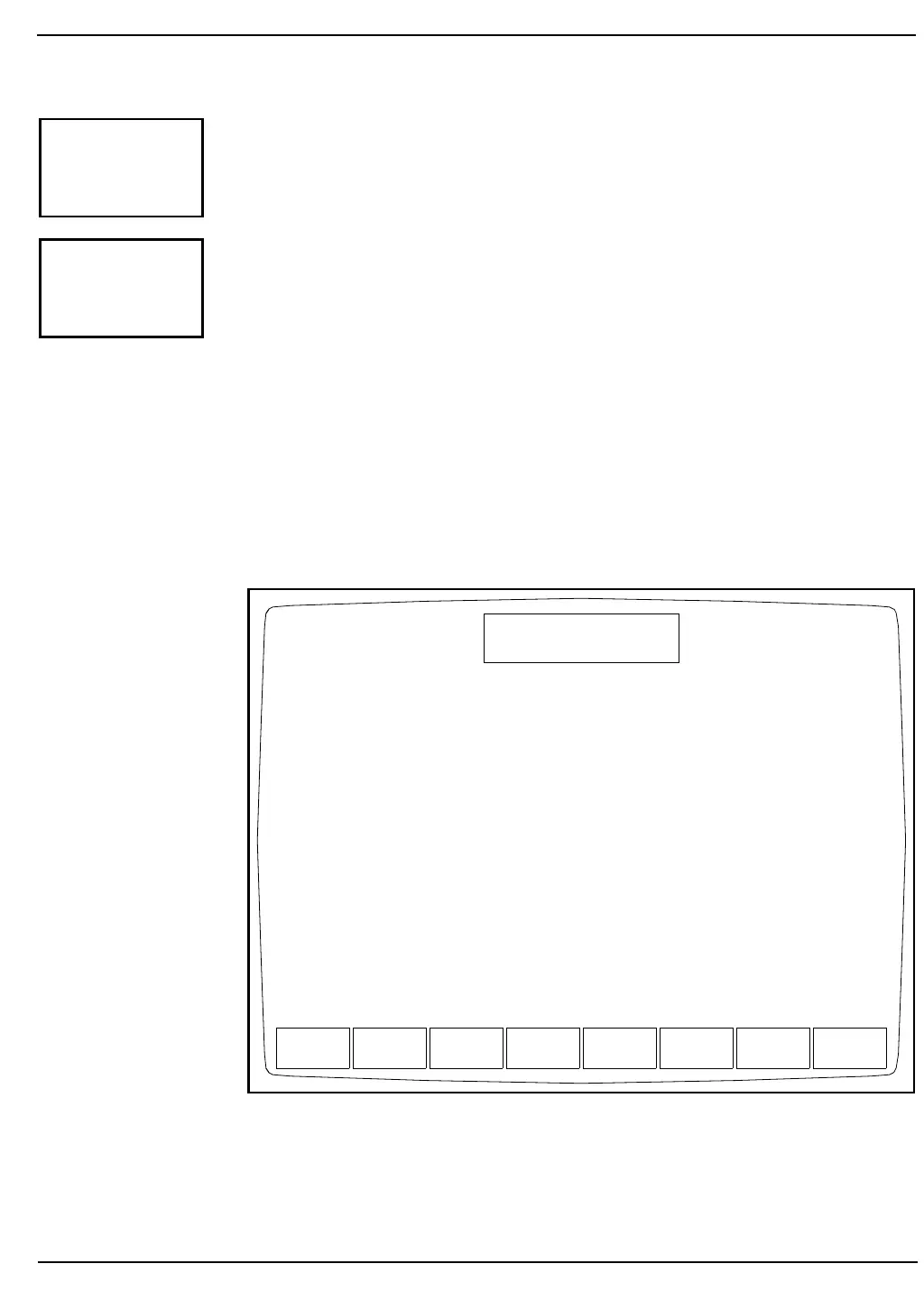
Figure 10.20: Serial Test Transmit Message Screen
STOP
TRANSMISS
TRANSMIT
MESSAGE
STOP
TRANSMISS
TRANSMIT
MESSAGE
DIAG-
NOSTICS
DIAGNOSTICS MENU
Ready
Jan 20 1993
Operator ID
Sequence #
12:52
734
3122
Message sent : CD-3000 serial interface test.
Message received : CD-3000 serial interface test.



 To Next Page