CELL-DYN 3000 System Operator’s Manual 10-17
9140240E — May 1995
Chapter 10 Troubleshooting
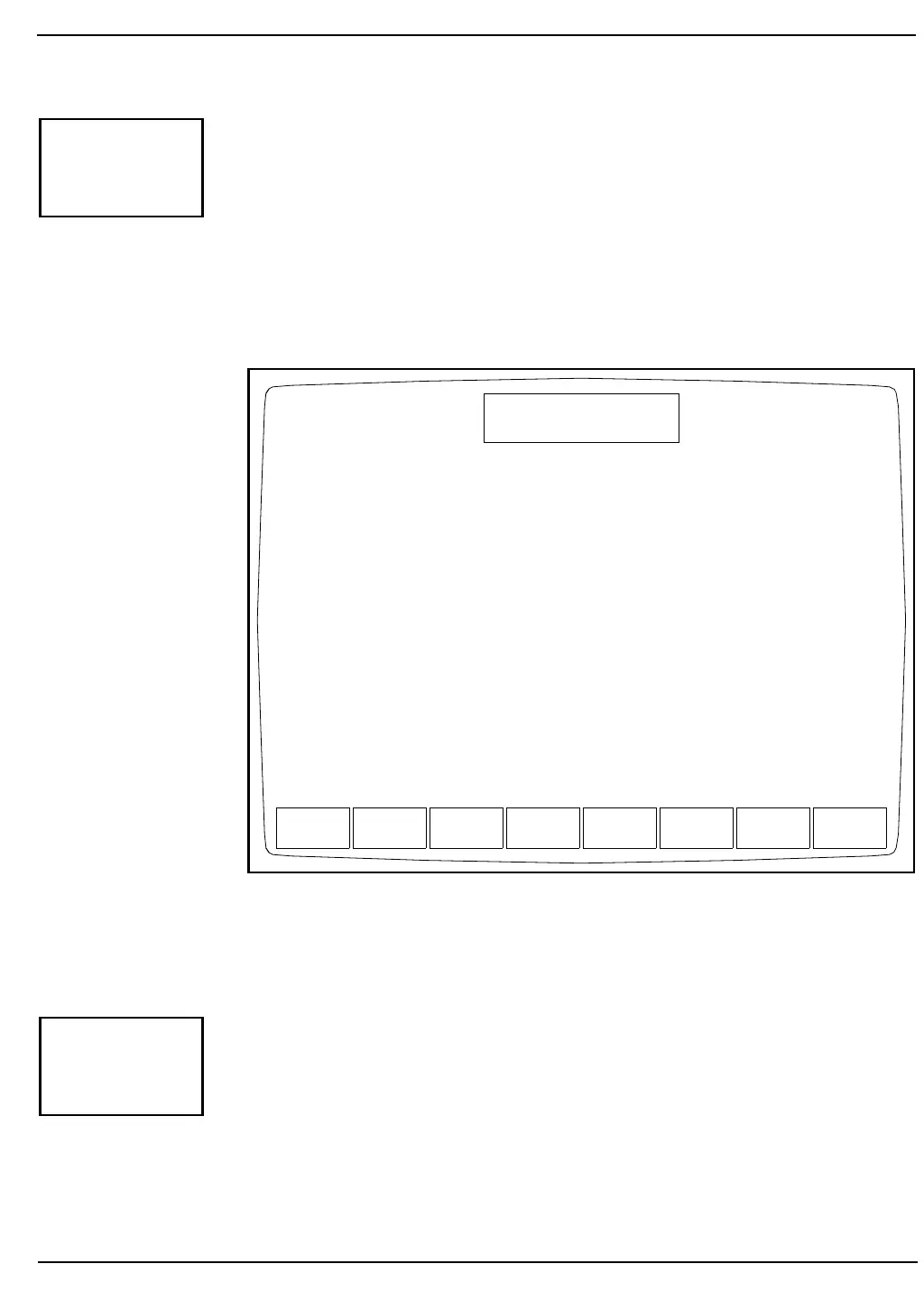
When the [MORE] key is pressed, the third DIAGNOSTICS MENU
Screen (see Figure 10.14) and the following soft key labels are displayed:
DIGITAL READINGS
VOLTAGE READINGS
MORE
PRINT
MAIN
Figure 10.14: Third Diagnostics Menu Screen
This key is for service use only.
MORE
DIGITAL
READINGS
VOLTAGE
READINGS
MORE PRINT MAIN
DIAGNOSTICS MENU
Ready
Jan 18 1993
Operator ID
Sequence #
10:21
734
0630
DIGITAL
READINGS



 To Next Page