CELL-DYN 3000 System Operator’s Manual 5-89
9140240E — May 1995
Chapter 5 Operating Instructions
These keys are used to confirm or cancel the Purge Completed command.
NOTE: The Purge Completed option is not available when the
Bar Code feature is OFF.
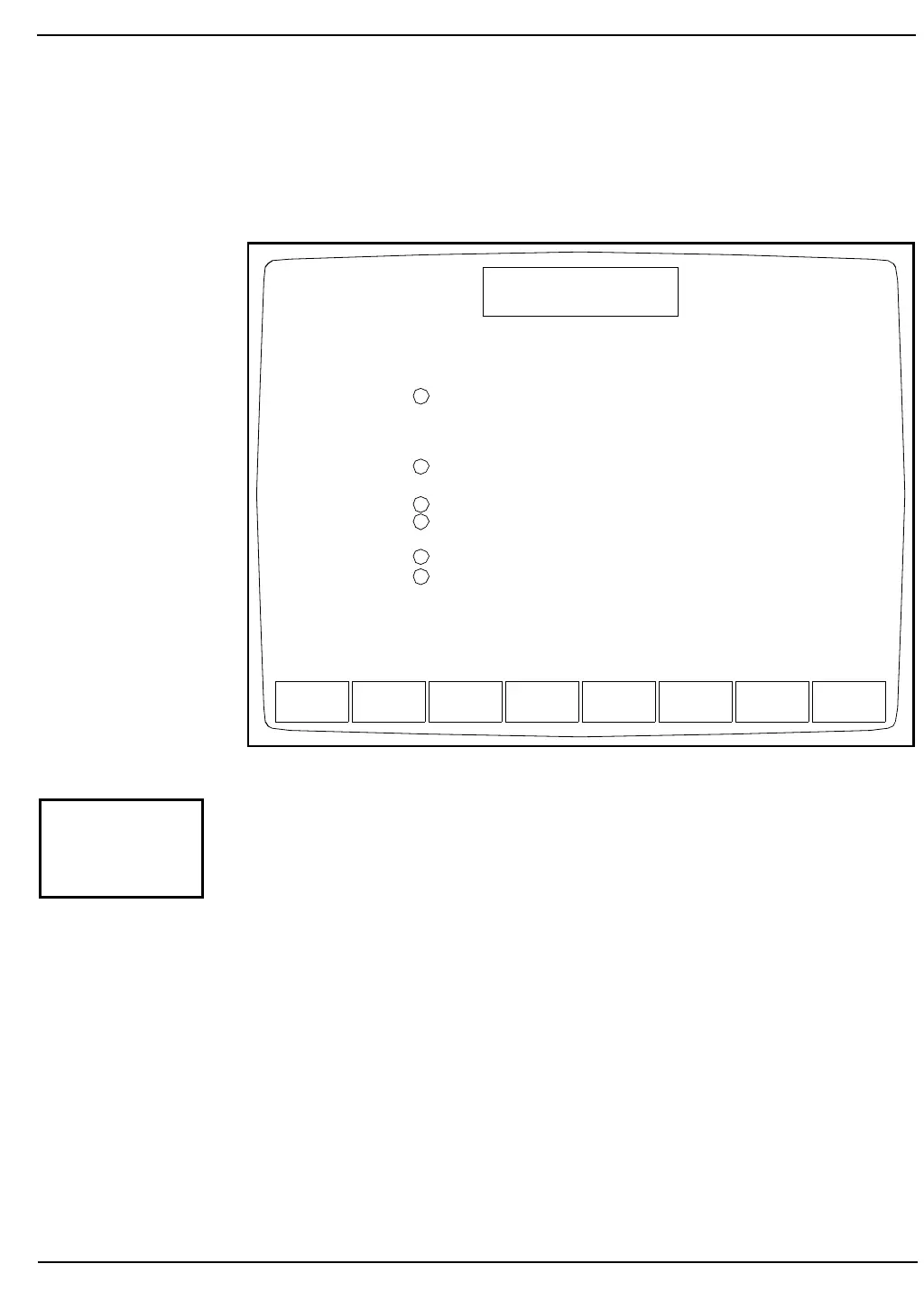
Figure 5.35: Work List Setup Screen
The [WORK LIST SETUP] key is used to display the WORK LIST
SETUP Screen shown in Figure 5.35. The numbers on the screen shown
in Figure 5.35 correspond to the following numbered options:
1. Bar Code ID associated with:
1 = 4-digit bar code
2 = Laboratory Specimen ID
This field is used to specify the type of bar code that will be used
when the Bar Code is ON. If option 2 is selected, the bar code
number must be entered in the Specimen ID field.
2. Specimen Name entry selected
This field is used to specify whether a specimen name will be
entered in the Work List.
TOGGLE RETURN
WORK LIST SETUP
Ready
Dec 18 1992
Operator ID
Sequence #
10:09
734
0630
1
OFF
OFF
1
OFF
1
Bar Code ID associated with :
1 = 4-digit bar code
2 = Laboratory Specimen ID
Specimen Name entry selected
Limit Set entry selected
Default Limit Set (1..4)
Parameter Set entry selected
Default Parameter Set (1..4)
1
2
3
4
5
6
ON/OFF
WORK LIST
SETUP



 To Next Page