CELL-DYN 3000 System Operator’s Manual 6-13
9140240E — May 1995
Chapter 6 Calibration
Calibration Menu
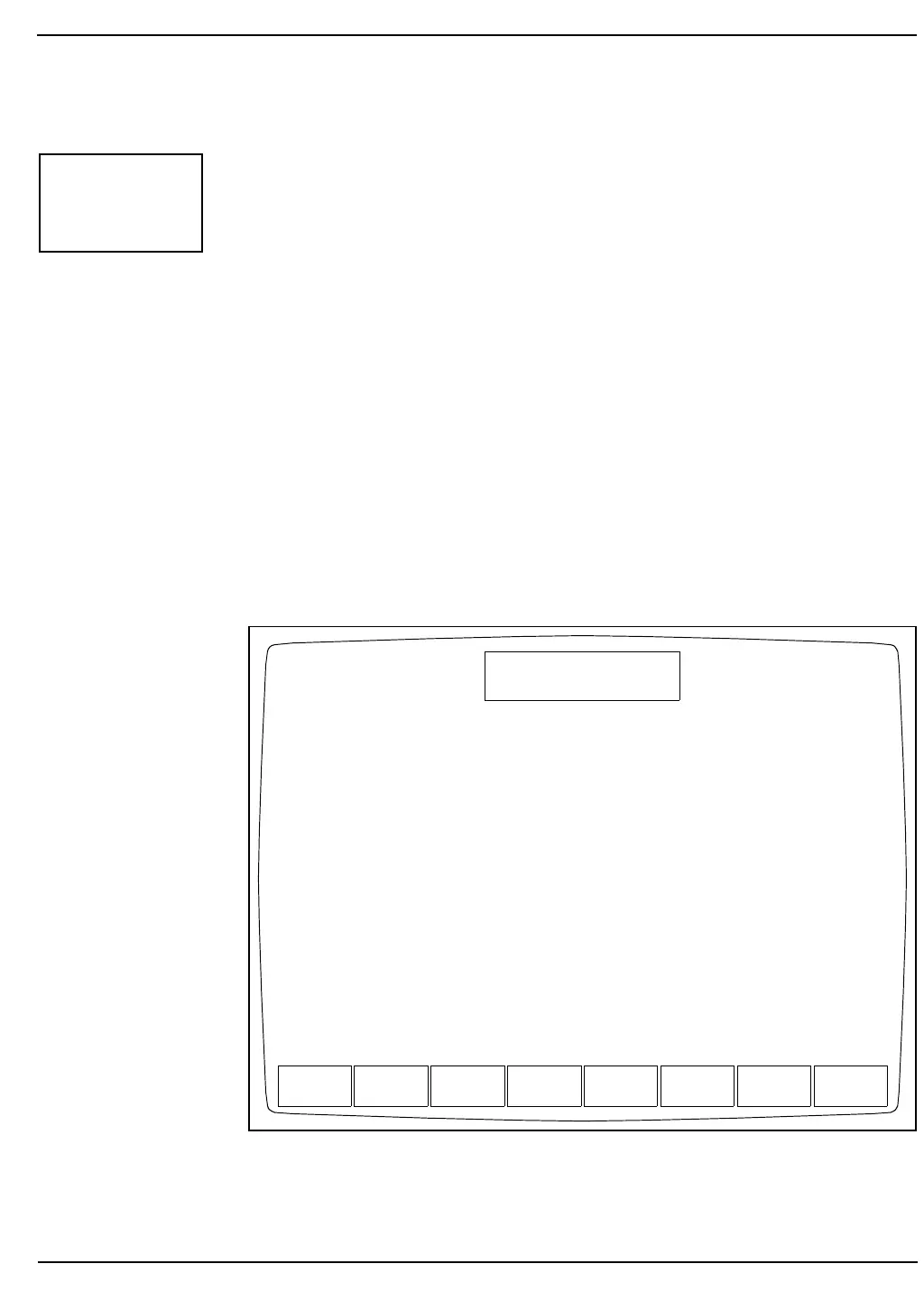
The CALIBRATION MENU Screen (Figures 6.1 and 6.2) is accessed
from the MAIN MENU Screen by pressing the [CALIBRATION] key.
The CALIBRATION MENU Screen displays the current calibration
factors for the mode indicated, the calibration method used, the date and
time the factors were entered and the operator ID.
The following soft key labels are displayed:
ENTER FACTOR
CALIBRATN LOG
AUTO-CALIBRATE
OPEN SAMPLER or
CLOSED SAMPLER (Key label alternates between these
two selections when the soft key is
pressed.)
PRINT
MAIN
Figure 6.1: Calibration Menu Screen Displaying Open Mode
Calibration Factors
CALIBRA-
TION
ENTER
FACTOR
CALIBRATN
LOG
AUTO-
CALIBRATE
CLOSED
SAMPLER
PRINT MAIN
CALIBRATION
Ready
May 11 1992
Operator ID
Sequence #
10:30
734
4100
Open Sampler
Current Whole Blood Factors:
Parameter Method Factor Date Time Operator
WBC CALIBRATOR 1.008 04/29/92 10:38 C03
RBC CALIBRATOR 1.071 04/29/92 10:38 C03
HGB CALIBRATOR 1.124 04/29/92 10:38 C03
MCV CALIBRATOR 0.985 04/29/92 10:38 C03
PLT CALIBRATOR 1.028 04/29/92 10:38 C03
MPV FACTORY 1.000 03/02/92 8:38 C03



 To Next Page