CELL-DYN 3000 System Operator’s Manual 5-119
9140240E — May 1995
Chapter 5 Operating Instructions
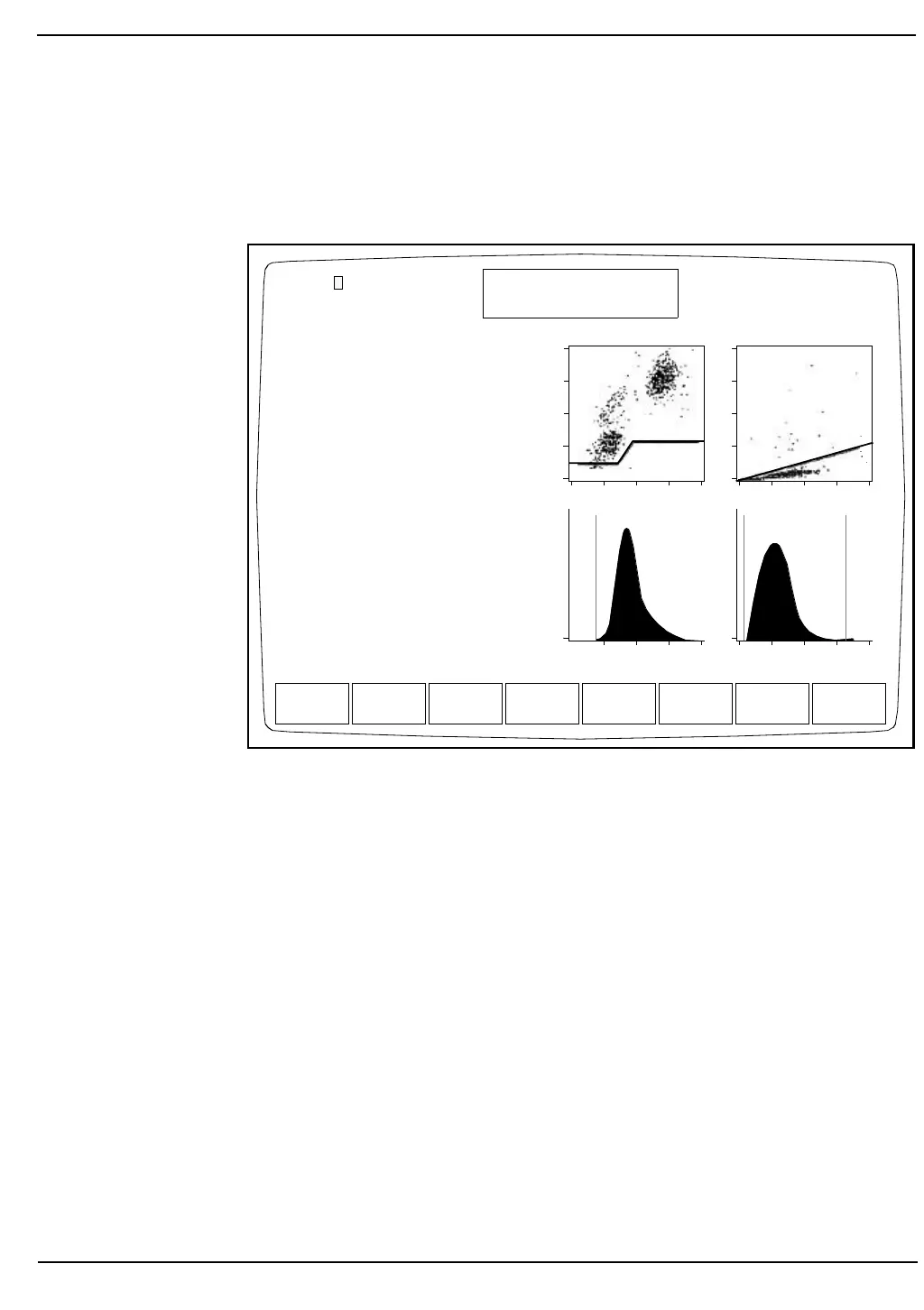
Editing a Record
The Patient Demographics and the Parameter and Patient Limits Sets
may be edited for each record. (See Figure 5.47.)
Figure 5.47: Edit Specimen Screen
Procedure Edit Specimen
1.From the MAIN MENU Screen, press [DATA LOG].
2.Locate the desired record and press [DISPLAY SPECIMEN]
followed by [EDIT SPECIMEN].
3.Use the Arrow keys on the keyboard to move the cursor to the line
that will be edited and type the appropriate information. Press the
Enter key on the keyboard to save the entry.
4.Press [CONFIRM] to display the RUN Screen for the edited
result.
5.If desired, press [PRINT REPORT] to obtain a printout.
Spec ID
Patient_____________
Sex(M/F):-DOB:--/---/--
Dr_____________
Param Set: 1Limits: 1
WBC: 6.7 K/uL
NEU: 3.8 56.7%N
LYM: 2.4 35.4%L
MONO:0.4 6.4 %M
EOS: 0.1 0.9 %E
BASO:0.0 0.6 %B
RBC: 4.73 M/uL
HGB: 13.6 g/dL
HCT: 41.2 %
MCV: 87.1 fL
MCH: 28.8 pg
MCHC:33.1 g/dL
RDW: 13.2 %
PLT: 402. K/uL
MPV: 9.1 fL
CONFIRM CANCEL
EDIT SPECIMEN
Ready
Dec 18 1992
Operator ID
Sequence #
13:11
734
0630
Open Sampler
D
E
P
O
L
S
I
Z
E
COMPLEXITY ORTHOGONAL
RBC PLT
CT:6.40
Sequence # 2346
7



 To Next Page