5-24 CELL-DYN 3000 System Operator’s Manual
9140240E — May 1995
Operating Instructions Chapter 5
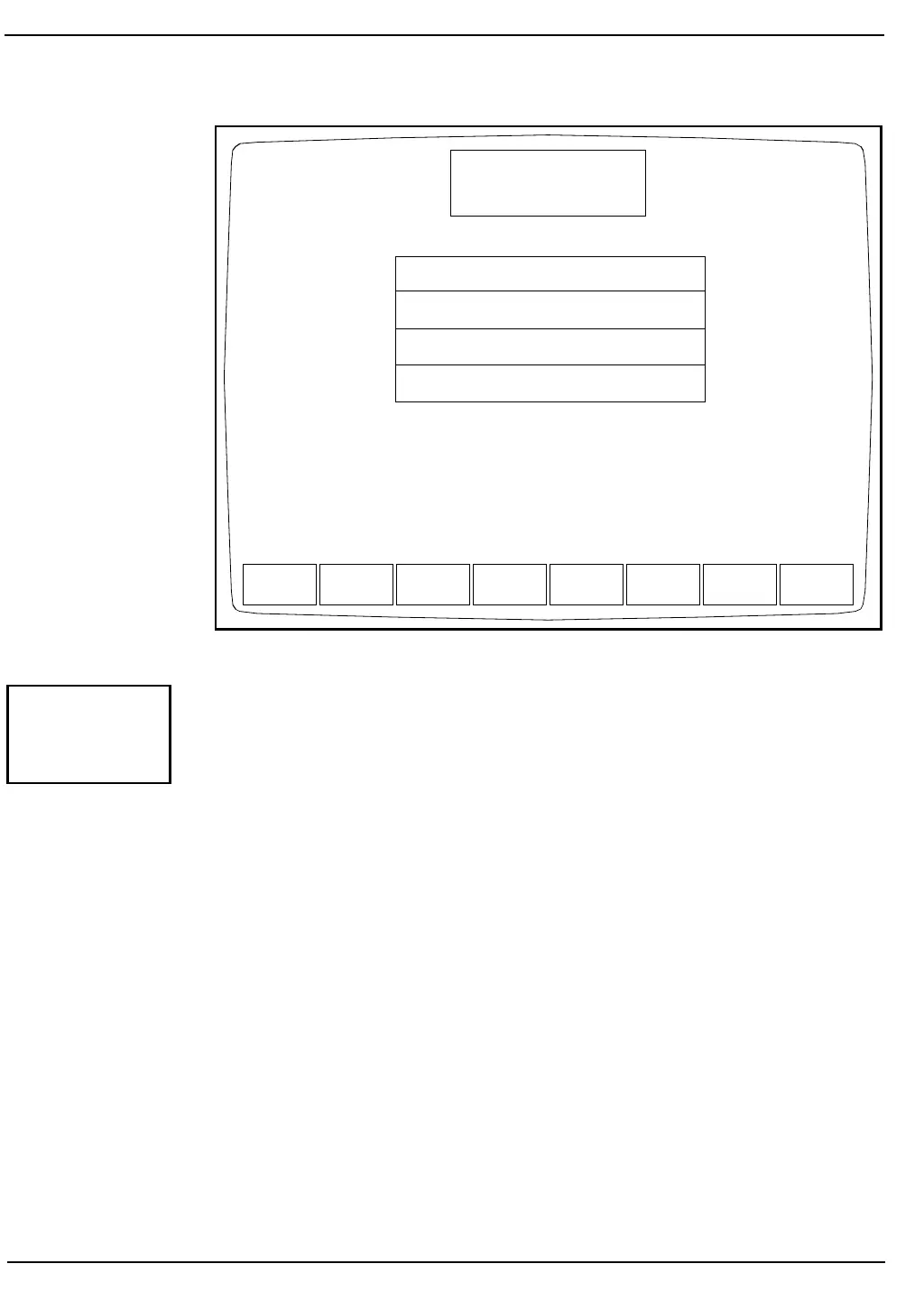
Figure 5.12: Customize QC Display Screen
The [CUSTOMIZE DISPLAY] key is used to customize the display of
information in the QC logs. (See Figure 5.12.) The CUSTOMIZE QC
DISPLAY Screen and the following key labels are displayed when the
[CUSTOMIZE DISPLAY] key is pressed:
SELECT PARAMETER
STANDARD GROUPS
RETURN
The screen displays a matrix showing the groups of parameters that are
currently selected. A list of all available parameters is displayed under
the matrix. The following parameters are included in the list and may be
displayed in the QC file if desired.
UMT1 and UMT2 — UMT1 is the RBC/PLT Upper Metering Time.
UMT2 is the RBC/PLT Upper Metering Time
for an extended count.
CNT1 and CNT2 — CNT1 is the RBC/PLT Count Time. CNT2 is
the RBC/PLT Count Time for an extended
count.
EMPTY — Inserts an empty column in the QC Log File
display.
SELECT
PARAMETER
STANDARD
GROUPS
RETURN
CUSTOMIZE QC DISPLAY
Ready
Dec 08 1992
Operator ID
Sequence #
16:07
734
0067
FOR FILE 1
WBC NEU LYM MONO EOS BASO
RBC HGB HCT MCV MCH MCHC RDW
PLT MPV UMT1 CNT1
WBC %N %L %M %E %B
WBC NEU LYM MONO EOS BASO
RBC HGB HCT MCV MCH MCHC RDW
PLT MPV PCT PDW
%N %L %M %E %B
UMT1 UMT2 CNT1 CNT2 EMPTY
Group 1:
Group 2:
Group 3:
Group 4:
CUSTOMIZE
DISPLAY



 To Next Page