CELL-DYN 3000 System Operator’s Manual 5-43
9140240E — May 1995
Chapter 5 Operating Instructions
Procedure Customize Graphics Report
1.From the CUSTOMIZE REPORT Screen if necessary, press
[GRAPHICS PRINTER] to display the CUSTOMIZE
PRINTED REPORT Screen for the Graphics Printer.
2.Use the Arrow keys on the keyboard to move the cursor to the
desired selection.
3.Press [TOGGLE ON/OFF] to enable or disable the selection.
4.Repeat steps 2 and 3 until all selections have been made.
5.A numeric entry is required for the <LINE-FEEDS PER PAGE
FOR GRAPHICS PRINTER> field. Type the desired number of
line-feeds in the entry field and press the Enter key on the keyboard
to save the entry and advance the cursor. (An 8 1/2" x 11" sheet of
paper has 66 lines per page.)
6.If desired, press the Print Screen key on the keyboard to obtain a
printout of the selections.
7.If desired, press [SETUP] to return to the SETUP MENU Screen,
or continue with the following procedure for customizing the
header.
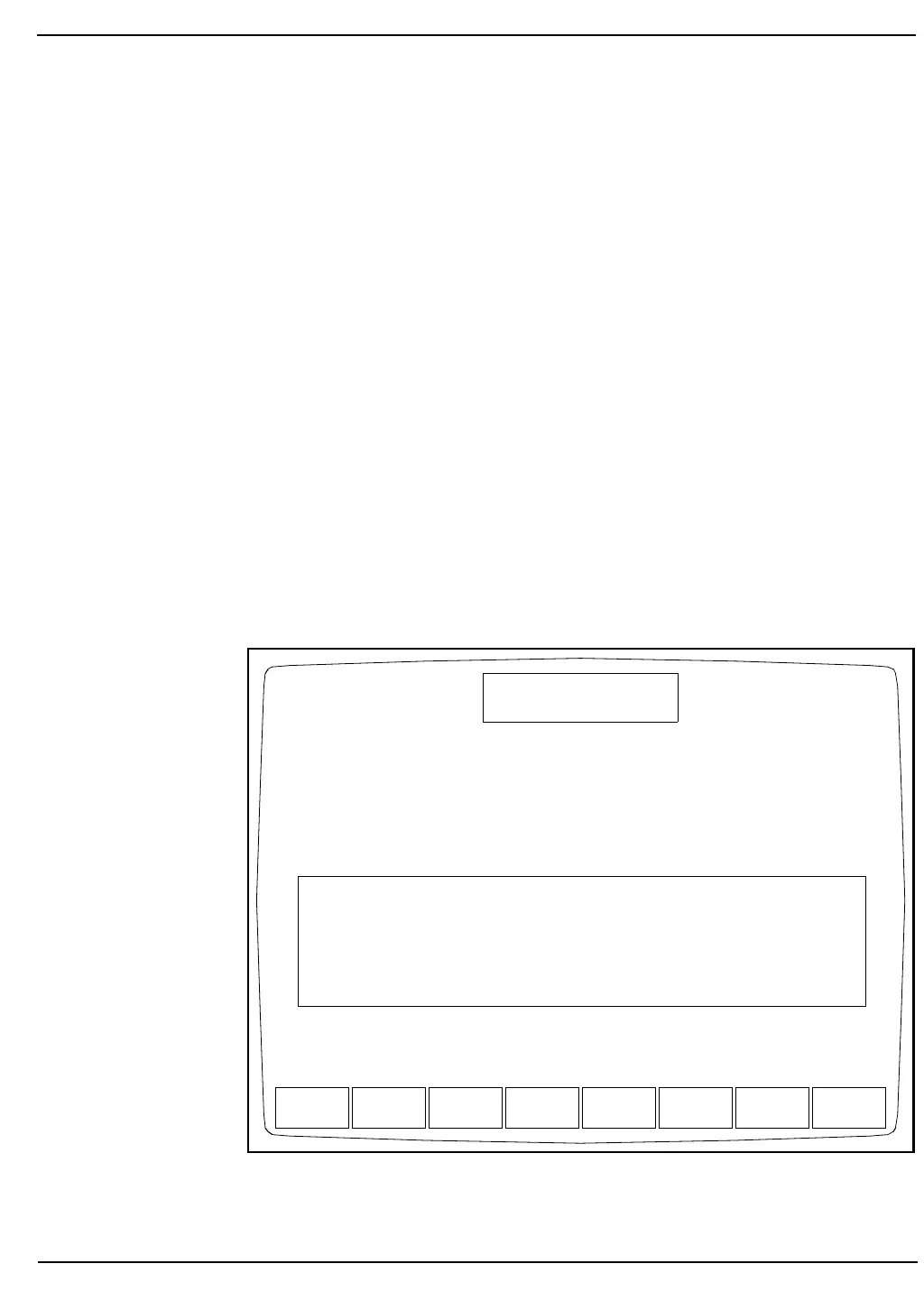
Figure 5.21: Customize Printout Header Screen
RESTORE
HEADER
BLANK
HEADER
CUSTOMIZE
DISPLAY
CUSTOMIZE
PRINTOUT
SETUP
CUSTOMIZE PRINTOUT HEADER
Ready
Dec 17 1992
Operator ID
Sequence #
16:58
734
0630
Please enter the number of lines for the customize header (0..4) :0
Print current Date/Time and Software Version :OFF
......................1......................2......................3......................4......................5......................6......................7....................



 To Next Page