CELL-DYN 3000 System Operator’s Manual 5-115
9140240E — May 1995
Chapter 5 Operating Instructions
NOTE: This number indicates the order in which the group of
parameters will be displayed (Group 1 on the first screen, Group
2 on the second, etc.).
4.Press the soft key corresponding to the desired parameter group.
This group is displayed in the position indicated by the cursor.
5.Repeat steps 3 and 4 until all desired groups have been selected.
6.If desired, press the Print Screen key on the keyboard to obtain a
printout of the configuration.
7.Press [RETURN] to return to the DATA LOG Screen.
8.The Data Log is displayed configured with the standard groups of
parameters.
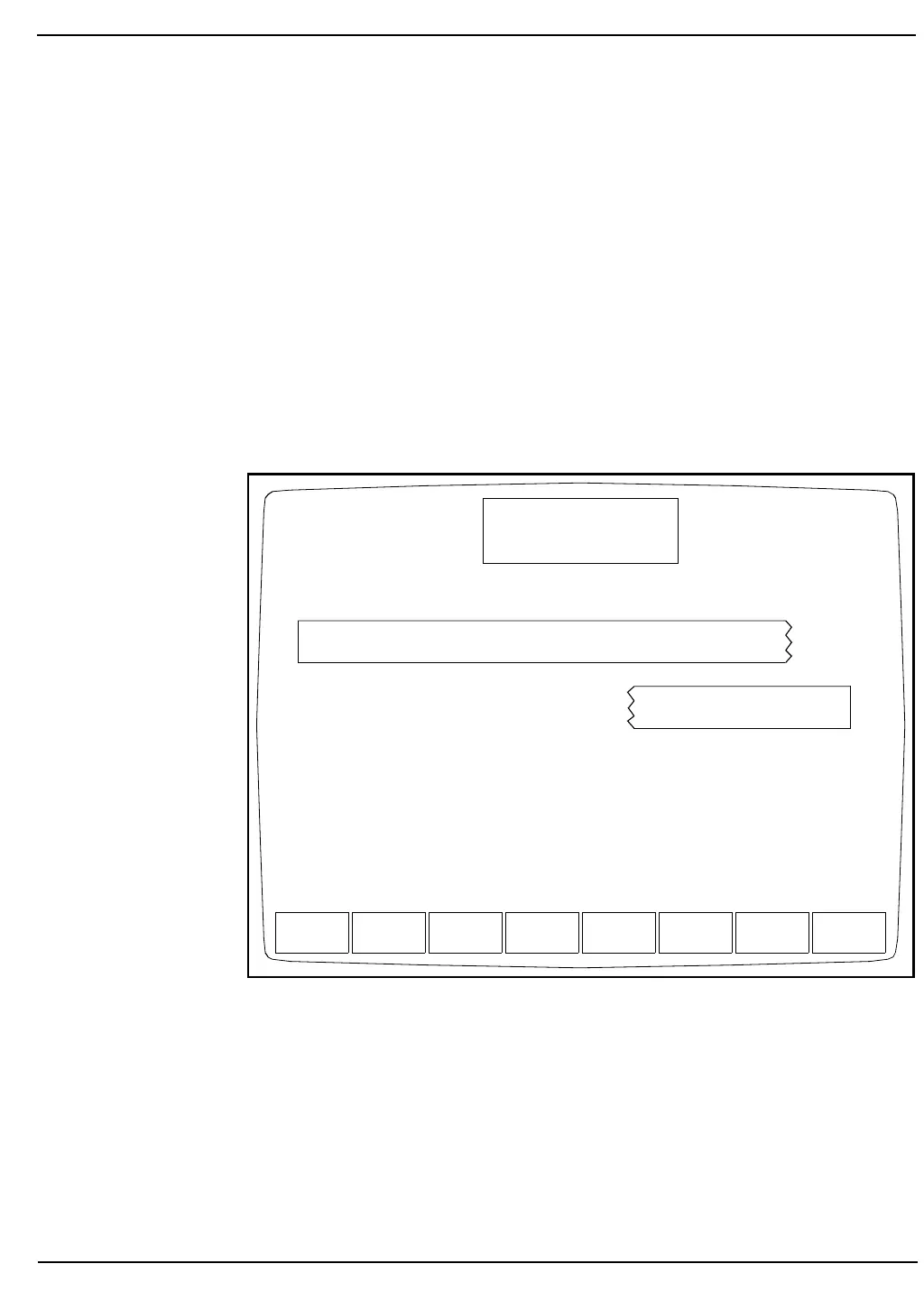
Figure 5.45: Customize Printout for Data Log Screen
SELECT
PARAMETER
STANDARD
SELECTION
RETURN
CUSTOMIZE PRINTOUT
Ready
Dec 18 1992
Operator ID
Sequence #
10:31
734
0630
FOR DATA LOG
WBC%N%L%M%E%BRBCHGBHCTMCVMCHMCHC
RDWPLTMPVUMT1CNT1
WBC NEU LYM MONOEOS BASO
RBC HGB HCT MCV MCHMCHCRDW
PLT MPV PCT PDW
%N %L %M %E %B
UMT1UMT2CNT1 CNT2



 To Next Page