7-6 CELL-DYN 3000 System Operator’s Manual
9140240E — May 1995
Quality Control Chapter 7
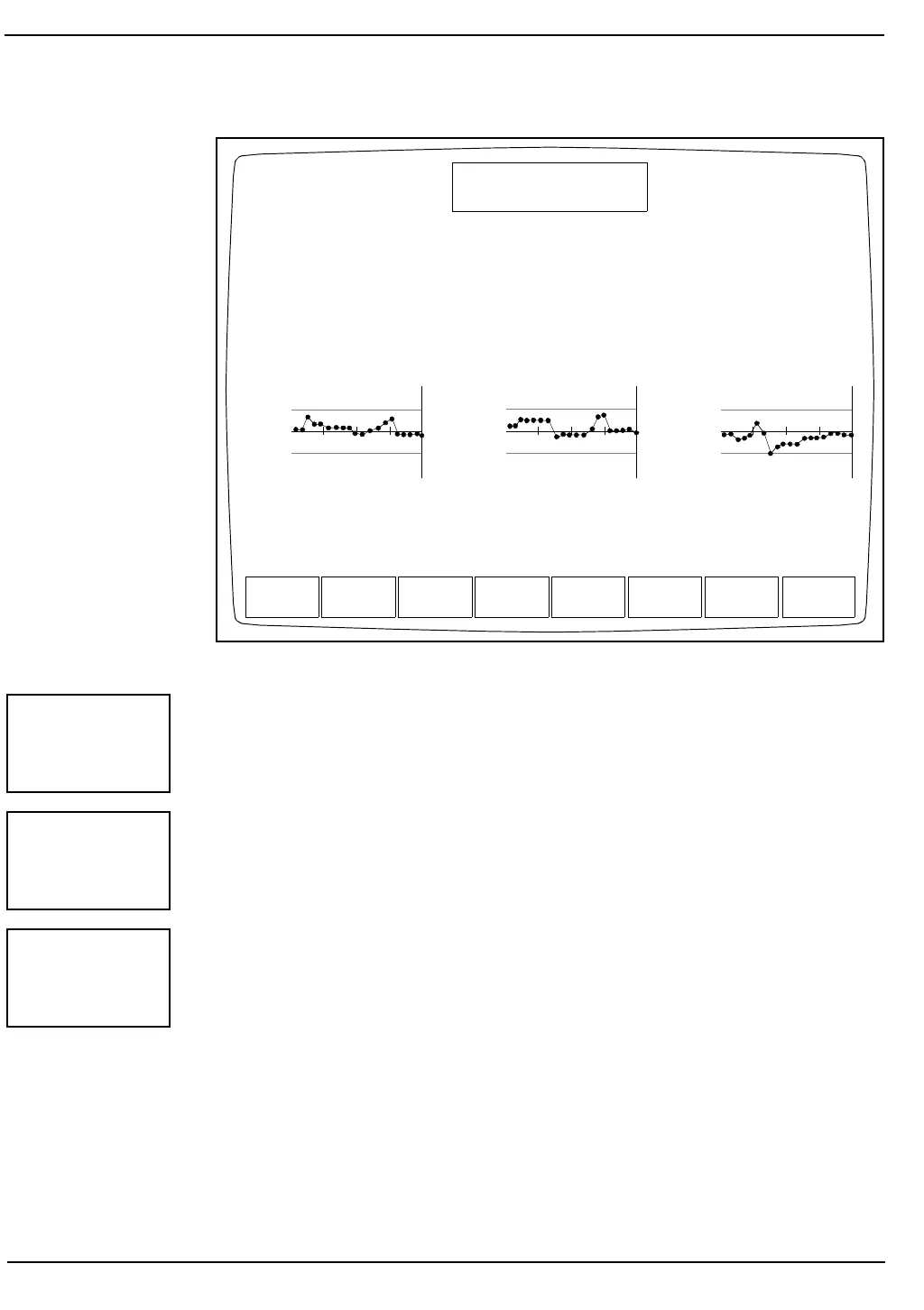
Figure 7.3: The X-B Display Screen (Graph)
The [PRINT] key is used to print the X-B data or graphs. When this key
is pressed, the data for all 20 batches and graphs is automatically
printed.
The [RETURN] key is used to return to the QC MENU Screen.
The [VIEW QC LOG] key is used to display the QC log indicated by
the position of the cursor. Each QC log display shows the following
information (see Figure 7.4):
MCV
94.50
90.00
85.50
SHOW
DATA
PRINT RETURN
X-B DISPLAY
Ready
Dec 22 1992
Operator ID
Sequence #
14:40
734
0630
PAGE UP/DN FOR MORE DATA
MCH
31.50
30.00
28.50
MCHC
35.70
34.00
32.30
PRINT
RETURN
VIEW
QC LOG



 To Next Page