262 BD FACSAria User’s Guide
11 Adjust the red laser area scaling until the APC-A signal matches the APC-H
signal, if needed.
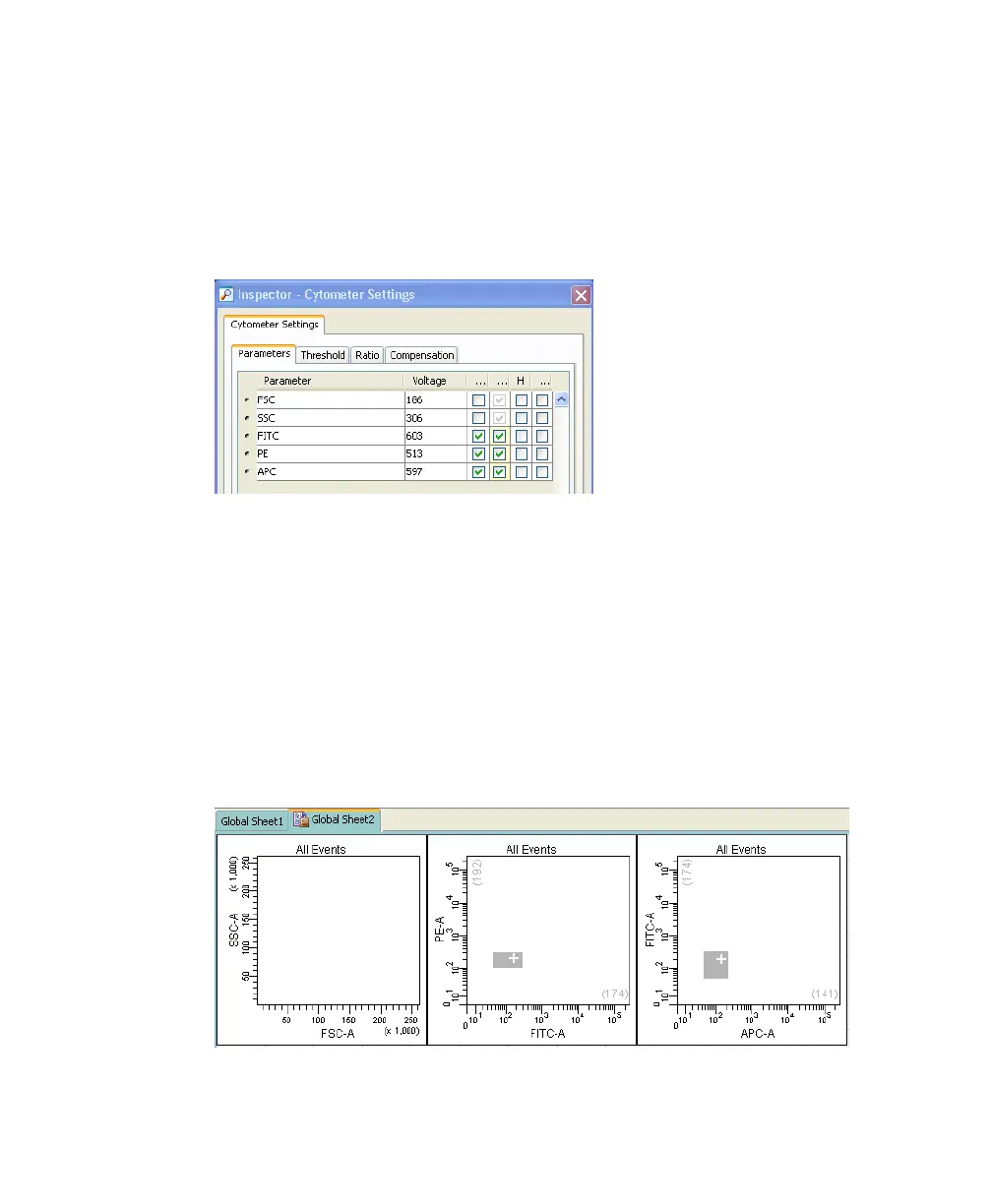
12 In the Inspector window, deselect the checkbox for Height for all
parameters. See Figure B-6.
Figure B-6 Deselecting Height parameter
Optimizing PMT Voltages
1 Right-click Cytometer Settings in the Browser, then select Application
Settings > Create Worksheet.
A second global sheet is added with the plots created according to your
selections in the parameters tab. See Figure B-7.
Use the gray boxes and crosshairs to guide your optimization.
Figure B-7 Optimizing PMT voltages



 To Next Page