124
Auxiliary functions
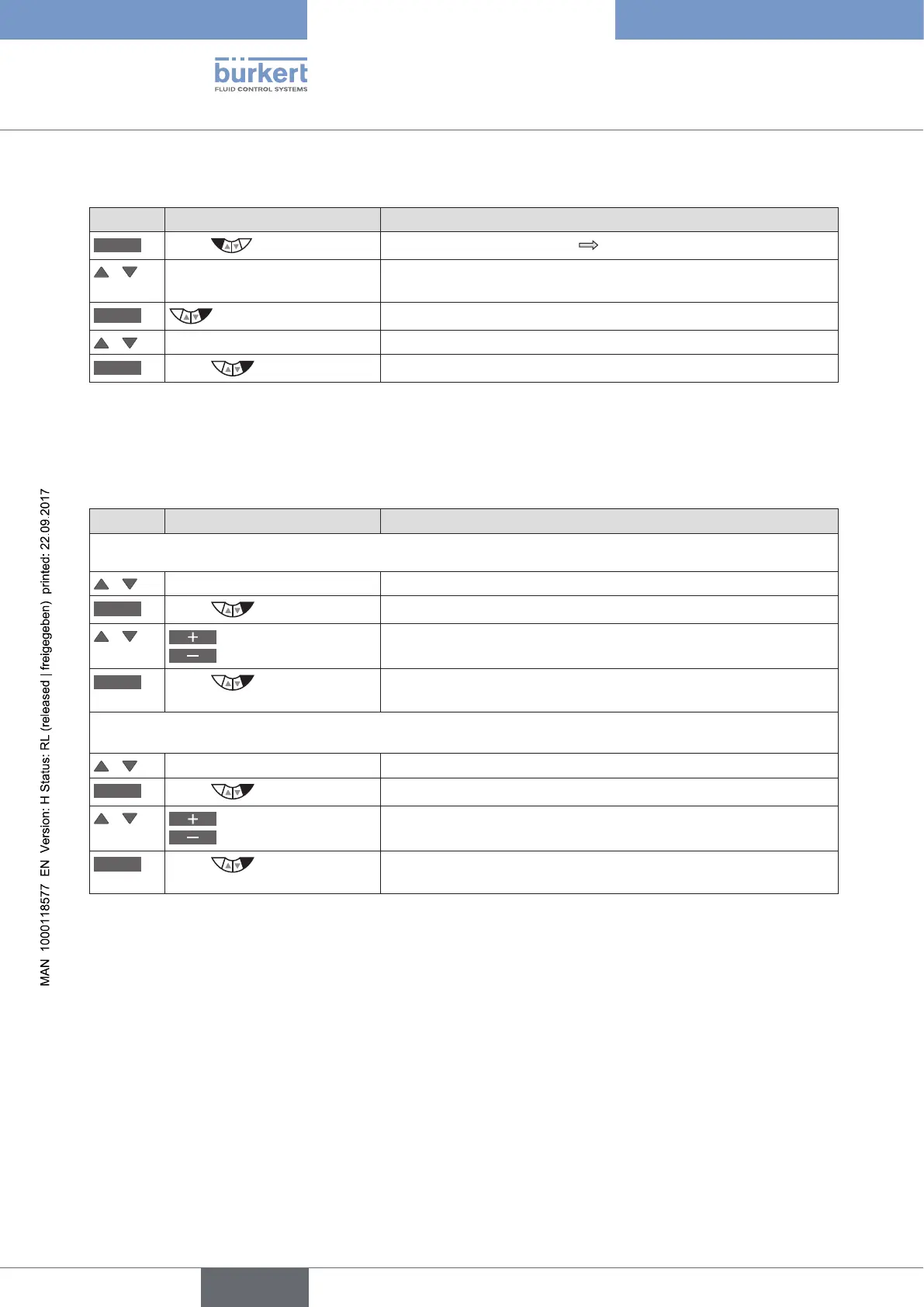
26.2.14.3. Setting of the submenu options of OUT BIN 1 / OUT BIN 2
Key Action Description
MENU
Press for approx. 3 s
Switching from process level setting level.
/ Select OUTPUT (To do this, the auxiliary function must be incorporated into the main
menu).
ENTER
The outputs are displayed.
/ Select OUT BIN1/2
ENTER
Press
Submenu options of OUT BIN 1/2 are displayed.
Table 59: OUT BIN1 / OUT BIN2; opening the submenu
• POS.Dev - Alarm output for excessively large control deviation of the positioner
• POS.Lim-1/2 - Output of the current position with respect to a specified limit position
Key Action Description
POS.Dev - Alarm output for excessively large control deviation of the positioner:
/ Select POS.Dev
SELEC
Press
The input screen for the limit value (Deviation:) is opened.
/
Increase value
Reduce value
Input limit value for permitted control deviation.
Adjustment range: 1 ... 50 % (must not be less than the dead band).
OK
Press
Acknowledgment and simultaneous return to the OUT BIN 1/2 menu.
Then set the required switching status in the OUT.type submenu.
POS.Lim-1/2 - Output of the current position with respect to a specified limit position:
/ Select POS.Lim-1/2
SELEC
Press
The input screen for the limit position (Limit:) is opened.
/
Increase value
Reduce value
Input limit position.
Adjustment range: 0 ... 100 %.
OK
Press
Acknowledgment and simultaneous return to the OUT BIN 1/2 menu.
Then set the required switching status in the OUT.type submenu.
Table 60: OUT BIN1 / OUT BIN2; setting value for POS.Dev or POS.Lim-1/2



 To Next Page