126
Auxiliary functions
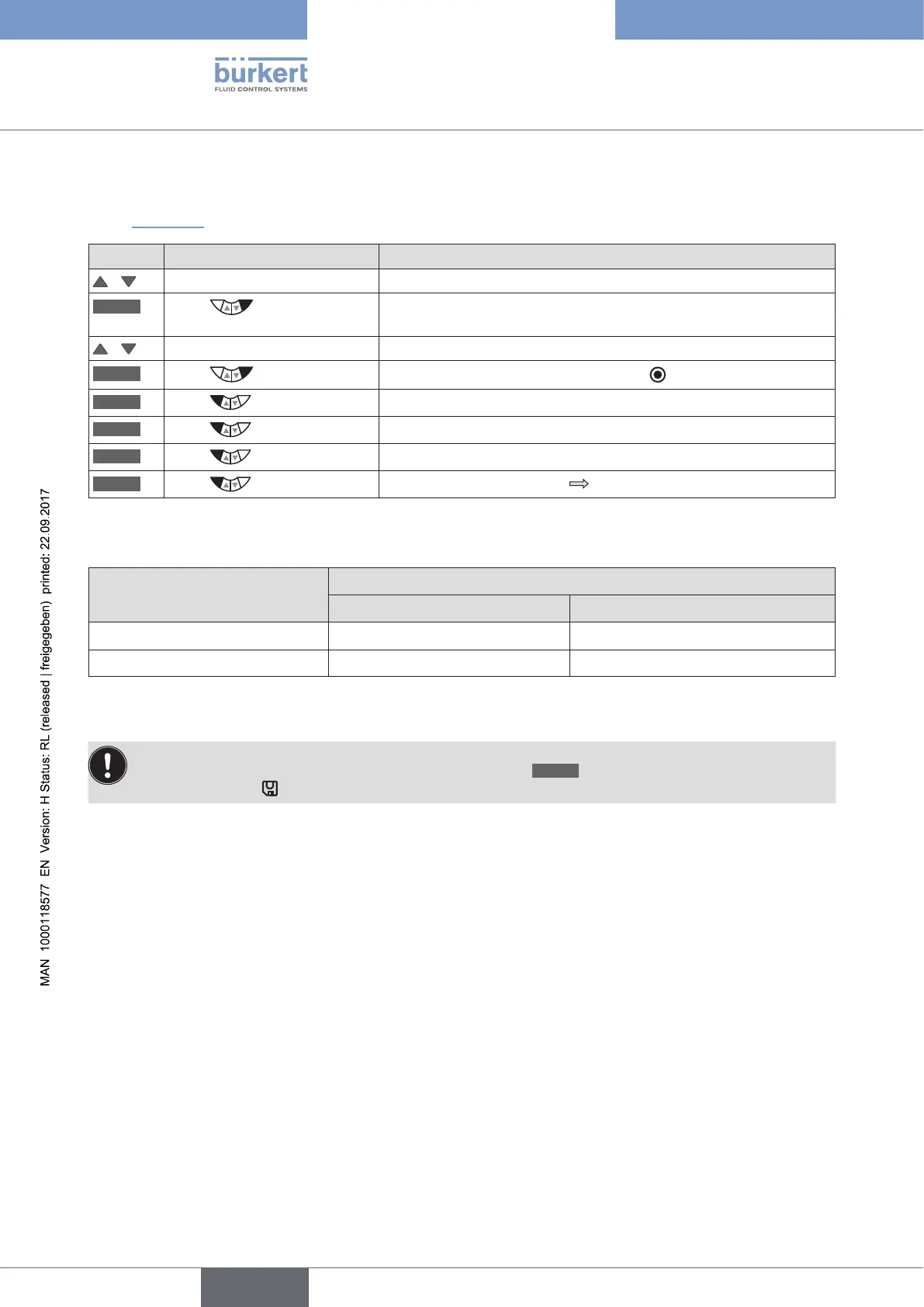
• OUT.type - Setting the switching status
In addition to selecting the output, the switching status required for the binary output must be input.
See “Table 64”.
Key Action Description
/ Select OUT.type
SELEC
Press
The switching statuses normally open and normally closed are
displayed.
/ Select switching status
SELEC
Press
The selection is marked by a filled circle .
EXIT
Press
Acknowledgment and simultaneous return to the OUT BIN 1/2 menu.
EXIT
Press
Acknowledgment and simultaneous return to the OUTPUT menu.
EXIT
Press
Acknowledgment and simultaneous return to the main menu (MAIN).
EXIT
Press
Switching from setting level process level.
Table 63: OUT.type; inputting switching status for binary output and return to the process level.
Switching signal
Switching statuses
normally open normally closed
0
0 V 24 V
1
24 V 0 V
Table 64: OUT BIN 1/2; switching statuses
The changed data is saved in the memory (EEPROM) only when there is a switch to the process level,
by leaving the main menu (MAIN) using the left selection key
EXIT
. During the save process, the save
symbol is indicated
on the display.



 To Next Page