140
Auxiliary functions
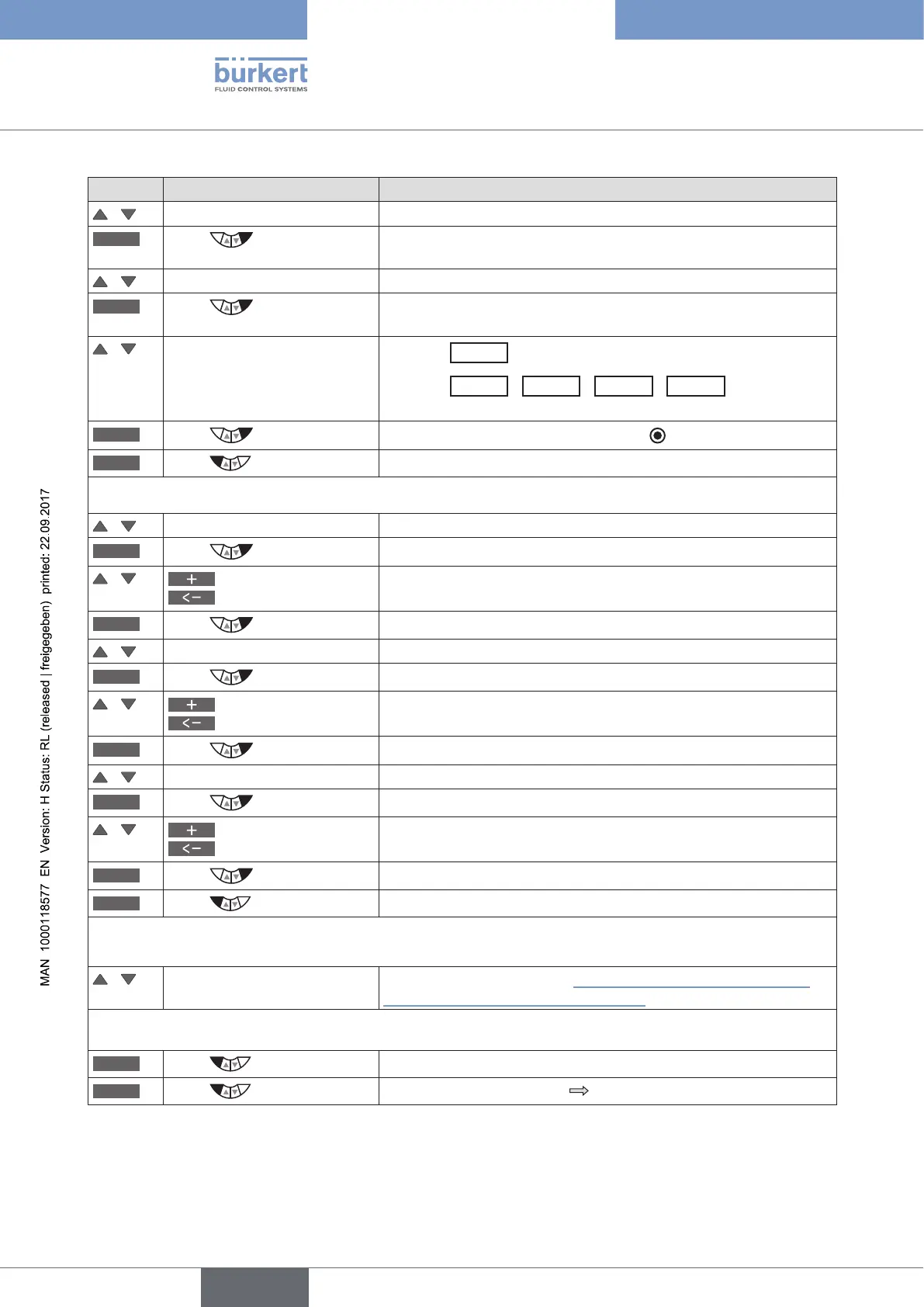
Key Action Description
/ Select SIGNAL.sim
ENTER
Press
The submenu for activating and parameterizing the set-point value
simulation is displayed.
/ Select SIGNAL.form
ENTER
Press
The menu options for activating and for selecting the waveform are
displayed.
/ Select required menu option
Selection
Externally
= simulation inactive.
Selection
Sine
/
Square
/
Triangle
/
Mixed
= specify the
waveform as well as activation of the simulation.
SELEC
Press
The selection is marked by a filled circle .
EXIT
Press
Return to the SIGNAL.sim menu.
Setting the parameters for simulation of the set-point value:
/ Select Offset (Zero offset as %).
INPUT
Press
The input screen for specifying the offset is opened.
/
Increase value
Select decimal place
Input value.
OK
Press
Transfer and simultaneous return to the SIGNAL.sim menu.
/ Select Amplitude (Amplitude as %).
INPUT
Press
The input screen for specifying the amplitude is opened.
/
Increase value
Select decimal place
Input value.
OK
Press
Transfer and simultaneous return to the SIGNAL.sim menu.
/ Select Period (Cycle duration in seconds).
INPUT
Press
The input screen for specifying the cycle duration is opened.
/
Increase value
Select decimal place
Input value.
OK
Press
Transfer and simultaneous return to the SIGNAL.sim menu.
EXIT
Press
Return to the SIMULATION menu.
For simulation of process and process valve:
/ Select CONTROL.sim For description see Chapter “26.2.21.2. CONTROL.sim – Simu-
lation of the process and process valve”.
Leaving the SIMULATION menu:
EXIT
Press
Return to the main menu (MAIN).
EXIT
Press
Switching from setting level process level.
Table 73: SIGNAL.sim; activating and parameterizing the set-point value simulation.



 To Next Page