161
Auxiliary functions
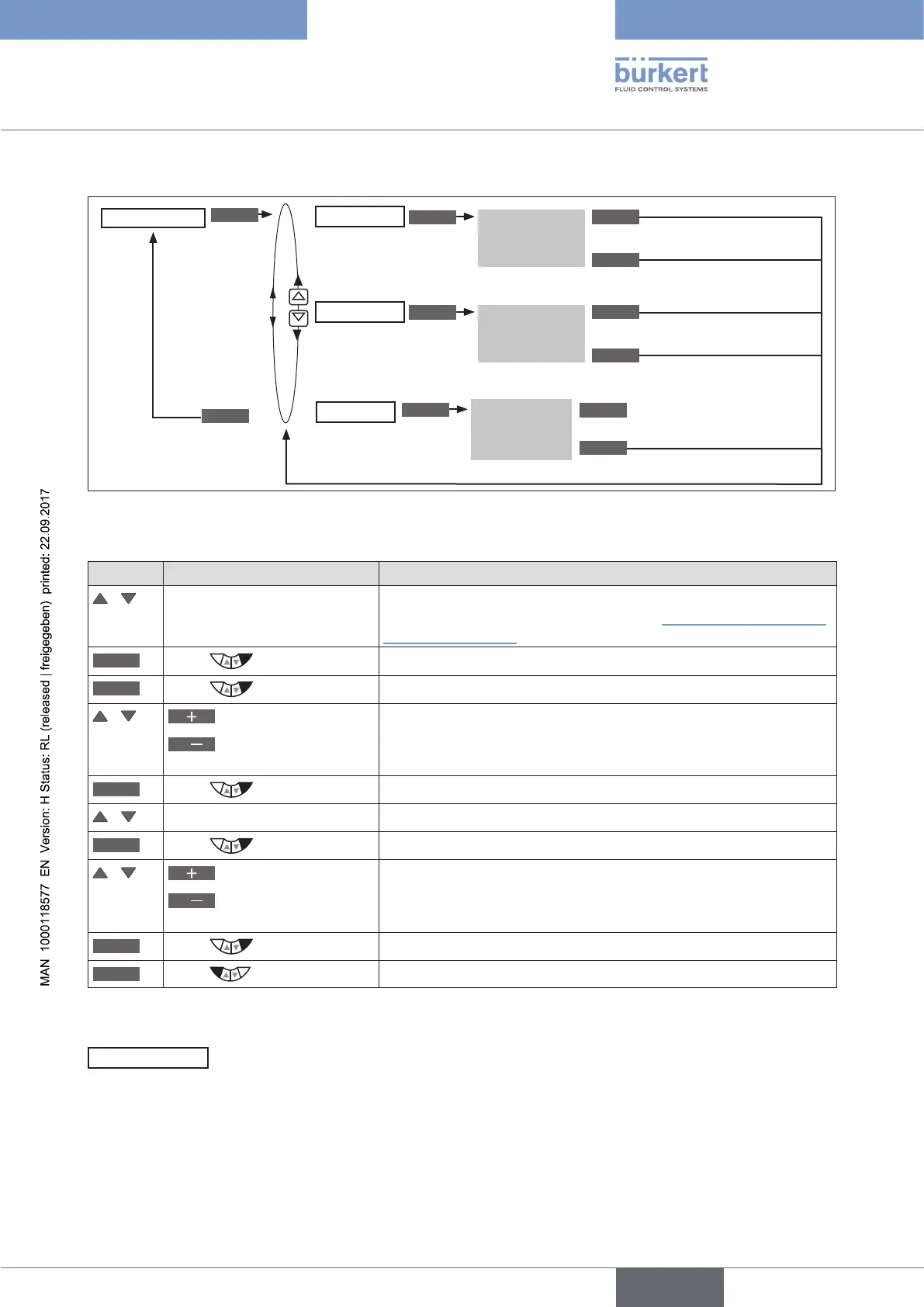
Operating structure:
ENTER
INPUT
INPUT
ENTER
OK
OK
ESC
ESC
EXIT
CLEAR
Input
tolerance band
Input
compensation
time
History entry
is displayed
POS.MONITOR
HISTORY
Delete history entry
EXIT
DEADBAND
COMP.TIME
Figure 98: Operating structure POS.MONITOR
Inputting tolerance band and compensation time
Key Action Description
/ Select POS.MONITOR (To do this, the POS.MONITOR function must be incorporated into
the DIAGNOSE main menu. See Chapter “26.2.22.4. Activation of
diagnosis functions”).
ENTER
Press
The menu is displayed. DEADBAND has already been selected.
INPUT
Press
The preset value is displayed.
/
Increase value
<
Changing the decimal
place
Input tolerance band.
OK
Press
Acknowledge value.
/ Select COMP.TIME
INPUT
Press
The preset value is displayed.
/
Increase value
<
Changing the decimal
place
Input compensation time.
OK
Press
Return to the POS.MONITOR menu.
EXIT
Press
Return to the DIAGNOSE main menu.
Table 95: POS.MONITOR; specifying tolerance band and compensation time.
PV.MONITOR
– Process monitor (for Type 8793 only)
The PV.MONITOR function monitors the process actual value.
The operating menu is identical to the position monitor POS.MONITOR described above.
In contrast, it is not the position of the actuator which is monitored here but the process.



 To Next Page