Printing CAD Drawings
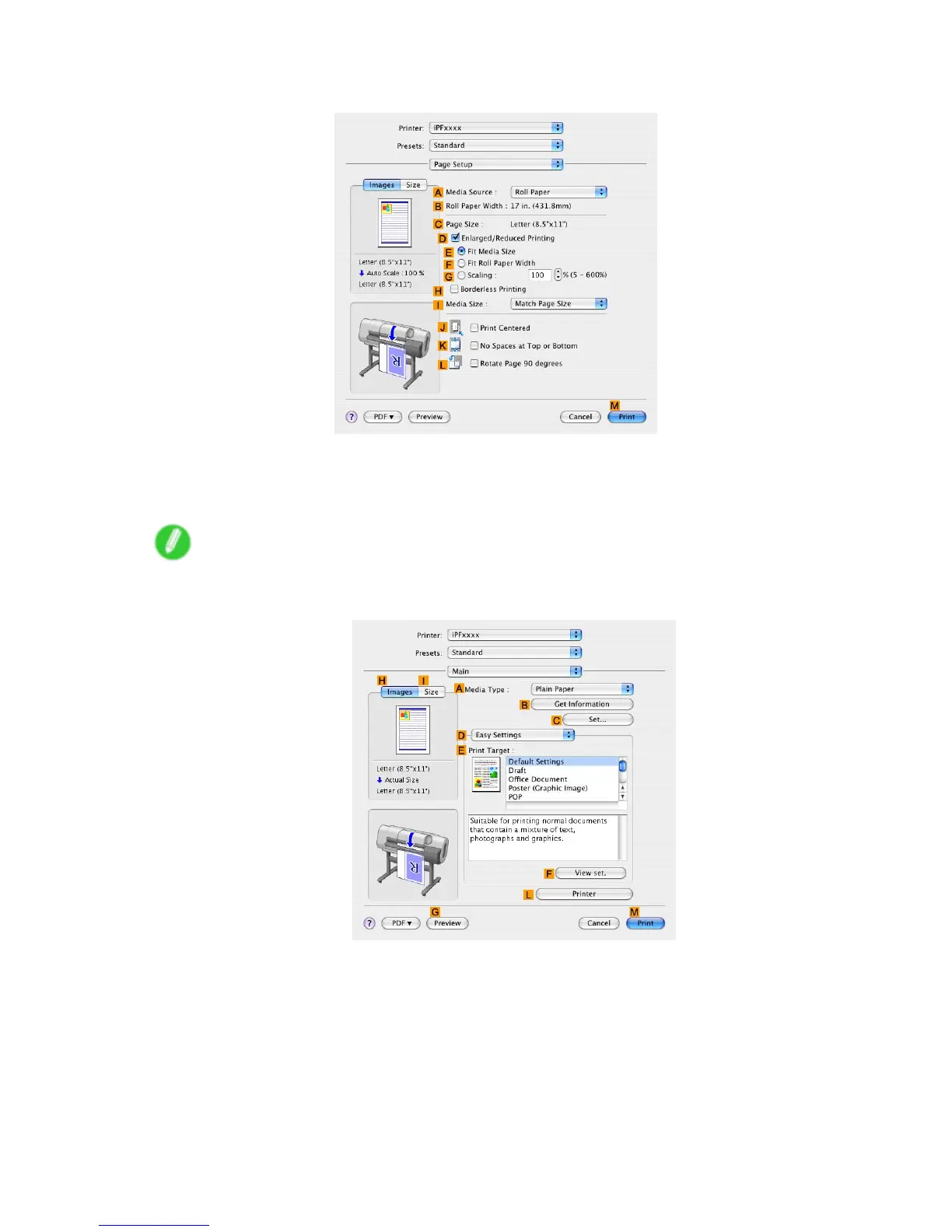
9. Access the Page Setup pane.
10. Click Roll Paper in the A Media Source list.
1 1. Make sure the width of the loaded roll is displayed in the B Roll Paper W idth list-in this case,
ISO A2/A3 (420.0mm) .
Note
• If the width of the loaded roll is not displayed in B Roll Paper W idth , click L Printer Information on
the Main pane and update the printer information.
W orking With V arious Print Jobs 157


 To Next Page
 Loading...












