Other Maintenance
10. Disconnect the power cord and interface cable.
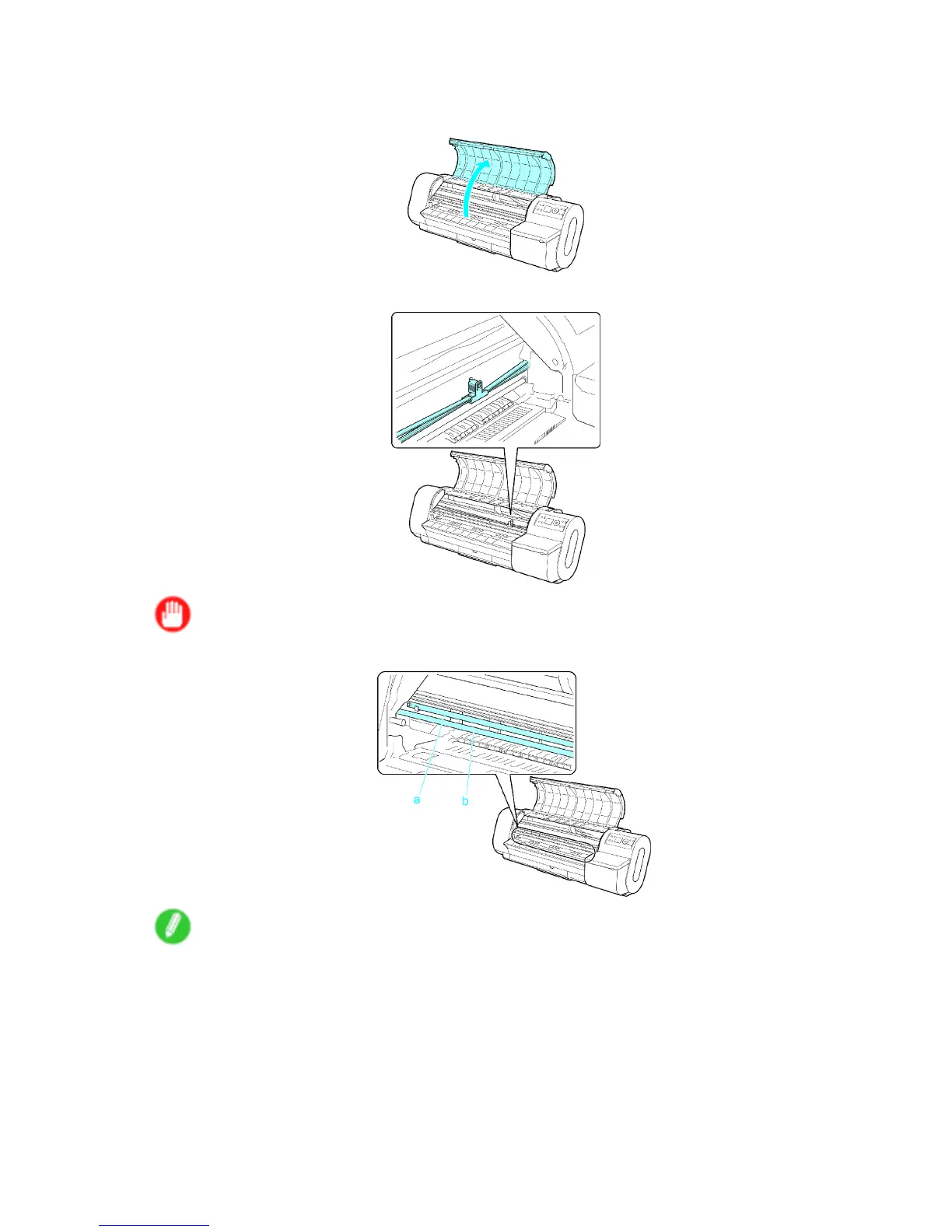
1 1. Open the T op Cover .
12. Grasp the Belt , insert it between the Belt Stopper , and af x the Belt Stopper to the Carriage Shaft .
Important
• Never touch the Linear Scale (a) or Carriage Shaft (b).
Note
• Here, the Belt Stopper is the one that was removed and stored after initial installation.
544 Maintenance


 To Next Page
 Loading...












