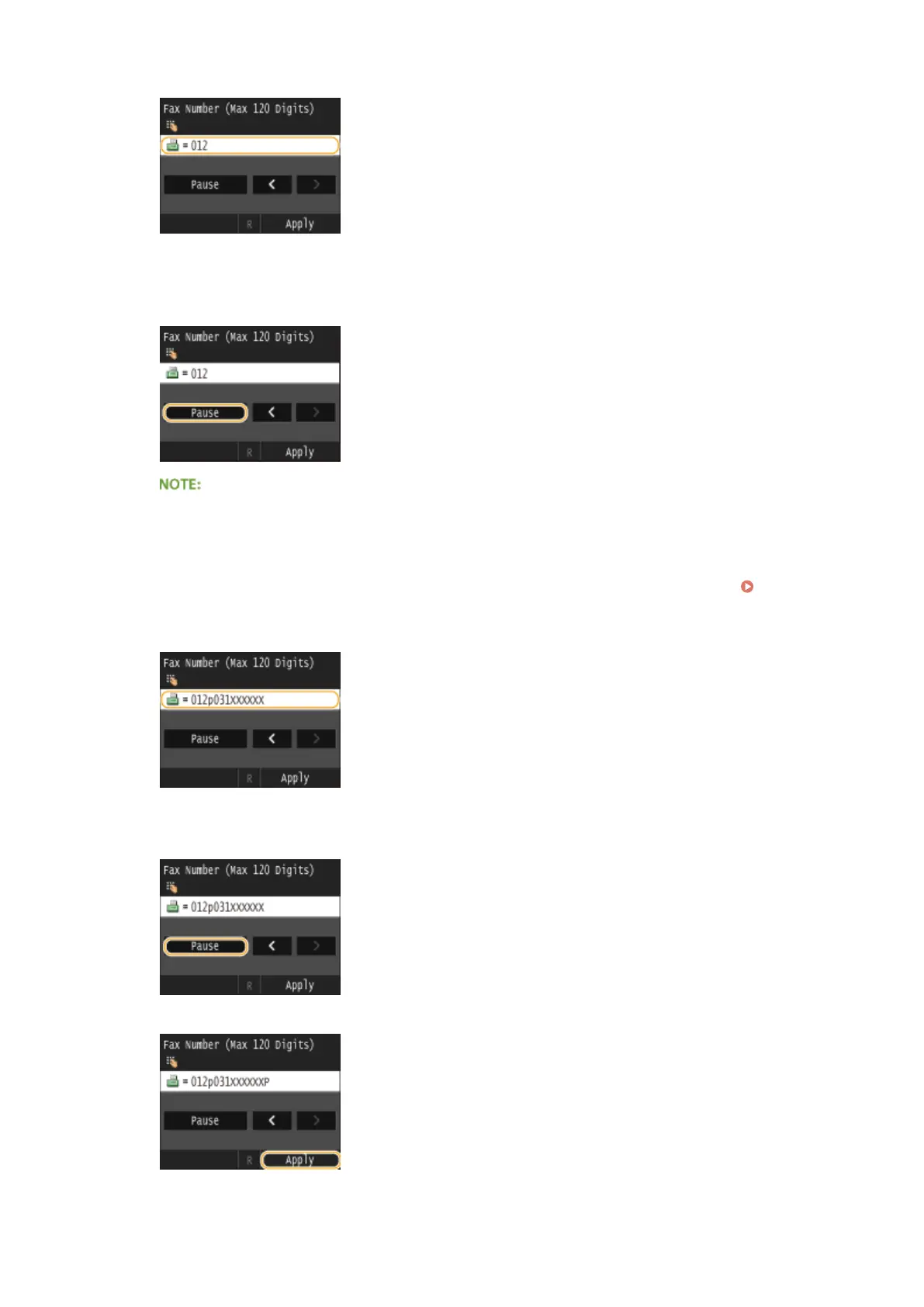
1
Enter the international access code.
2
Tap <Pause>.
● <p> (pause) is inserted between numbers. In this case, 012 will be dialed rst, then 4 seconds later,
the next number will be dialed.
●
Inputting pauses is optional; however, consecutive numbers that are input without pauses may not be
recognized correctly.
● Pauses can be inserted continuously.
● One pause inserts 4 seconds of waiting time. This time can be changed as necessary. Set Pause
Time(P. 658)
3
Enter the country code, the area code, and the fax number.
4
Tap <Pause> to insert a pause at the end of the fax number as necessary.
● The waiting time inserted here is xed to 10 seconds. This time cannot be changed.
5
Tap <Apply>.
Faxing
151











 To Next Page