● The le name of a scanned document is automatically assigned based on the following format:
"communication management number (four digits)_sent date and time_document number (three
digits).le extension."
Example of le names: If a one-page document is converted into a PDF le and sent on October 17, 2015
at 07:00:05 P.M.
"0045_151017190005_001.pdf"
● You cannot specify le names yourself.
7
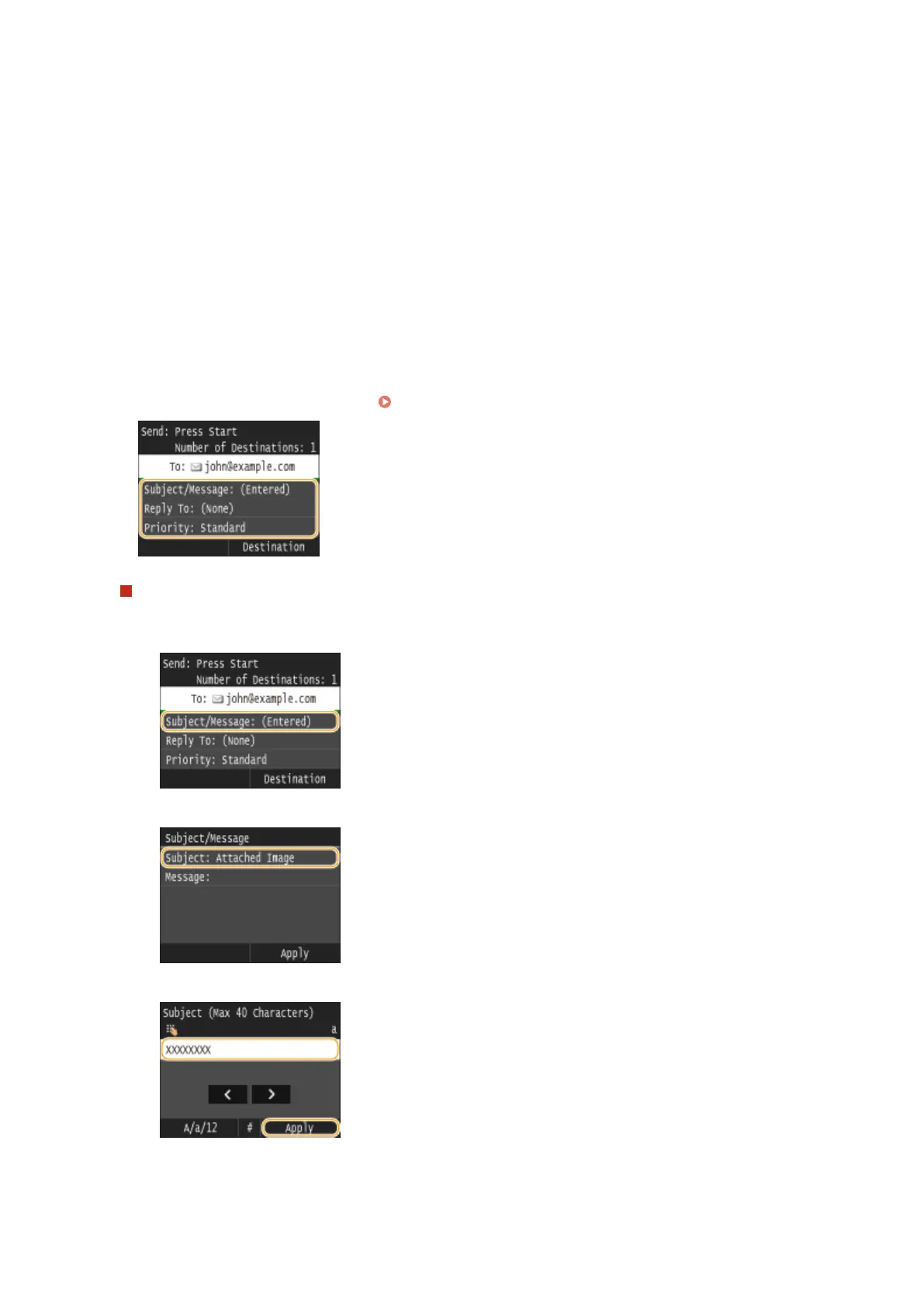
Specify the subject, body, reply-to address, and priority for the e-mail as necessary.
● The subject and the priority are set to "Attached Image" and "Standard" respectively by default.
● The body is not set by default. Enter it as necessary. Without the body text, only scanned documents are sent.
● The reply-to address is not set by default. If you want to display the reply-to address differently from that of
the machine, specify the address from among those registered in the Address Book. If no destination is
registered in the Address Book, see
Registering in the Address Book(P. 78) .
To specify subject/body
1
Tap <Subject/Message>.
2
Tap <Subject>.
3
Enter the subject using the numeric keys, and tap <Apply>.
4
Tap <Message>.
Using the Machine as a Scanner
337











 To Next Page