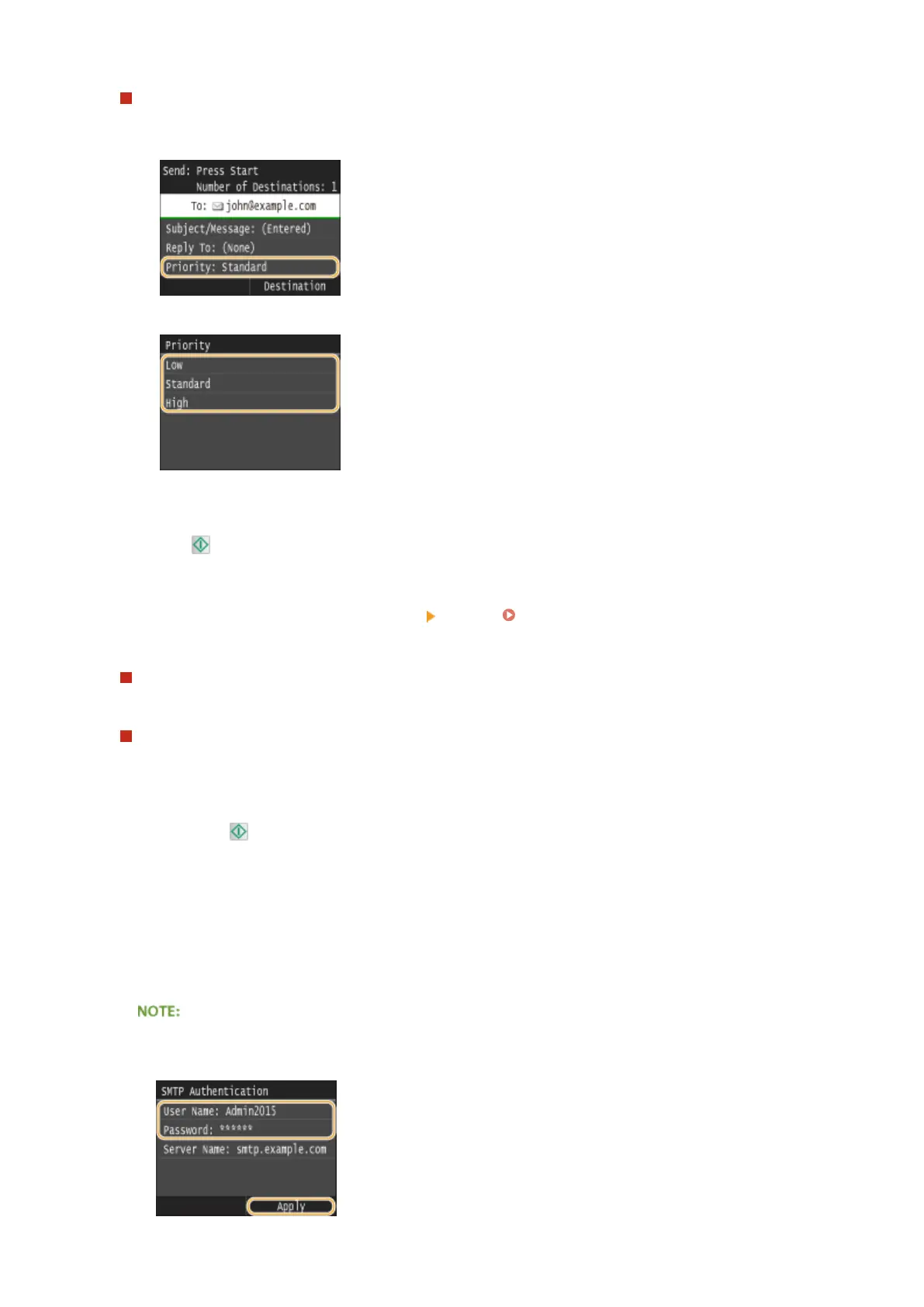
To specify priority
1
Tap <Priority>.
2
Select a priority level.
8
Press to start sending.
➠
Scanning of the document starts.
● To cancel sending, tap <Cancel> <Yes>. Canceling Sending Documents (E-Mail/Shared
Folder/FTP Server)(P. 345)
When placing documents in the feeder in step 1
When scanning is complete, the e-mail is sent.
When placing documents on the platen glass in step 1
When scanning is complete, follow the procedures below (except if you selected JPEG as a le format in step 6).
1
If there are additional pages of documents to be scanned, place the next document on the platen glass,
and press .
● Repeat this step until you nish scanning all of the pages.
● When there is only one page to be scanned, proceed to the next step.
2
Tap <Start Sending>.
➠ The e-mail is sent.
If the <SMTP Authentication> screen is displayed
● Enter the user name and password with the numeric keys, and tap <Apply>.
Using the Machine as a Scanner
339











 To Next Page