CAPINTEC, INC. CAPRAC
®
-t
April 2021 WELL COUNTER INITIALIZATION 6-47
Trigger Level
The default Trigger Level for the selected Wipe Type will be displayed in the Trigger
Level: field box.
To change the Trigger Level for this particular location, touch the Trigger Level: field
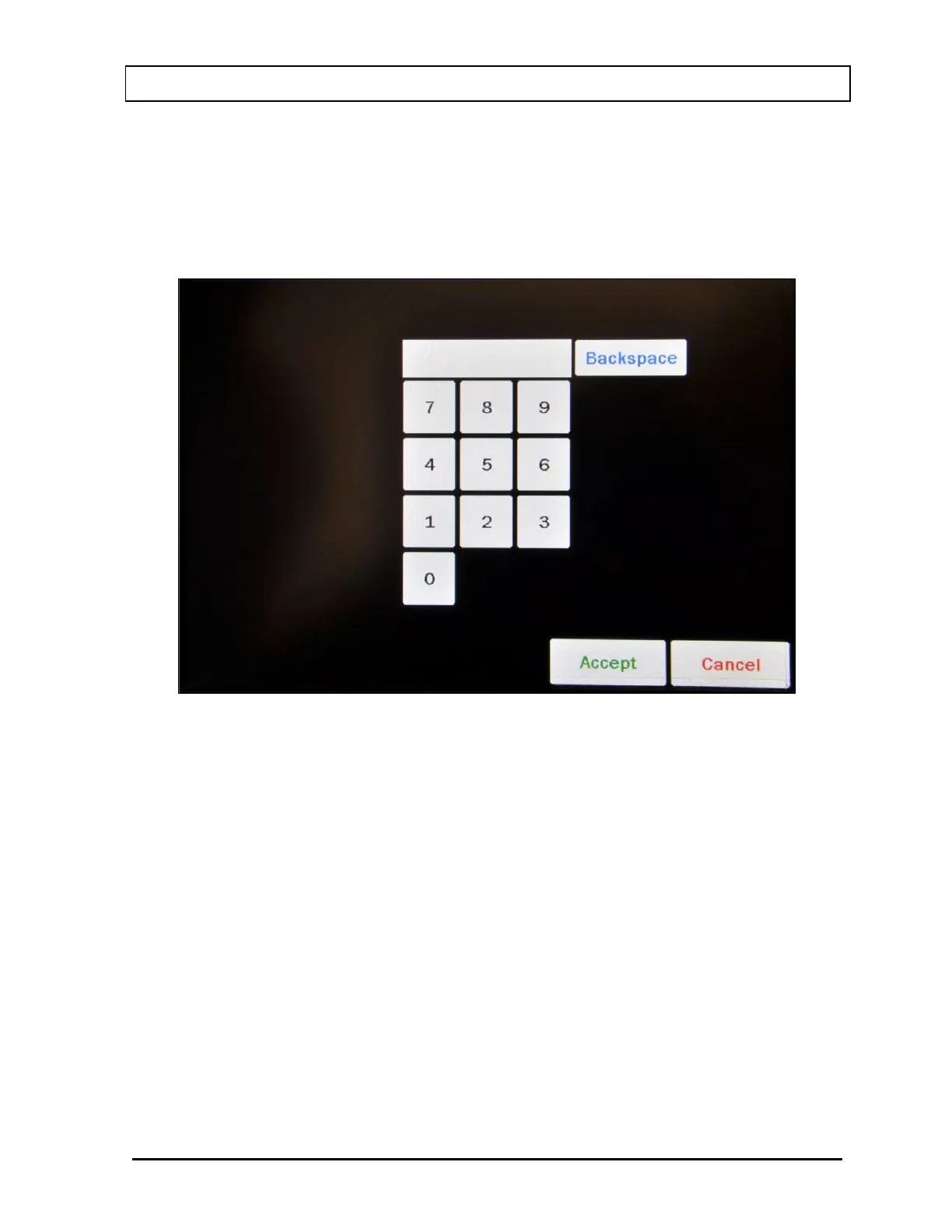
box. Figure 6-38 Numeric Keypad Screen will appear.
Figure 6-38 Numeric Keypad Screen
Input the desired Trigger Level by touching the appropriate numbers on the keypad.
Touch the ACCEPT button to accept the entered number. Figure 6-36 Add New
Wipe Location with Wipe Type Selected Screen will re-appear with the Trigger Level:
field box for this location populated with the entered value.
Note: The minimum and maximum Trigger Level values are defined by the Wipe
Type. Refer to the Trigger Levels section on page 6-35 for limits for each Wipe
Type.
To cancel any changes and return to Figure 6-36 Add New Wipe Location with Wipe
Type Selected Screen, touch the CANCEL button.



 To Next Page