CAPINTEC, INC. CAPTUS
®
600
100
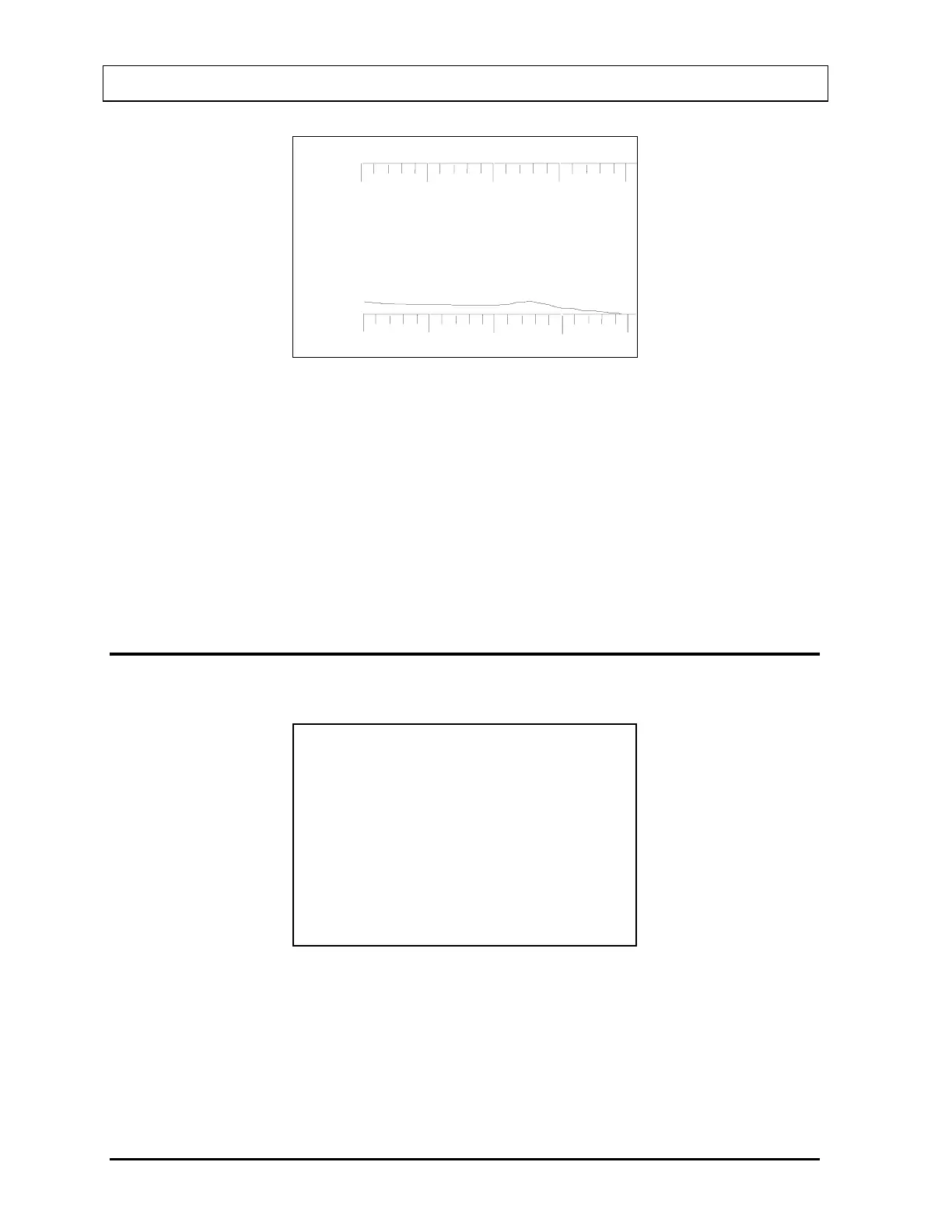
5683. cpm
BACKGROUND
400 keV
OK?
(Y OR N)
Figure 9-8
If the total count, displayed in the upper left corner, is not OK, press the N key to answer
“NO” and press ENTER. The Measure Background Screen (
Figure 9-6) will re-appear
allowing the background measurement to be repeated.
If the total count is OK, press the Y key to answer “YES” and press ENTER.
If the protocol calls for Pre-Dose Measurement and it has been skipped, you will have
another chance now to do the Pre-Dose Measurement. If “SKIP” is chosen now, Pre-Dose
cannot be measured for this patient.
ADMINISTERED DOSE
The Administer Dose Screen (Figure 9-9) will appear.
KETCHUM, LIN
PROTOCOL: PROT 1
NUCLIDE: I 131
RX ID : CAPSULE 1
NO. CAPS : 2 TO MEASURE
ADMINISTER DOSE NOW?
OR N
Figure 9-9
Administering the Dose Later
Press N if you are not administering the dose now.
Figure 9-10 will appear.
9-6 THYROID UPTAKE: ONE CAPSULE METHOD November 07



 To Next Page