CAPINTEC, INC. CAPTUS
®
600
14:32
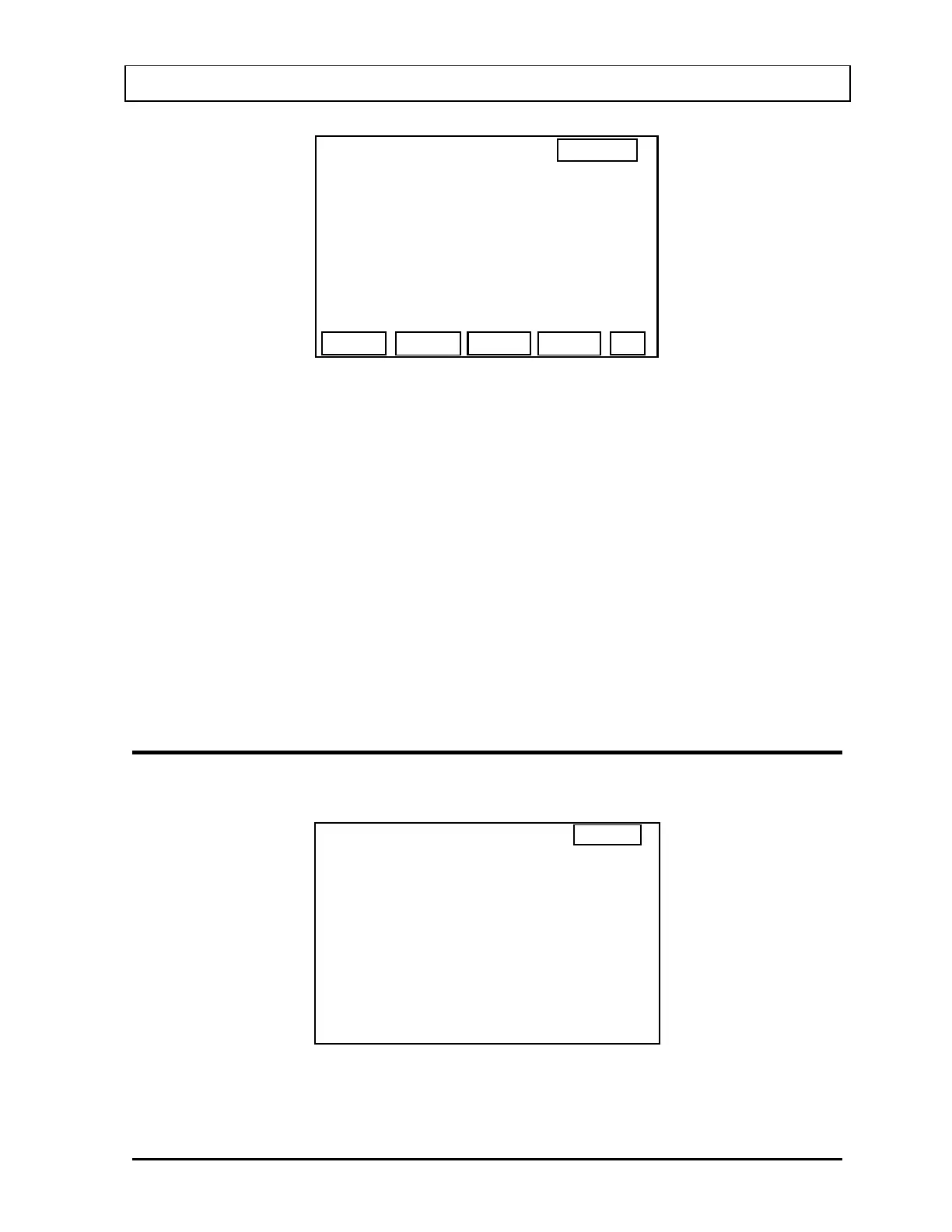
CS137 Standard
Source ID :>
Calib Activity :
Ci
Calib Date : Jan 06, 1992
NUM
OK
PROBE
CS1
0.11
Figure 5-14
For the Source ID, input an identification name for the source. This name can include letters
and/or numbers.
Press F1 [NUM] to switch to numeric input for the Source ID and display “LET” for F1.
Press F1 [LET] to switch back to letter input for the Source ID and display “NUM” for F1.
Input the calibrated activity of the Cesium-137 source.
Input the calibration date of the Cesium-137 standard source in the format chosen in Utilities,
Date Entry Format.
Press the F4 [OK] when all the entries are correct.
CHI-SQUARE TEST SETUP
Press the HOME key then the UTIL key to display the main Utilities menu (Figure 5-15).
UTILITIES
1. MULTICHANNEL ANALYZER
2. STAFF BIO ASSAY RESULTS
3. SETUP
4. DIAGNOSTICS
0. RETURN TO PROBE SCREEN
14:32
Figure 5-15
November 07 SYSTEM INITIALIZATION 5-9



 To Next Page