CAPINTEC, INC. CAPTUS
®
600
RED BLOOD CELL SURVIVAL
This protocol is used to count samples taken as part of a procedure to measure Red Cell
Survival time. The protocol is set up so that samples are counted as they are withdrawn. The
CAPTUS
®
600 decay corrects the counts to the date and time the measurements are made.
The steps in using the RBC Survival protocol can be summarized as follows:
1. Inject patient with tagged RBC suspension.
2. At approximately 24 hours post injection, withdraw a blood sample, determine the
hematocrit, and count the sample in the Well. Save the results in the CAPTUS
®
600.
This value will be used as 100%.
3. Every two or three days repeat step 2. Do this for a minimum of 30 days or until the
50% remaining level is reached.
4. Print results.
From the Main Blood Tests Screen (
Figure 16-1), press 3 to select RBC SURVIVAL (Cr51).
Note: There is a limit of two patients in the RBC Survival directory.
If patient demographics have not yet been input, do so according to the directions in
CHAPTER 14: LAB TESTS: SETUP.
After the patient demographics are entered,
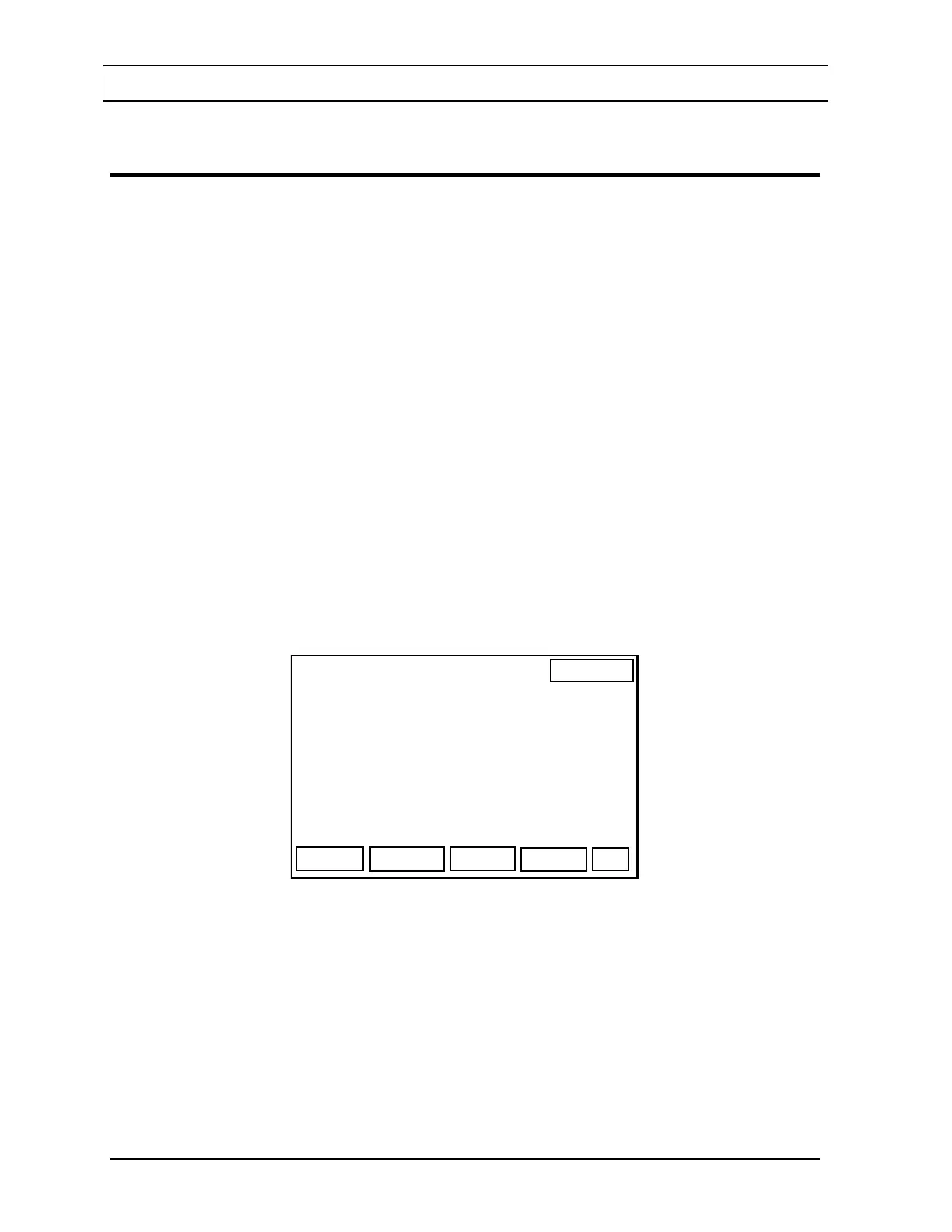
Figure 16-10 will appear.
14:32
RBC SURVIVAL
OK
PATIENT, ONE
INJECTION DATE:
INJECTION TIME :
Figure 16-10
Input the date and time the tagged RBC suspension was injected into the patient. The date is
entered in the format chosen in Utilities, Date Format (default is MMDDYY) and the time is
entered in 24 hour format (HHmm).
When the date and time of the injection are correct, press the F4 [OK] key. You will be
returned to the RBC Survival Patient Selection Screen.
16-10 LAB TESTS: BLOOD TESTS November 07



 To Next Page