CAPINTEC, INC. CAPTUS
®
600
13:06
OK
HOSPITAL NAME
>
NUM
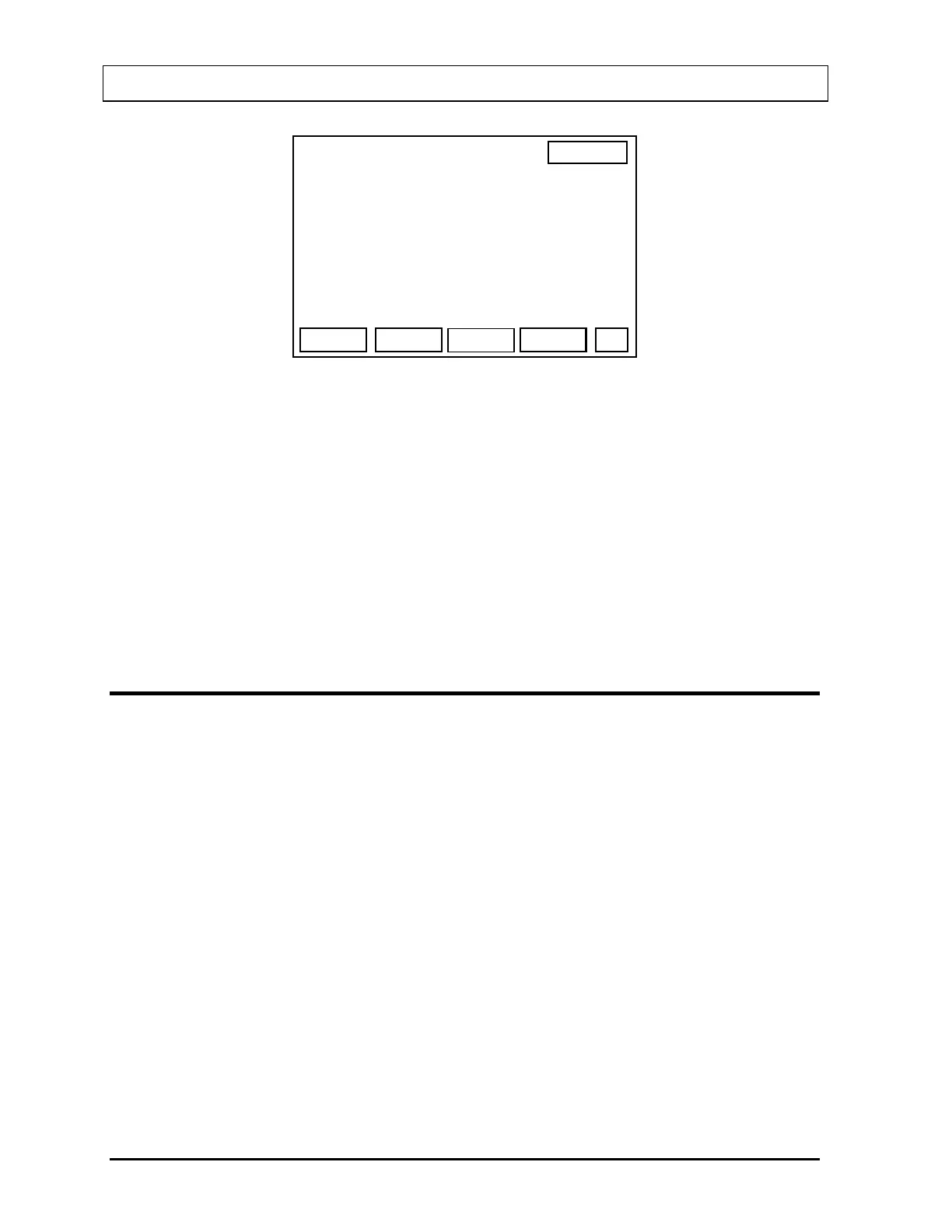
Figure 5-5
Input up to 4 lines for the hospital name.
Press F1 [NUM] to switch to numeric input and display “LET” for F1.
Press F1 [LET] to switch back to letter input and display “NUM” for F1.
Press F4 [OK] when the entry is correct.
“PLEASE WAIT” will appear on the screen while the Hospital Name is being saved in
memory.
CURIES / BECQUEREL SETUP
The CAPTUS
®
600 can display units of radiation measurements in Curies or Becquerels.
Setting the units to Curie or Becquerels in this section configures the entire CAPTUS
®
600.
All data entry will be in the system units. All displays and printouts are always in the system
units. If the system units are changed with the following setup procedure, all values are
recalculated.
To change these units of measure, press the HOME key and then the UTIL key. The main
Utilities Menu (
Figure 5-6) will appear.
5-4 SYSTEM INITIALIZATION November 07



 To Next Page