CAPINTEC, INC. CAPTUS
®
600
To add a patient, press the F1 [NEW] key.
To edit patient demographics, move the cursor next to the patient name and press the F2
[EDIT] key.
Figure 14-5 will appear with the current data filled in.
To delete a patient, move the cursor next to the patient name and press the F3 [DEL] key.
To perform the chosen test, move the cursor next to the patient name and press the F4
[MEAS] key. A measurement can only be made after the patient demographics have been
entered.
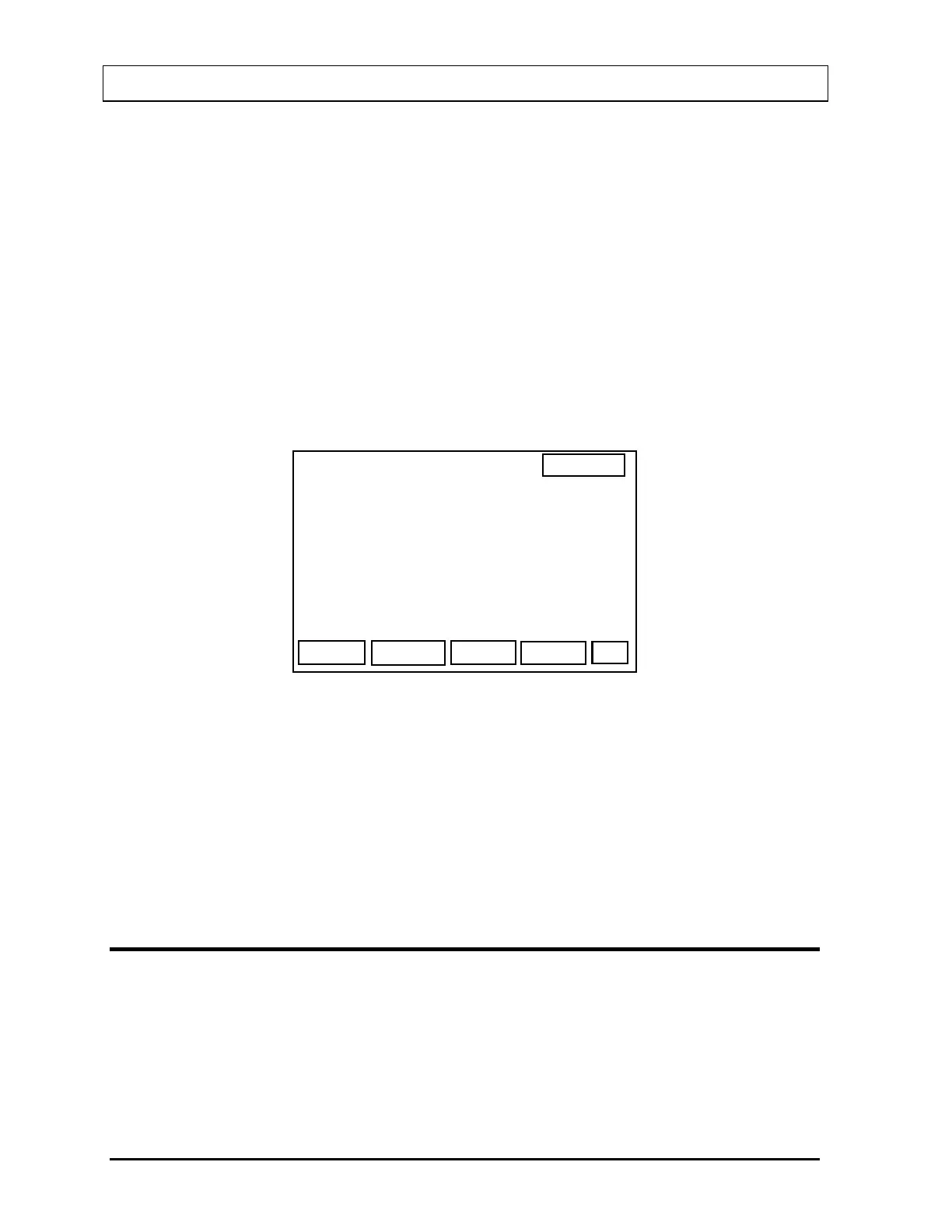
After pressing the F1 [NEW] key, the Patient Demographics Screen (
Figure 14-5) will
appear.
14:32
SCHILLING TEST
SEX
OK
PATIENT
LAST
FIRST
ID#
DOB
PHYS
SEX :
Figure 14-5
Enter data in all the fields. The Date of Birth (“DOB”) field is optional. The “SEX” field is
toggled between “M” and “F” by pressing the F1 [SEX] key. When the data is correct, press
the F4 [OK] key. The system will return to the Patient Selection Screen (
Figure 14-4) with the
new patient entered into the list.
To exit from the Patient Selection Screen, press BSP to return to the Main Urine Screen or
Main Blood Screen, or press HOME to return to the Main Well Screen (
Figure 14-1).
MEASUREMENT PROCEDURE
Each test will step you through the necessary measurements. The procedure for each
measurement is similar. The measurement of the Standard for the Schilling Test will be used
as an example.
The Prompt Screen (
Figure 14-6) will appear.
14-4 LAB TESTS SETUP November 07



 To Next Page