CAPINTEC, INC. CAPTUS
®
600
BIOASSAY STAFF DATA
DONE
14:32
DD
BIOASSAY STAFF DATA
> SEELEY , D
DONE
14:32
P
DEL
EDIT
ADD
SOPCHACK , S
NAIM , V
LEMISZKO , J
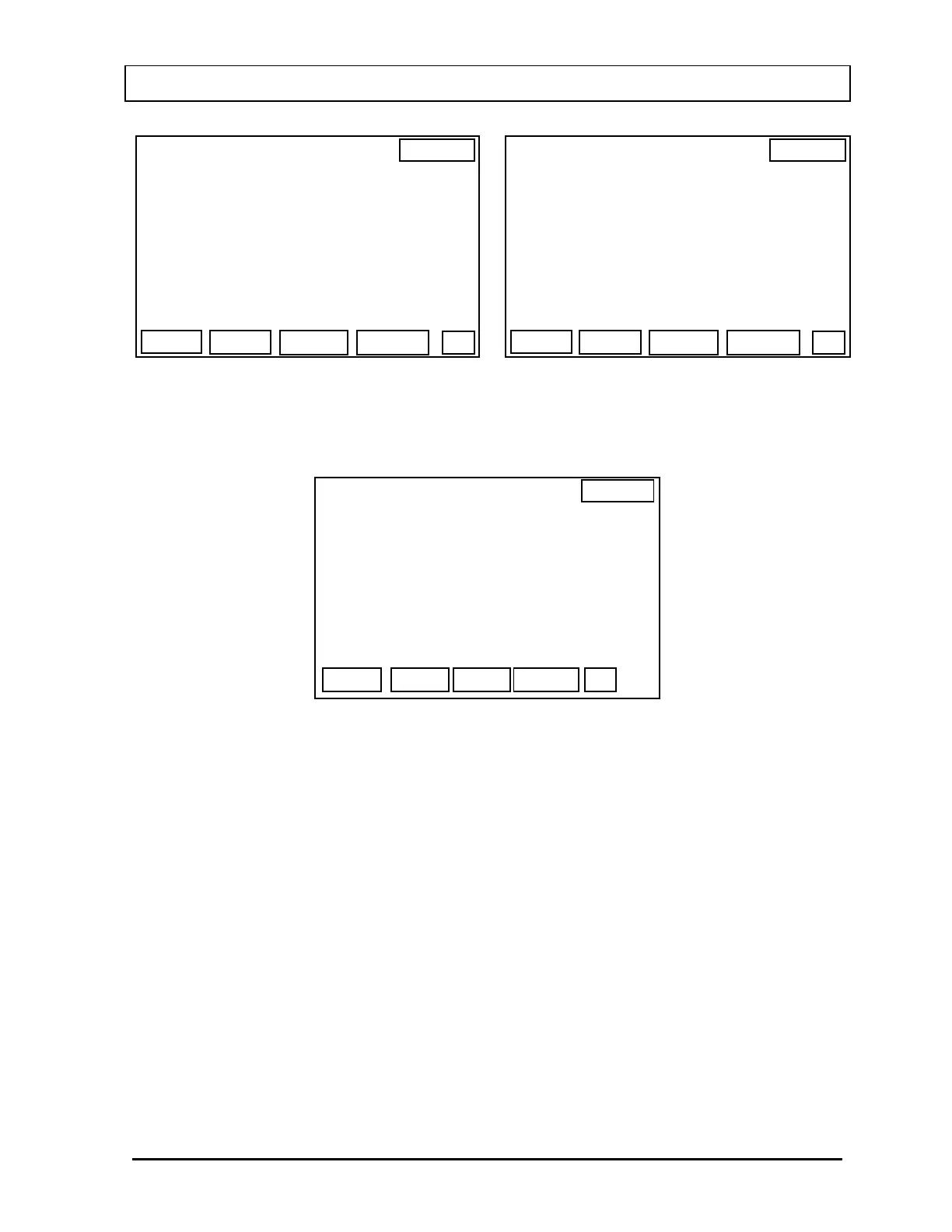
Figure 17-5 Figure 17-4
Press the F1 [ADD] key. The Staff Data Screen (
Figure 17-6) then appears.
14:32
BIOASSAY STAFF DATA
STAFF MEMBER
OK
LAST :>
FIRST :
ID# :
INIT :
MID :
Figure 17-6
The LAST and FIRST name can include up to 20 letters.
MID is the middle initial and is only 1 letter.
ID# can include up to 20 numbers.
When all information has been entered, press the F4 [OK] key. The screen returns to the
Staff Name List Screen (
Figure 17-4) with the new name added.
Editing Staff Member Data
To edit staff data in the CAPTUS
®
600
memory, follow the instructions at the beginning of
this chapter until you reach the Staff Name List Screen (
Figure 17-4 and Figure 17-5).
Use the ARROW keys to position the cursor next to the name you want to revise, and press
the F2 [EDIT] key.
November 07 STAFF BIOASSAY 17-3



 To Next Page