CAPINTEC, INC. CAPTUS
®
600
If the Thyroid Uptake Protocol Information, displayed in Figure 8-6, is not correct, press the N
key, to answer “NO”, then press the ENTER key. The Select Protocol Screen (
Figure 8-5) will
re-appear.
Once the patient information is entered it can still be changed. Refer to the
VIEWING
PATIENT INFORMATION
section on page 8-5 for instructions.
The subsequent screens depend on which method has been chosen for this patient's Thyroid
Uptake protocol and will be discussed separately.
SELECTING PATIENT
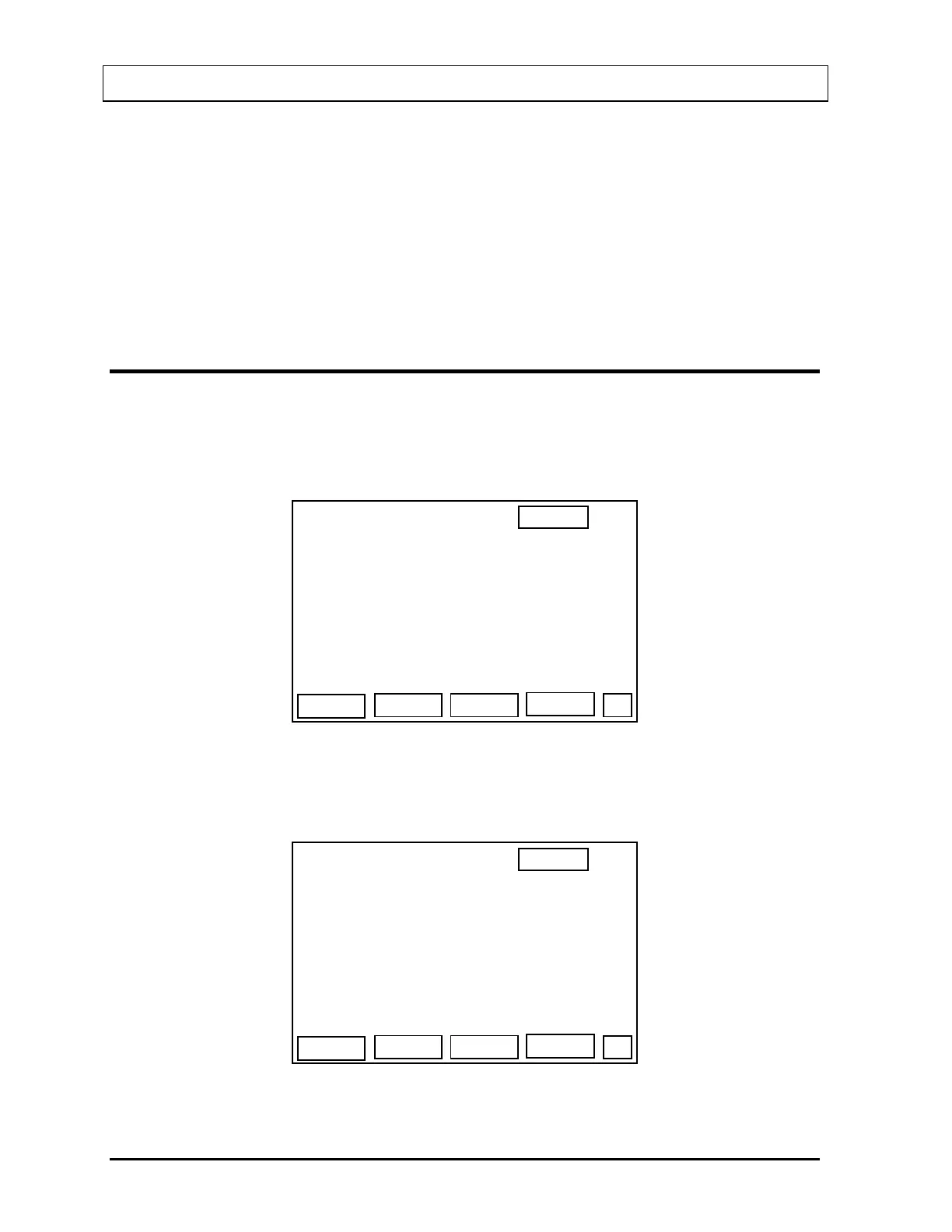
When administered data has been entered for a patient, the measurement hours, day and
time for the first 2 uptakes (only 1 if the protocol only called for 1 uptake) is displayed. In the
following example, the protocol calls for a measurement at 2, 4 and 24 hours and the dose
was administered at 11:49 on a Tuesday.
13:11
THYROID UPTAKE
>SMITH, JOH
4 TU 15:49
NEW
DEL
IEW
MEAS
P
2 TU 13:49
Figure 8-7
After the first measurement has been made, the result of the uptake will be displayed as
shown in
Figure 8-8.
13:11
THYROID UPTAKE
>SMITH, JOH
4 TU 15:49
NEW
DEL
IEW
MEAS
P
2 24%
Figure 8-8
8-4 THYROID UPTAKE GENERAL INSTRUCTIONS November 07



 To Next Page