CAPINTEC, INC. CAPTUS
®
600
The CAPTUS
®
600 has the ability to store demographics for 50 patients in memory. This is
the total number of patients and they can be distributed in any combination throughout the
tests, except in the RBC Survival where only two tests may be recorded simultaneously.
However, the patient demographic data is included in the total of 50. The RBC Survival tests
store the results during the period of the tests (up to 60 days). This is the only test that stores
the results.
STARTING LAB TESTS
Accessing the Lab Tests section of the CAPTUS
®
600 program is the same for all the tests.
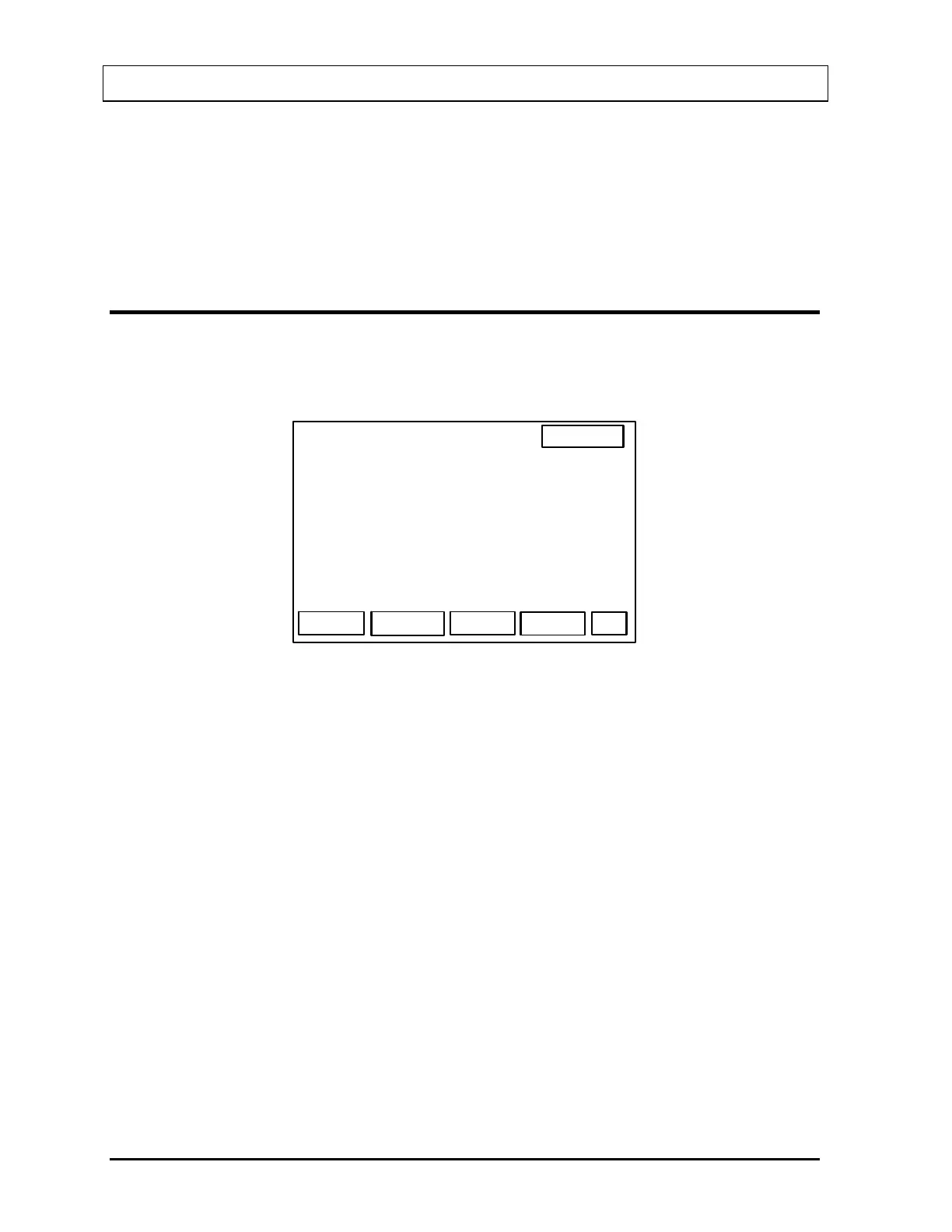
To access the Lab Tests section, press the WELL key. The Main Well Screen (
Figure 14-1)
will appear.
14:32
WELL
WIPE LAB
Figure 14-1
Press the F2 [LAB] key. The Main Lab Tests Screen (
Figure 14-2) will appear.
14-2 LAB TESTS SETUP November 07



 To Next Page