CAPINTEC, INC. CAPTUS
®
600
Determine which wipe area the location fits into. Examples of locations and areas are:
WORK AREA: Hot Lab, Sink
UNRESTRICTED AREA: Patient Lavatory
RECEIVING: Incoming Packages
SEALED SOURCES: Co60 Reference Source
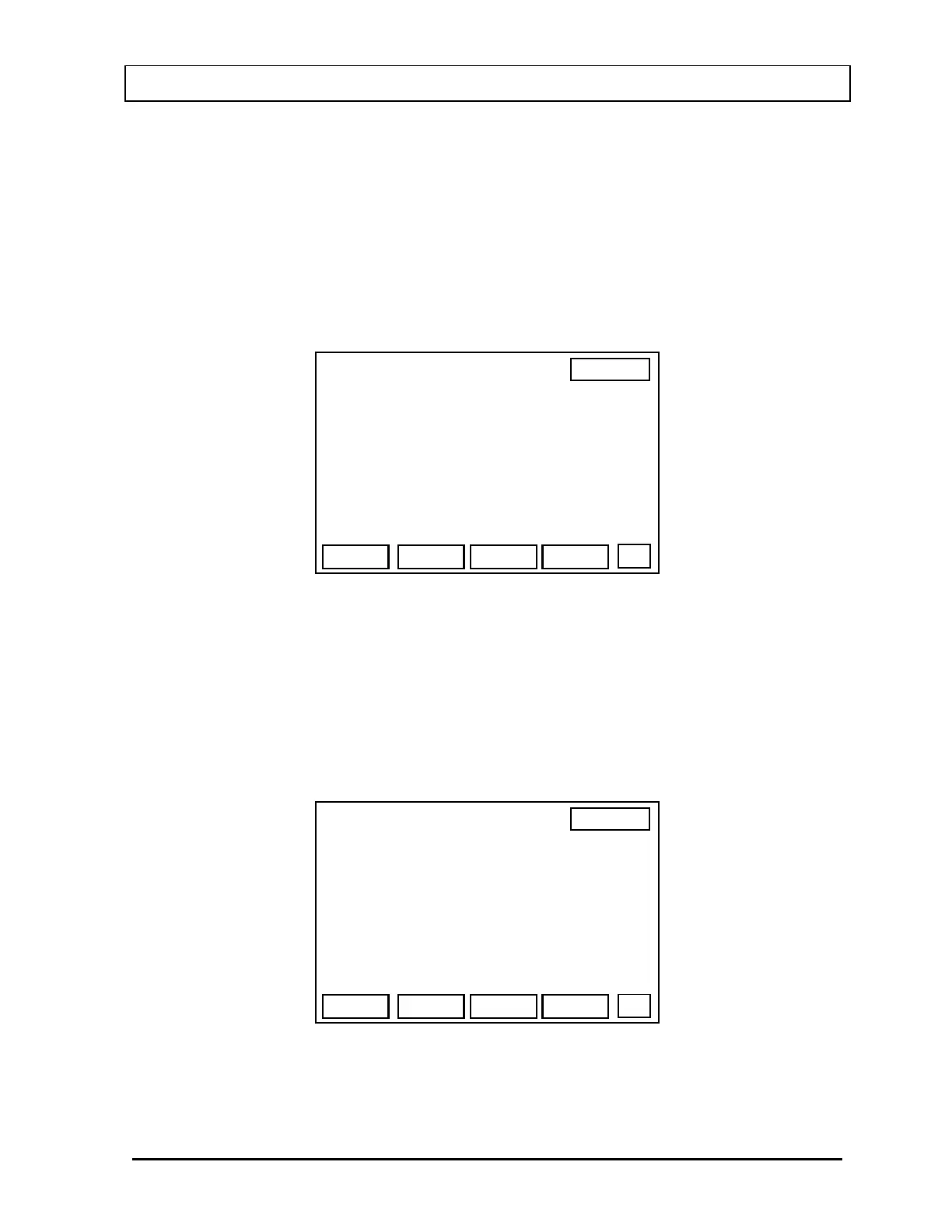
Depending upon which area has been selected, a screen similar to
Figure 12-5 will appear.
13:06
WORK AREAS
P
DONE
DEL
ADD
W-01 HOT LAB SINK
W-02 HOT LAB KNOB
EDIT
Figure 12-5
If no locations have been added to memory, only the F1 [ADD] key and the F4 [DONE] key
will be active.
Adding a Location
Press the F1 [ADD] key.
Figure 12-6 will appear.
13:06
WORK AREAS
OK
NUM
ID# :> 04
ROOM
DESCRIPTION :
Figure 12-6
November 07 WIPE TEST SETUP 12-3



 To Next Page