CAPINTEC, INC. CAPTUS
®
600
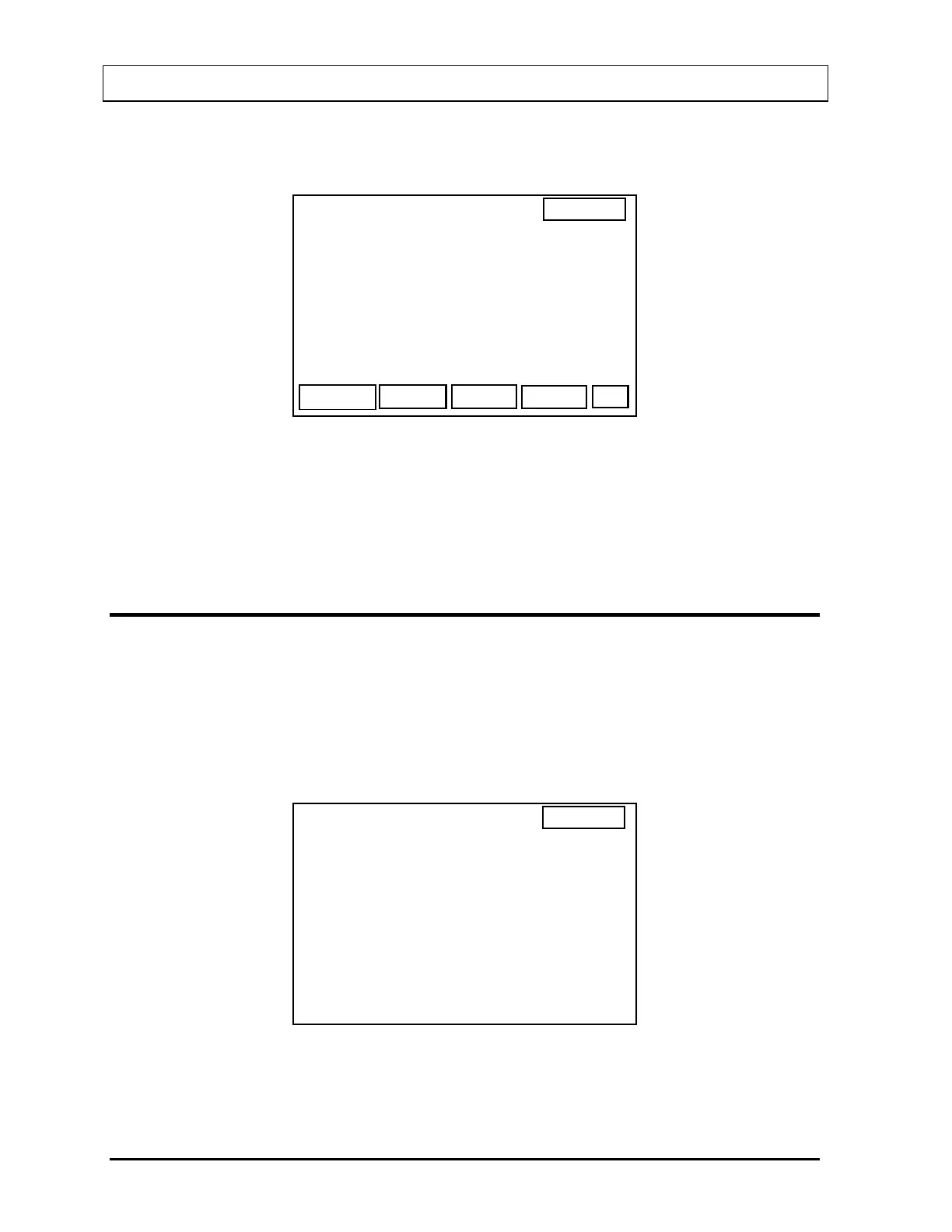
If the measurement is accepted, the TU Standard Done Screen (
Figure 11-9) will appear.
14:32
TU STANDARD
DONE
P
I 131 STANDARD
ID:
AT: 25.0 CM
Figure 11-9
Press PRINT [P] to print a report of the Standard Measurement results.
Press F4 [DONE] to exit the screen.
SELECTING STANDARD FOR TU STUDY
After a Standard Capsule protocol has been chosen, the Standard must be chosen and/or
verified.
If no Standard data has been entered, an error message will appear.
If one or more Standards have been entered, the Standard Selection Screen (
Figure 11-10)
will appear listing the Standard’s ID and nuclide.
14:32
THYROID UPTAKE
>STAND 1 I 131
SELECT STANDARD
STAND 2 I 123
Figure 11-10
11-6 THYROID UPTAKE: STANDARD CAPSULE METHOD November 07



 To Next Page