CAPINTEC, INC. CAPTUS
®
600
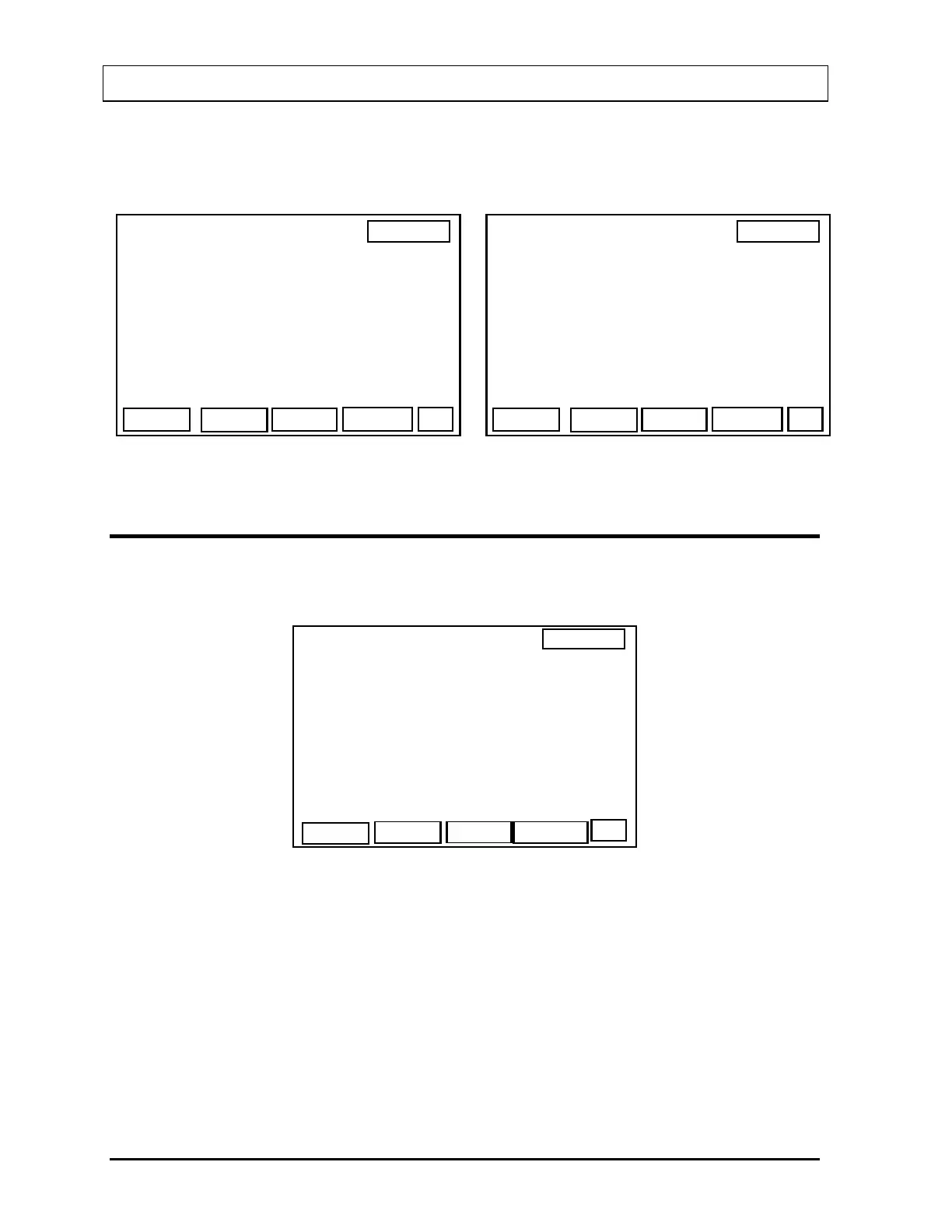
Press F1 [T/U]. The Thyroid Uptake Patient Selection Screen (Figure 8-2 or Figure 8-3) will
appear. If no patients have been entered, the list is blank and only the F1 [NEW] key is
displayed.
14:32
THYROID UPTAKE
NEW
>KETCHUM, LIN
MONROE, MAR
DEL
IEW
MEAS
P
Figure 8-2
14:32
THYROID UPTAKE
NEW
Figure 8-3
ENTERING PATIENT DEMOGRAPHICS
Press F1 [NEW] to add a Thyroid Uptake patient. The Patient Data Screen (Figure 8-4) will
appear.
14:32
THYROID UPTAKE
PATIENT NAME
OK
LAST :>
FIRST :
ID# :
DOB :
PHYS :
SEX
SEX : F
Figure 8-4
The maximum number of Thyroid Uptake patients is 15. If 15 Thyroid Uptake patients have
already been entered, a message will appear. Delete any patients whose studies have been
completed as described in the
VIEWING PATIENT INFORMATION section on page 8-5.
Input data in all the fields. The “DOB” (Date of Birth) field is optional. The “SEX” field is
toggled between “M” and “F” by pressing the F1 [SEX] key.
When the data is correct, press the OK [F4] key. The system will return to the Patient
Selection Screen (
Figure 8-2) with the new patient entered into the list.
8-2 THYROID UPTAKE GENERAL INSTRUCTIONS November 07



 To Next Page