CAPINTEC, INC. CAPTUS
®
600
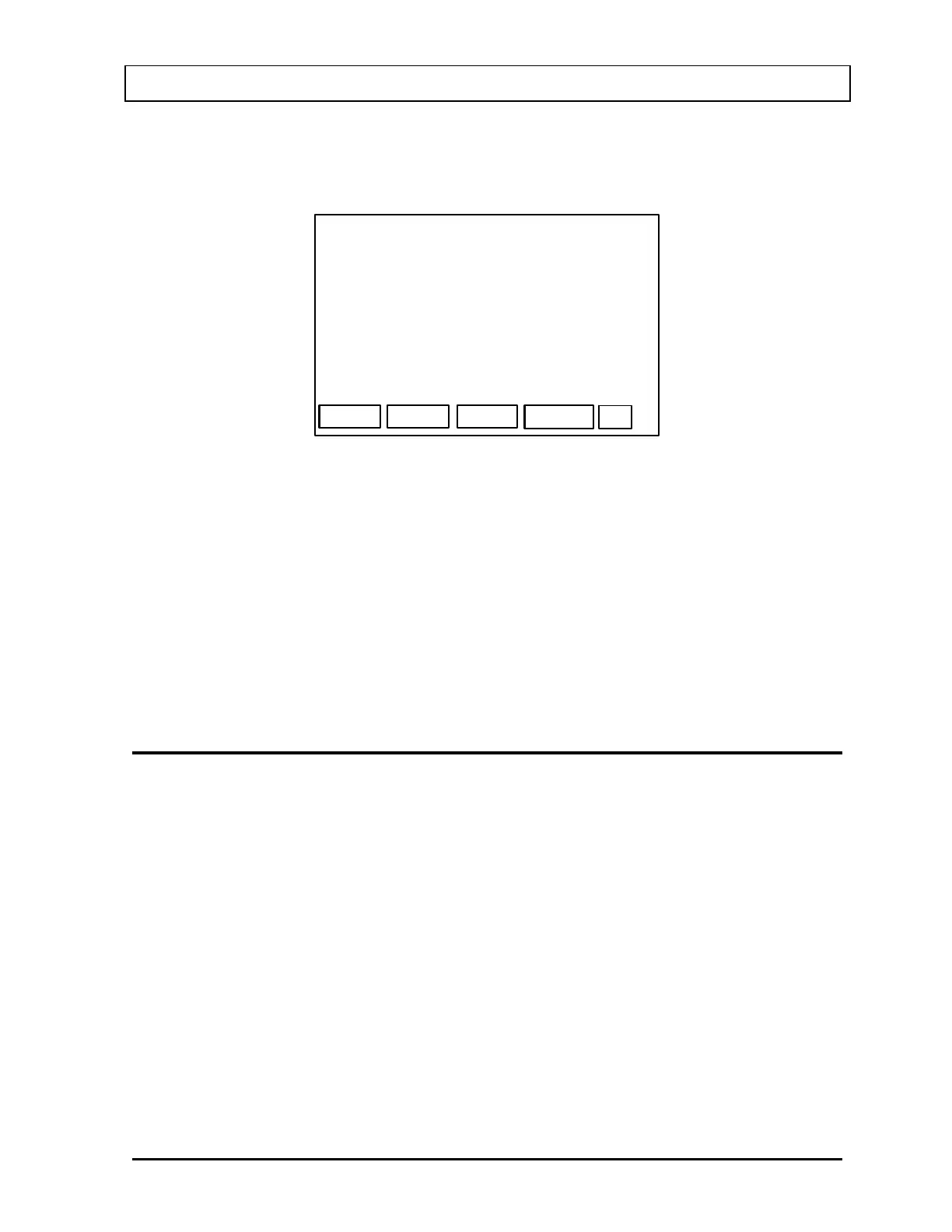
The Date and Time Entry Screen (Figure 5-4) will appear with the current date and time as
the defaults. The examples will be shown with the Date Entry Format that has been chosen
(or the default of MMDDYY if no choice has been made).
DATE: OCT 18, 2007
OK
TIME: 11:01
Example: July 4 1994
070494
Example: 9:05am 9:05pm
0905 2105
Figure 5-4
To change the date, input six digits that represent the current date, and press the ENTER
key.
To change the time, input the three or four digits that represent the current time, and press
the ENTER key.
Press F4 [OK] when both date and time are correct.
The new date and time will then be displayed for verification.
SETTING HOSPITAL OR FACILITY NAME
All printouts from the Capintec CAPTUS
®
600 include your hospital or facility name and
address.
The Hospital Name consists of up to 4 lines of 30 characters each.
When the Other menu appears (
Figure 5-1), press 3 to select HOSPITAL NAME. The
currently entered Hospital Name (or blank if it has never been entered) will appear as shown
in
Figure 5-5.
November 07 SYSTEM INITIALIZATION 5-3



 To Next Page