CAPINTEC, INC. CAPTUS
®
600
The Region Of Interest Screen will be displayed for each nuclide.
The default values are 20% to the left and 20% to the right for all the nuclides.
The range limits are:
I123:
TO LEFT: from 10% to 40%
TO RIGHT: from 10% to 25%
I131:
TO LEFT: from 10% to 60%
TO RIGHT: from 10% to 25%
Tc99m:
TO LEFT: from 10% to 40%
TO RIGHT: from 10% to 25%
When the displayed information is correct, press the F4 [OK] key.
PROTOCOLS
A Thyroid Uptake study cannot be done without a protocol. No protocols come with the
CAPTUS
®
600 – they are always entered by the user. When patient data is entered, a screen
listing the protocols is displayed if more than one protocol has been entered.
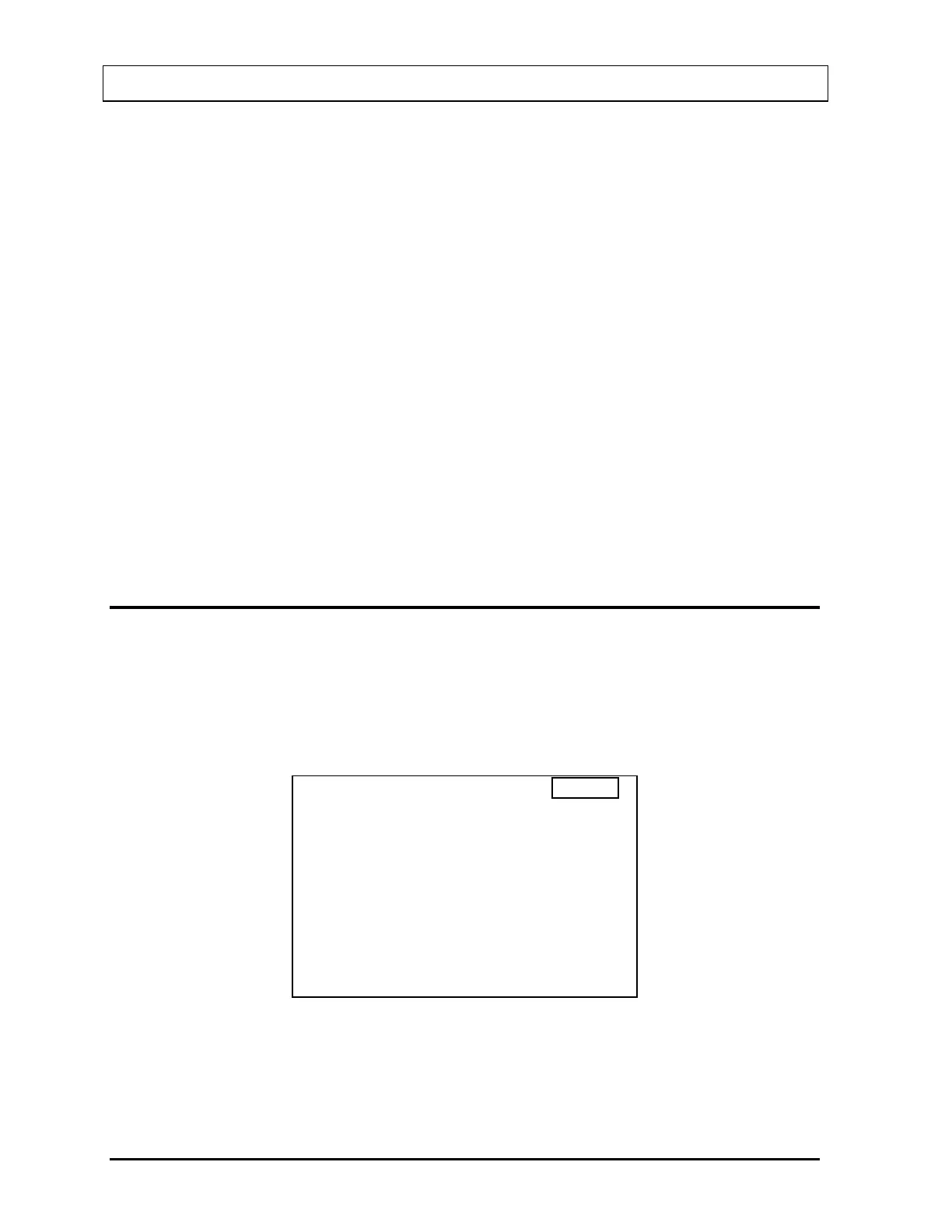
To change or enter Protocols, press the HOME key, then the UTIL key. The main Utilities
menu (
Figure 7-7) will appear.
UTILITIES
1. MULTICHANNEL ANALYZER
2. STAFF BIO ASSAY RESULTS
3. SETUP
4. DIAGNOSTICS
0. RETURN TO PROBE SCREEN
14:32
Figure 7-7
Note: Selection 0 will display “RETURN TO WELL SCREEN” if the Utilities menu is
accessed from the Well main screen.
7-4 THYROID UPTAKE SETUP November 07



 To Next Page