CAPINTEC, INC. CAPTUS
®
600
14:32
BASE
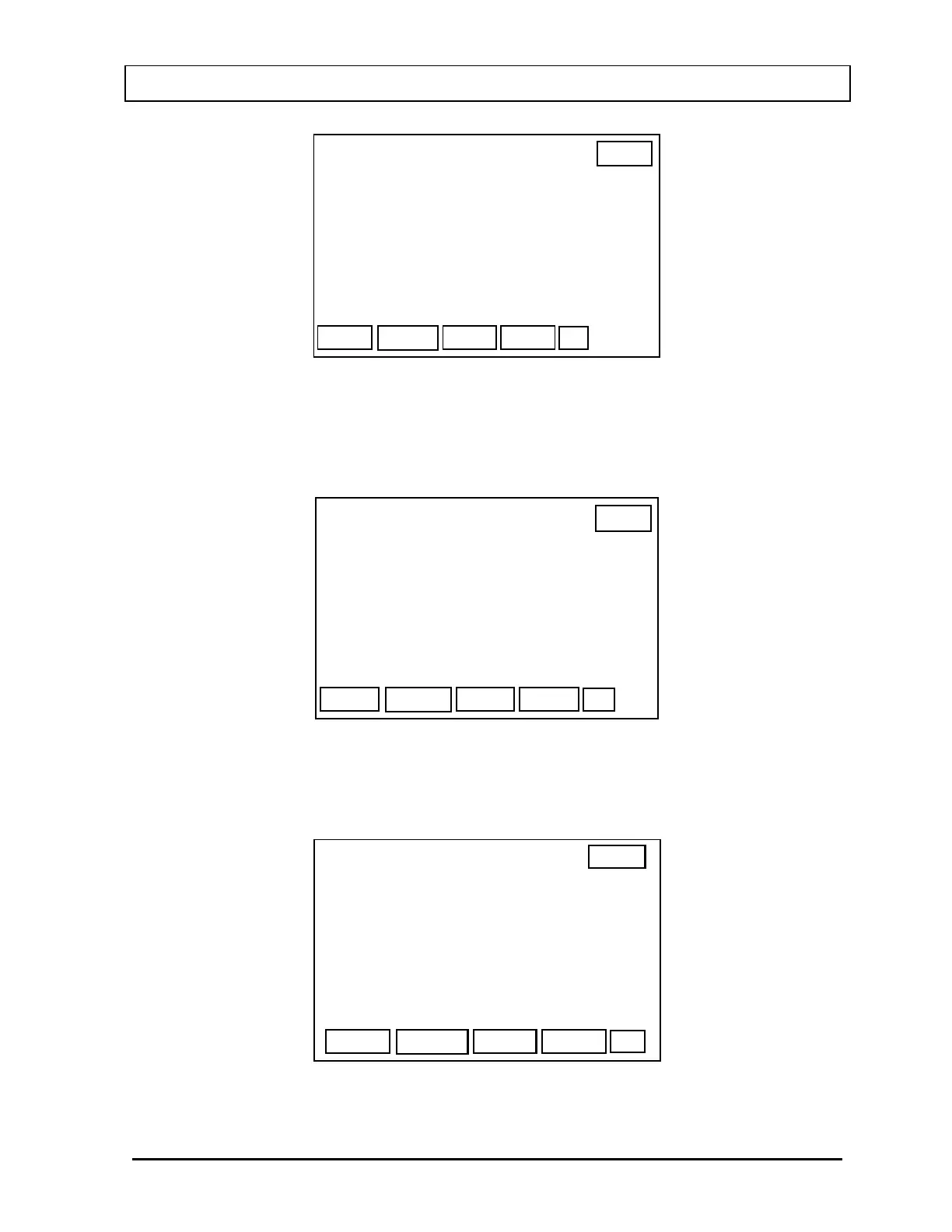
THYROID UPTAKE SETUP
OK
COUNTING TIME BASE: LIVE
Counting stops when the measured Live
Time reaches the specified counting
period
Figure 7-4
The F1 [BASE] key is a toggle switch that changes the Counting Time Base between two
choices: LIVE and REAL. When the F1 [BASE] key is pressed to select REAL time, the
screen changes to
Figure 7-5.
14:32
BASE
THYROID UPTAKE SETUP
OK
COUNTING TIME BASE: REAL
Count for Specified Real Time --
Counting rate is calculated from
measured Live Time
Figure 7-5
When the information on the screen is correct, press the F4 [OK] key. The screen will
change to the Region Of Interest Screen (
Figure 7-6).
14:32
THYROID UPTAKE SETUP
OK
I 123
REGION OF INTEREST:
> 20% TO LEFT
20% TO RIGHT
OF FULL ENERGY PEAK
Figure 7-6
November 07 THYROID UPTAKE SETUP 7-3



 To Next Page