CAPINTEC, INC. CAPTUS
®
600
14:32
TU STANDARD
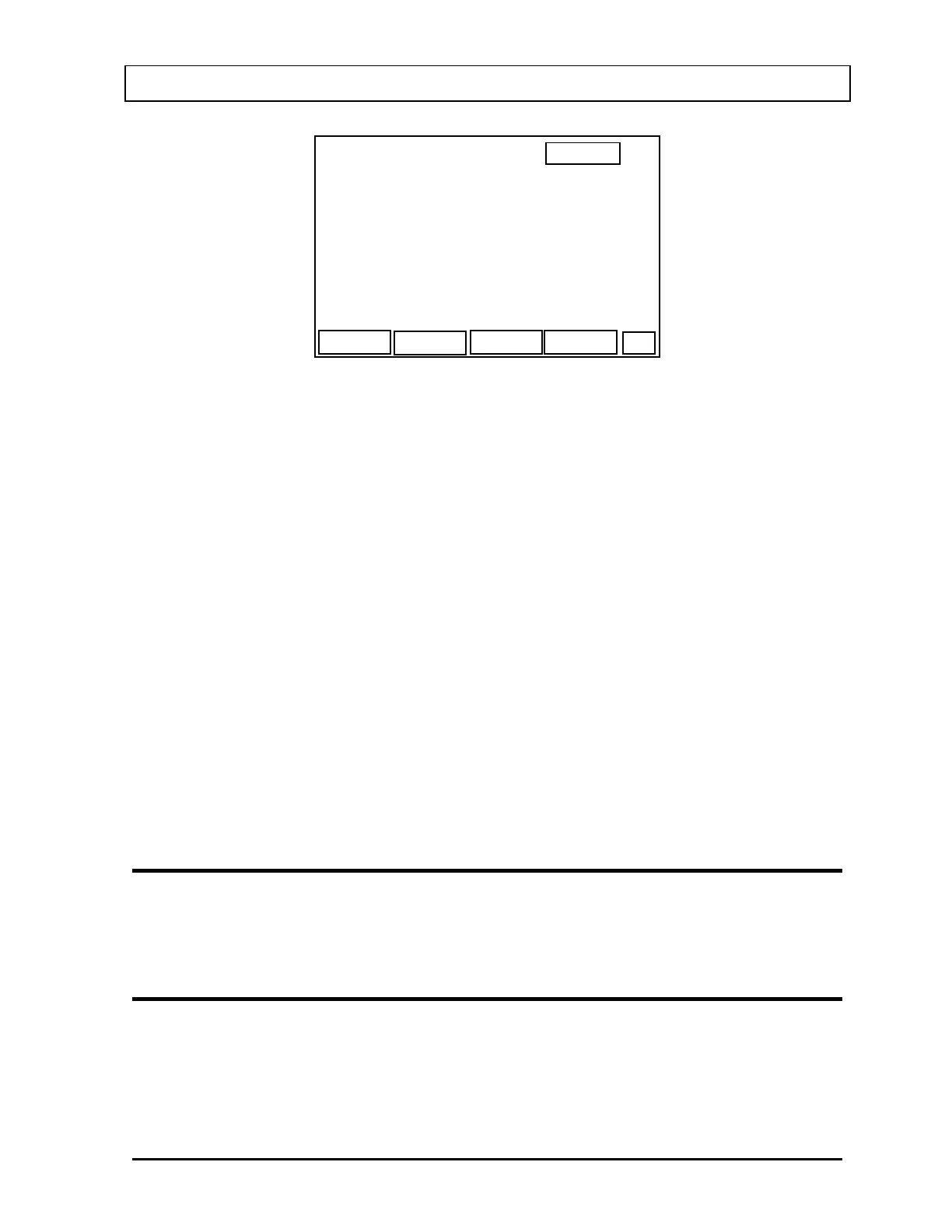
CALIB ACTIVITY :
Ci
CALIB TIME :12:34
STANDARD ID :
COUNTING PERIOD: >120 SEC
NUM
OK
CALIB DATE :JAN 30, 1994
Figure 11-5
Input the desired Counting Period. The default of 120 seconds is displayed. The minimum
value is 10 seconds and the maximum value is 999 seconds.
For “STANDARD ID:”, input a name up to 10 characters.
Press F1 [NUM] to switch to numeric input and display “LET” for F1.
Press F1 [LET] to switch back to letter input and display “NUM” for F1.
Input the calibration activity.
Input the calibration date according to the chosen Date Entry Format.
Input the calibration time in 24 hour format.
Press F4 [OK] when all entries are correct.
The Standard List Screen (
Figure 11-2 and Figure 11-3) will re-appear showing the new TU
Standard added to the list.
EDITING A TU STANDARD
When the Standard List Screen appears, move the prompt to the TU Standard to be edited
and press F2 [EDIT].
DELETING A TU STANDARD
When the Standard List Screen appears, move the prompt to the TU Standard to be deleted
and press F3 [DEL].
November 07 THYROID UPTAKE: STANDARD CAPSULE METHOD 11-3



 To Next Page