CAPINTEC, INC. CAPTUS
®
600
Press F3 [DONE] if it is not time to make a Thyroid Uptake measurement.
Press F4 [MEAS] to make a Thyroid Uptake measurement.
MEASURING THE REFERENCE CAPSULE(S)
In the Two Capsule Method, each uptake begins by measuring the reference capsule(s) in a
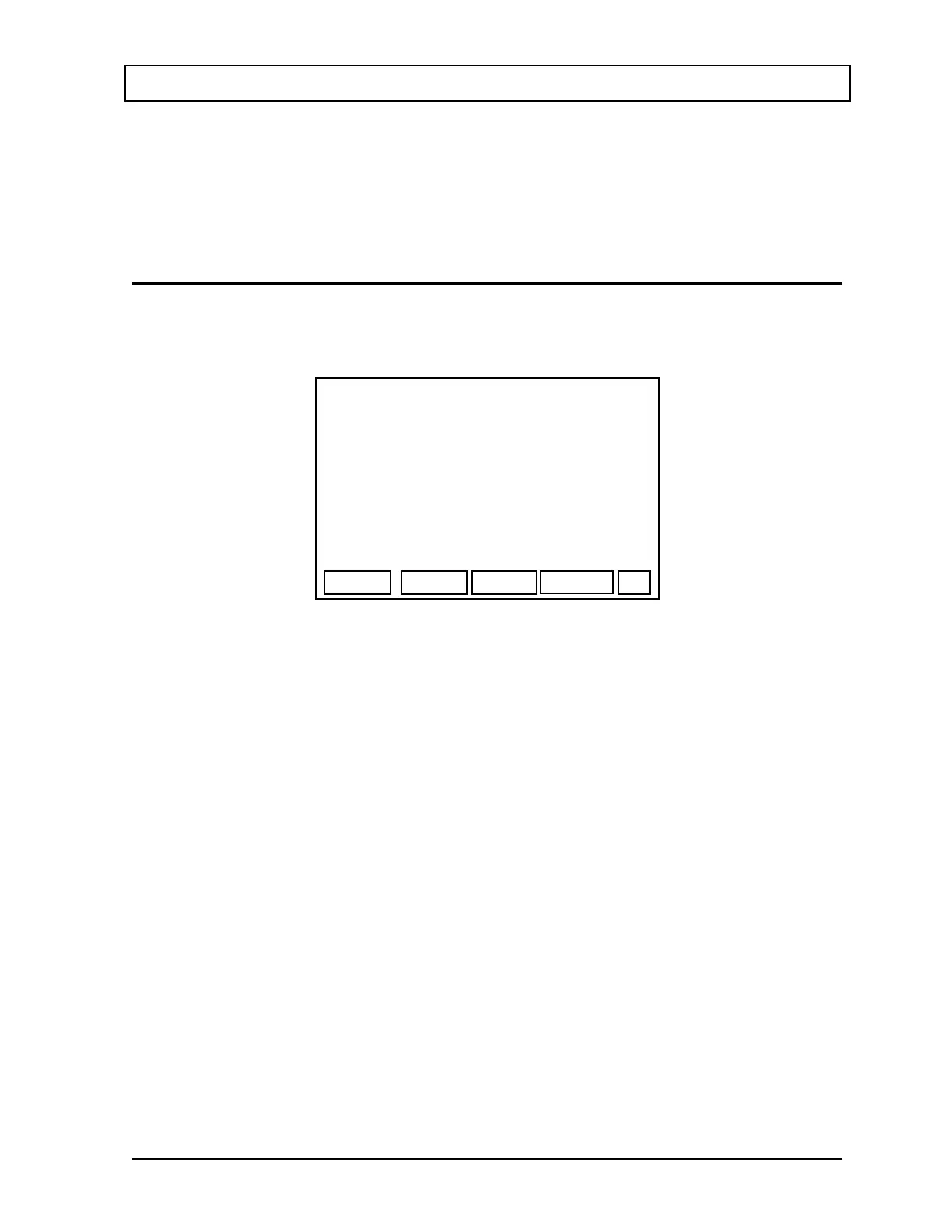
phantom. The Capsule Measurement Screen (
Figure 10-3) will appear.
START
NAME, PAT
PROTOCOL: 2 CAP
2 CAPSULES
IN
AT: >25.0 CM
COUNTING REPETITION # 1 / 2
MEASURE I
RX ID: 111
EXIT
Figure 10-3
The instructions for measuring the capsules depends on the Multi-Capsule option:
• “NO” or “ONE”: Measure 1 capsule in the phantom.
• “ALL”: Measure the number of capsules that was entered in the
Administered Dose Screen.
• “EACH”: Measure the #1 capsule, then the #2 capsule until the number of
capsules that was entered in the Administered Dose Screen has
been measured. Each capsule is measured for the number of
repetitions in the protocol.
If Pre-Dose Measurement has been performed, the distance displayed will be the distance
entered for the Pre-Dose Measurement and the prompt (>) will not be displayed.
If Pre-Dose Measurement has not been performed and this is the first uptake, the displayed
“AT:” distance of 25.0 cm is the default value of the Probe’s position away from the patient's
neck. If this is not the value to be used for the Thyroid Uptake study, input the correct value.
This value will be used throughout the study and cannot be changed.
Place the capsule(s) in the phantom and press F4 [START] to begin the measurement.
The Counting Screen (
Figure 10-4) will appear:
November 07 THYROID UPTAKE: TWO CAPSULES METHOD 10-3



 To Next Page