CAPINTEC, INC. CAPTUS
®
600
14:32
TU STANDARD
ADD
14:32
TU STANDARD
DD
STANDARD 1 I 131
EDIT
DEL
MEAS
P
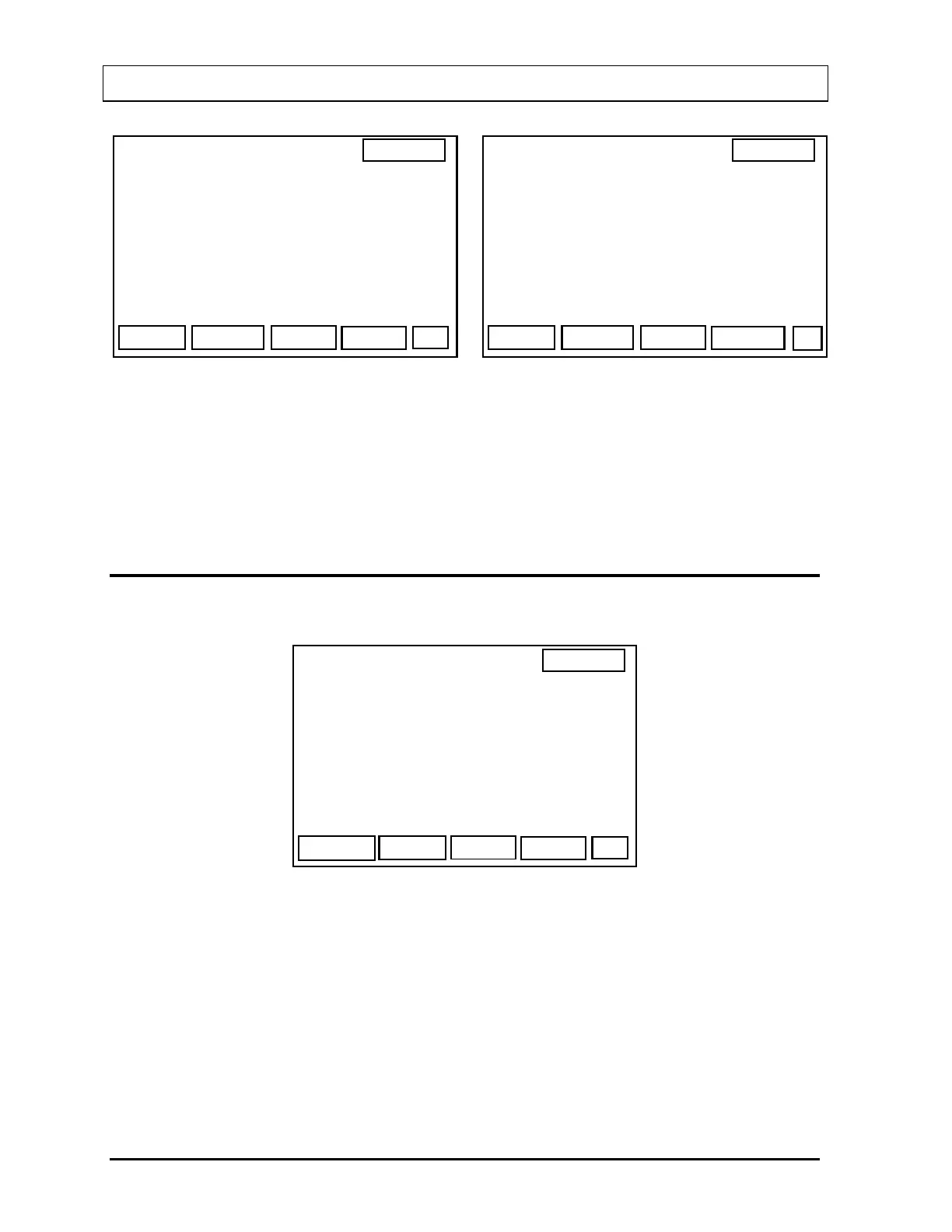
Figure 11-3 Figure 11-2
The CAPTUS
®
600 can store data for up to three TU Standards. If no Standards have been
entered, only “ADD” will be displayed and the Standards List will be blank.
If the maximum number of TU Standards has been entered, the “ADD” key will be blank.
ADDING A TU STANDARD
Press F1 [ADD]. Figure 11-4 will appear.
14:32
TU STANDARD
NUCLD
REPS
OK
NUCLIDE: I 131
COUNTING REPETITIONS: 2
Figure 11-4
Press the F1 [NUCLD] key to select the correct nuclide for this Standard. The F1 key will
cycle the “NUCLIDE” from “I131” to “I123” to “Tc99m”.
Press F3 [REPS] to select the number of repetitions (“1” or “2”) for measuring the Standard.
When the correct nuclide and counting repetitions are displayed on the screen, press the F4
[OK] key.
Figure 11-5 will appear.
11-2 THYROID UPTAKE: STANDARD CAPSULE METHOD November 07



 To Next Page