CAPINTEC, INC. CAPTUS
®
600
14:32
MULTICHANNEL ANALYZER
ADD
DONE
> SETUP 200
SETUP
EDIT
DEL
P
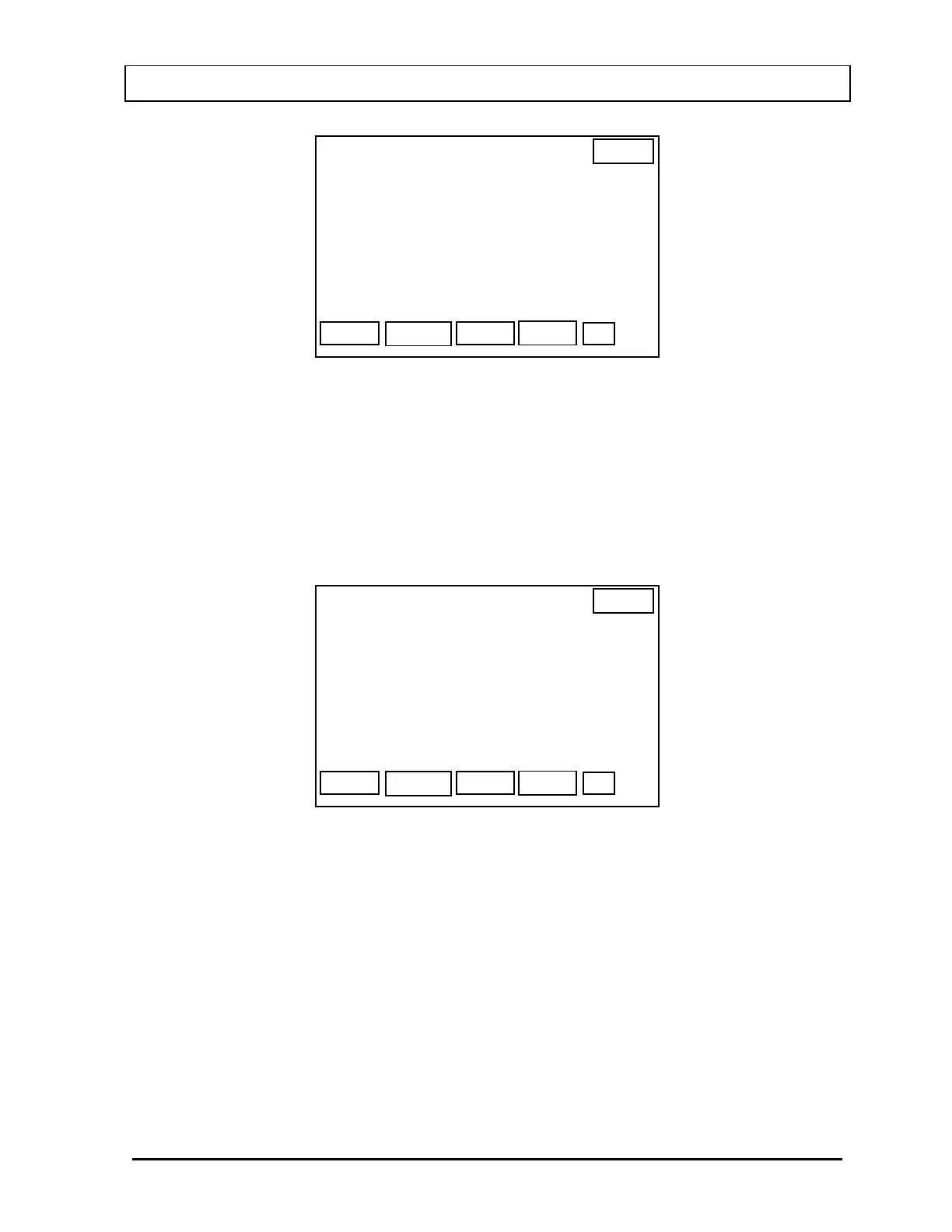
Figure 18-4
Setups that have been entered will be listed. If no setups have been entered, only the F1
[ADD} and F4 [DONE] keys will be displayed.
Adding a Setup
Press F1 [ADD] to add a setup.
Figure 18-5 will appear.
14:32
MULTICHANNEL ANALYZER
NUM
OK
NAME: >
SETUP
Figure 18-5
Input the name of the setup (up to 20 characters).
Press F1 [NUM] to switch to numeric input and display “LET” for F1.
Press F1 [LET] to switch back to letter input and display “NUM” for F1.
Press F4 [OK] when the correct name has been entered.
The Parameter Entry Screen (
Figure 18-6) will appear with the default values displayed.
November 07 MULTICHANNEL ANALYZER SETUP 18-3



 To Next Page