CAPINTEC, INC. CAPTUS
®
600
Significant counts is defined as greater than one square root of the total counts detected in
the overflow channel of the stored background count.
WIPE RESULTS
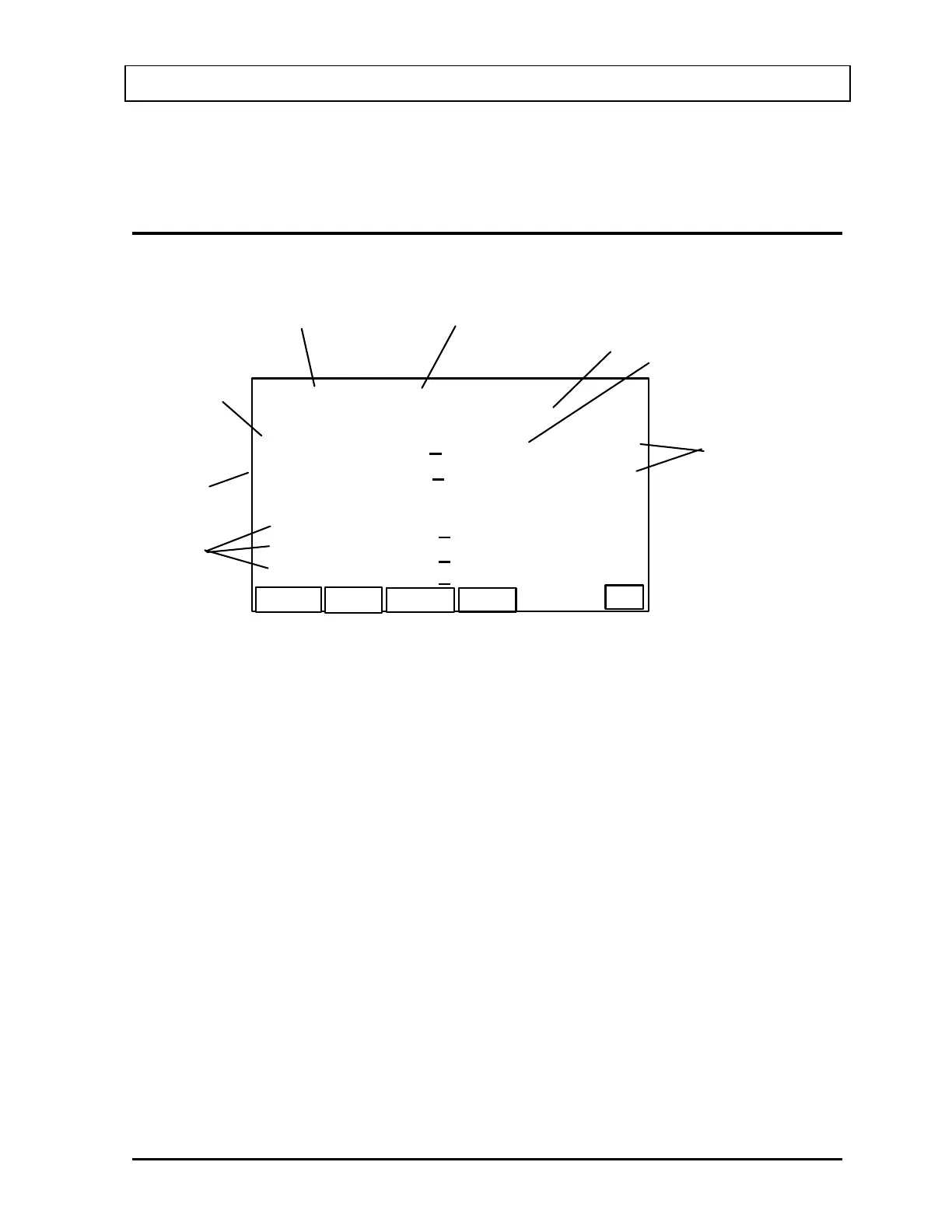
The Wipe Results Activity Screen (Figure 13-9) will appear.
NEXT
W-01 HOT LAB SINK
COUNT
GRAPH
P
E
D
F
Trig Level: 2000
CF: 1600 87.75 1.05 kdpm
+
CS137 193.5 4.2 kdpm
200 keV 5086. 179. cpm
326 keV 4257. 164. cpm
+
+
+
A
B
C
G
H
HIGH
HIGH
376 keV 3953. 158. cpm
+
Figure 13-9
A. Peaks detected for which no CF is in memory
B. Peaks detected for which a CF is stored in memory
C. Indicates that results for the Generic CF is for 1600 keV scale. If only the 400 keV
scale was measured, 400 would be displayed and the CF for the 400 keV scale would
be used.
D. Wipe ID
E. Wipe Location
F. Trigger Level for this area (none for General Wipe)
G. Results of Generic CF
H. Indicates results exceeded Trigger Level
Note: If the CAPTUS
®
600 finds more peaks than can fit on one screen it will display the
word “MORE” in the lower left hand corner of the screen. To see the remaining peaks
use the ARROW key to scroll the display to the next screen on the list.
The function keys of the Wipe Results Activity Screen (
Figure 13-9) operate as follows:
• F1 [COUNT] Re-counts the wipe.
November 07 WIPE TEST 13-5



 To Next Page