CAPINTEC, INC. CAPTUS
®
600
POWER REQUIREMENTS
CAUTION
If the input voltage to the following items is not within the stated limits,
the unit may not function correctly or may be damaged.
Line Voltage: 115 or 230 VAC depending on model ordered
Line Frequency: 60 or 50 Hz
Current: 0.7 Ampere @ 115V
0.4 Ampere @ 230V
Fuse: For 115V use T 3.15AH, 250V, (Time Delay)
For 230V use T 2.5AH, 250V, (Time Delay)
Line Filter: Line filter is provided internally.
Use of a filtered line is recommended if excessive line noise is anticipated.
TURN ON PROCEDURE
Once the system components are mounted securely and all cables are connected you are
ready to turn the system on. There are two power switches associated with the system: the
Readout Unit has a power switch located at the rear of the unit and, the Printer has a power
switch.
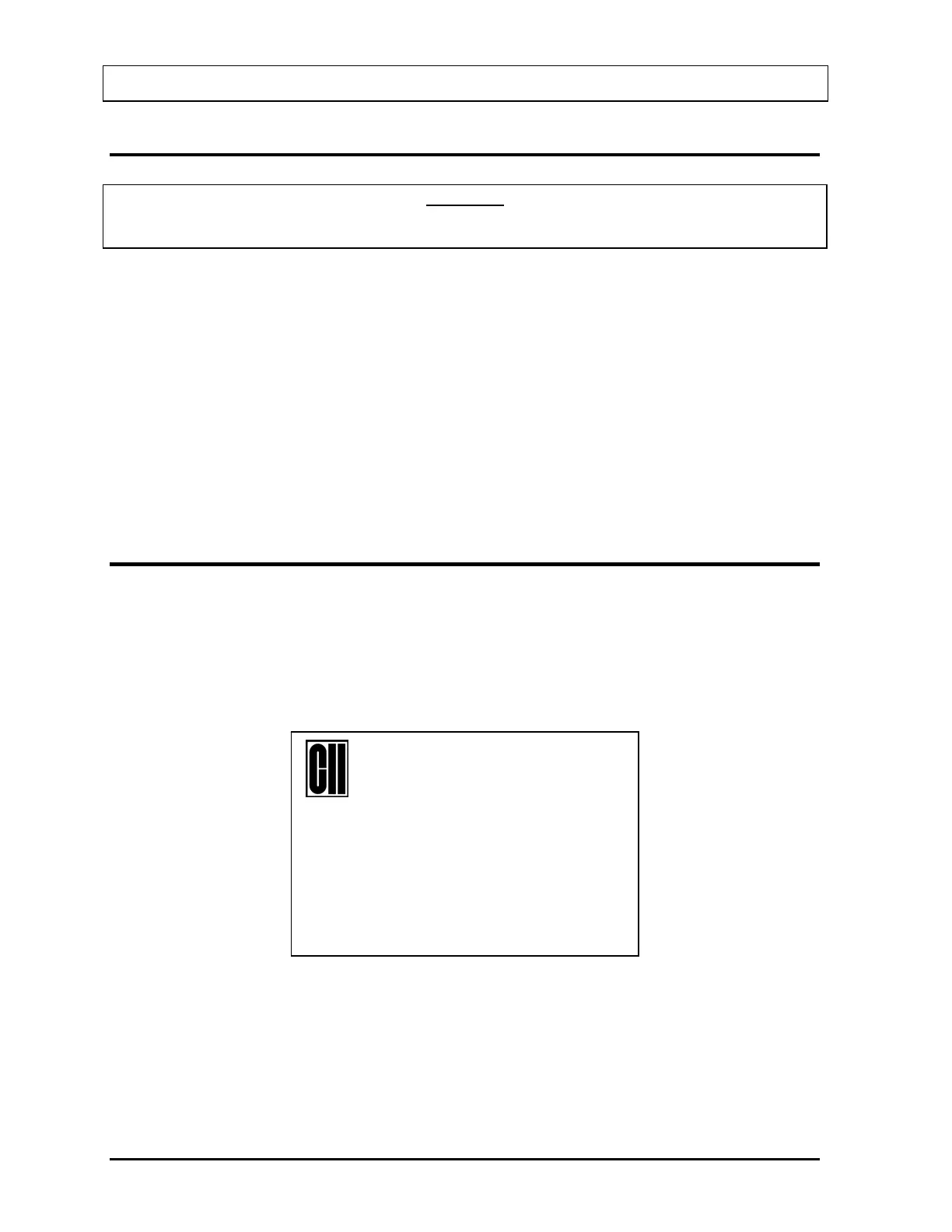
Your system will power up and display the CAPTUS
®
600 Start Up Screen (Figure 4-1)
14:32
THYROID UPTAKE SYSTEM
CAPTUS™-600
REV X.XX
COPYRIGHT 1994 ALL RIGHTS RESERVED
CAPINTEC, INC. NJ USA
Press Any Key to Continue
Figure 4-1
4-2 SYSTEM SETUP November 07



 To Next Page