CAPINTEC, INC. CAPTUS
®
600
Input the distance that will be used for the TU studies. The distance entered here cannot be
changed when a patient is being measured.
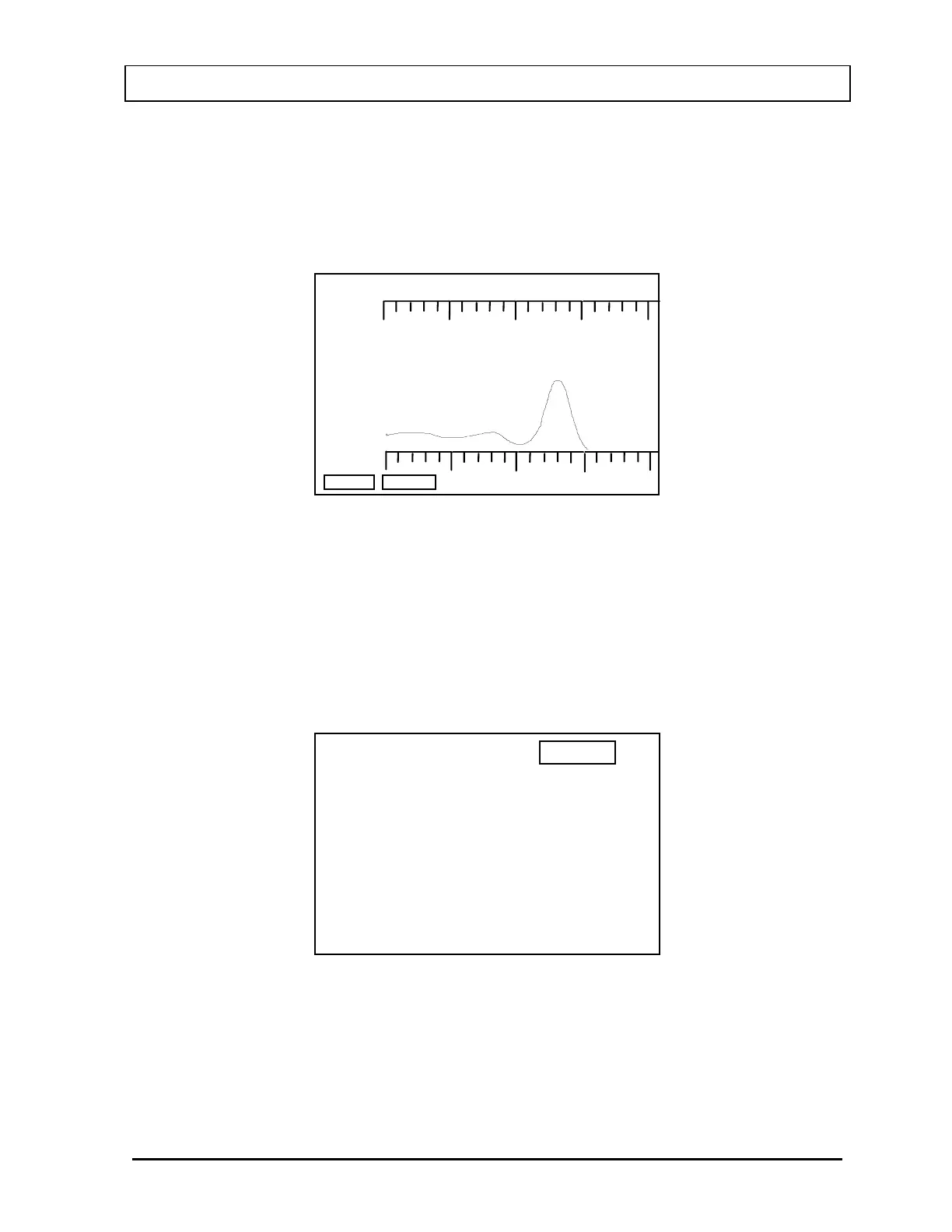
When the distance is correct, place the capsule in the phantom and press F4 [START]. The
Standard Count Screen (
Figure 11-7) will appear.
200
19.56kcpm
BORT
OK?
(Y OR N)
400 keV
STANDARD
Figure 11-7
If the measurement is acceptable, press Y and ENTER. Otherwise, press N and ENTER and
the unit will count again.
The unit will then prompt you to measure room background. Remove all sources and press
the F4 [START] key. Accept or reject the room background with a Y or N.
The Standard Measurement Results Screen (
Figure 11-8) will appear.
14:32
TU STANDARD
STANDARD : 1504 cpm
CONV FACTOR : 15.04 cpm/
OK? (Y OR N)
Ci
Figure 11-8
Respond Y for “YES” and N for “NO”.
If the measurement is not accepted, the TU Standard Measurement process will begin again
from Standard Measurement Screen (
Figure 11-6).
November 07 THYROID UPTAKE: STANDARD CAPSULE METHOD 11-5



 To Next Page