CAPINTEC, INC. CAPTUS
®
600
14:32
SCHILLING TEST
PATIENT, ONE
EXIT
START
MEASURE STANDARD
Figure 14-6
Place the requested Standard into the Well and press the F4 [START] key to begin counting.
If you wish to abort the test (e.g. wrong test or patient chosen) press the F1 [EXIT] key to
return to
Figure 14-4.
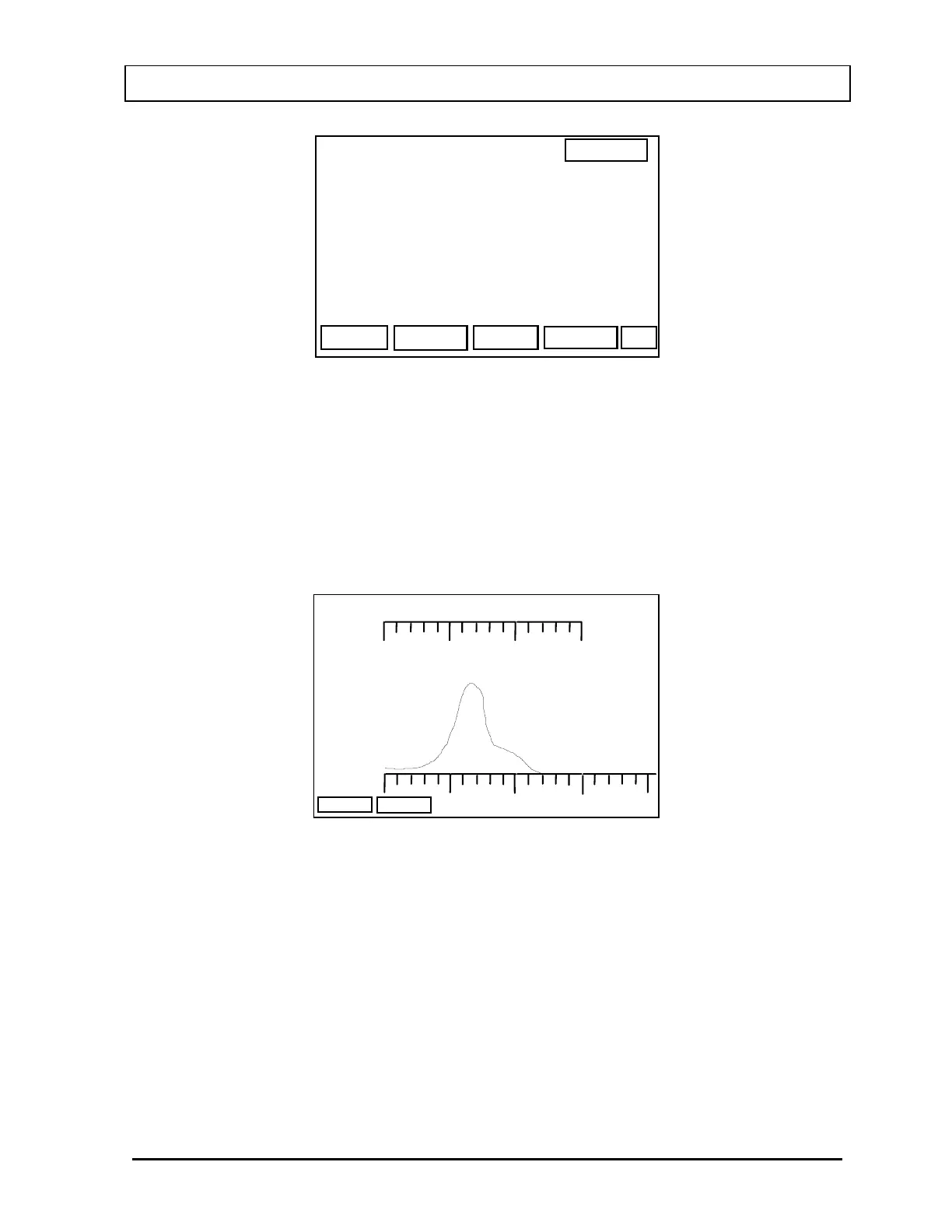
After pressing the F4 [START] key, the system will begin counting and a live spectrum will
be displayed as is shown in
Figure 14-7.
200 keV
500
3 sec
STANDARD
ABORT
dt: 3%
Figure 14-7
If a mistake has been made (e.g. measuring wrong sample), press F2 [ABORT] key.
When the counting is complete
Figure 14-8 will appear on the display.
November 07 LAB TESTS SETUP 14-5



 To Next Page