CAPINTEC, INC. CAPTUS
®
600
200 keV
500
STANDARD
9108 cpm
OK?
(Yor N)
Figure 14-8
If the counting rate is OK, press the Y key and then the ENTER key to continue the test.
If the counting rate does not seem OK (e.g. measuring Background and counting rate is too
high), press the N key and the ENTER key and you will be returned to the Prompt Screen
(
Figure 14-6) for the current measurement.
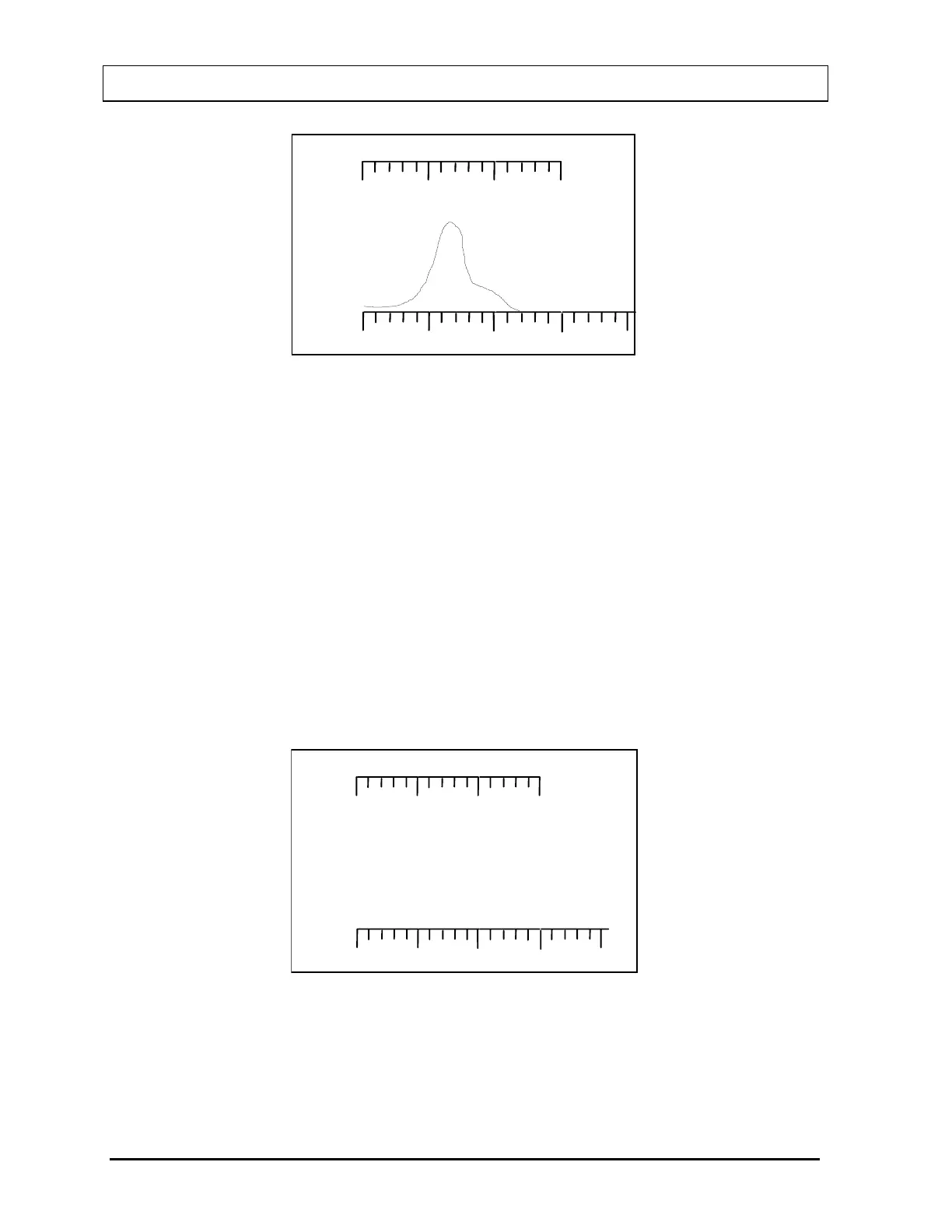
If a Standard or a sample is being measured, the CAPTUS
®
600 uses an automatic peak
finding algorithm to look for the expected peak. If it cannot detect a peak or detects a peak
that clearly isn't from the expected nuclide, the Measurement Error Screen (
Figure 14-9) will
appear to alert the user to a measurement error. If the Measurement Error Screen appears,
press any key to continue, check that the correct source has been put in the Well and count
again. If you are certain the correct Standard or sample was in the Well and the CAPTUS
®
600 cannot measure it, contact the Capintec’s Authorized Service Center for assistance.
When Background is being measured, no peak is expected.
500
MEASUREMENT ERROR
PRESS ANY KEY TO CONTINUE
CALCULATING
Figure 14-9
14-6 LAB TESTS SETUP November 07



 To Next Page