89
Update
Chapter 2
Selectin
Output Interface
Numeric Layout
Select a proper layout that m atches the alphabet layout. The scanner will m ake adj ustm ents
according to t his sett ing.
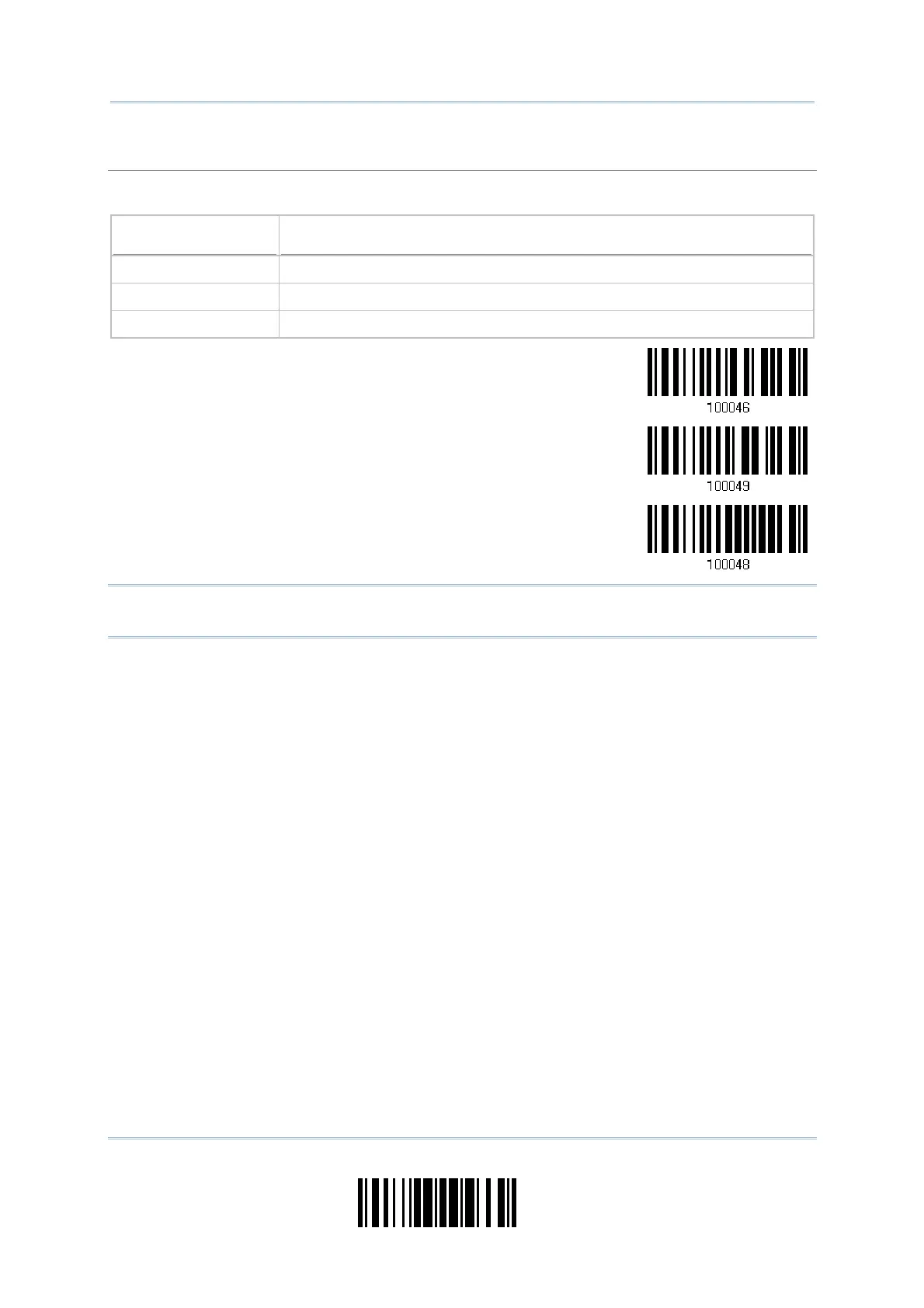
Options Description
Norm al Depends on t he [ Shift] key or [ Shift Lock] set ting
Lower Row For QWERTY or QWERTZ keyboard
Upper Row For AZERTY keyboard
*Normal
Upper Row
Lower Row
Not e: This setting is to be used wit h the Character Substitution sett ing when support for
certain keyboard t ypes (languages) is unavailable but required.



 To Next Page