52
Enter Setup
1663 Barcode Scanner User Guide
1.16.3 DATE FORMAT
The date form at includes year, m onth and day. There are three kinds of combinat ions
can be configured to specify Year, Mont h and Day:
Year/ Month/ Day (YYYY/ MM/ DD) or (YY/ MM/ DD)
Month/ Day/ Year (MM/ DD/ YYYY) or (MM/ DD/ YY)
Day/ Month/ Year (DD/ MM/ YYYY) or (DD/ MM/ YY)
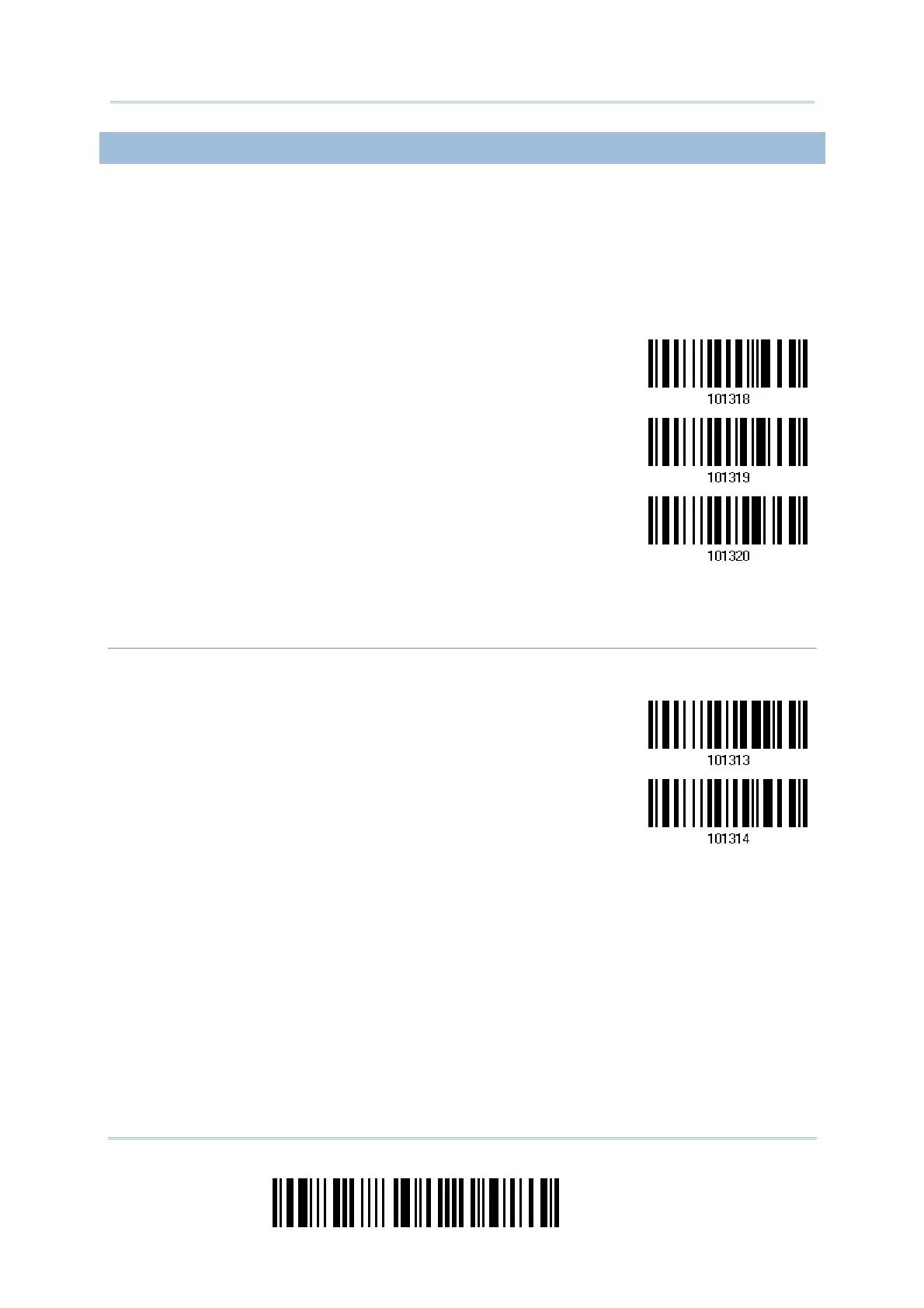
*Year/Month/Day
Month/Day/Year
Day/Month/Year
About Year Format:
Year form at can be pre- select ed as 2-digit or 4-digit. For exam ple, if year form at is YYYY, the
output year is 2011 for 4- digit, alternat ively is 11 for 2-digit .
*Year for 4-digit
Year for 2-digit



 To Next Page